


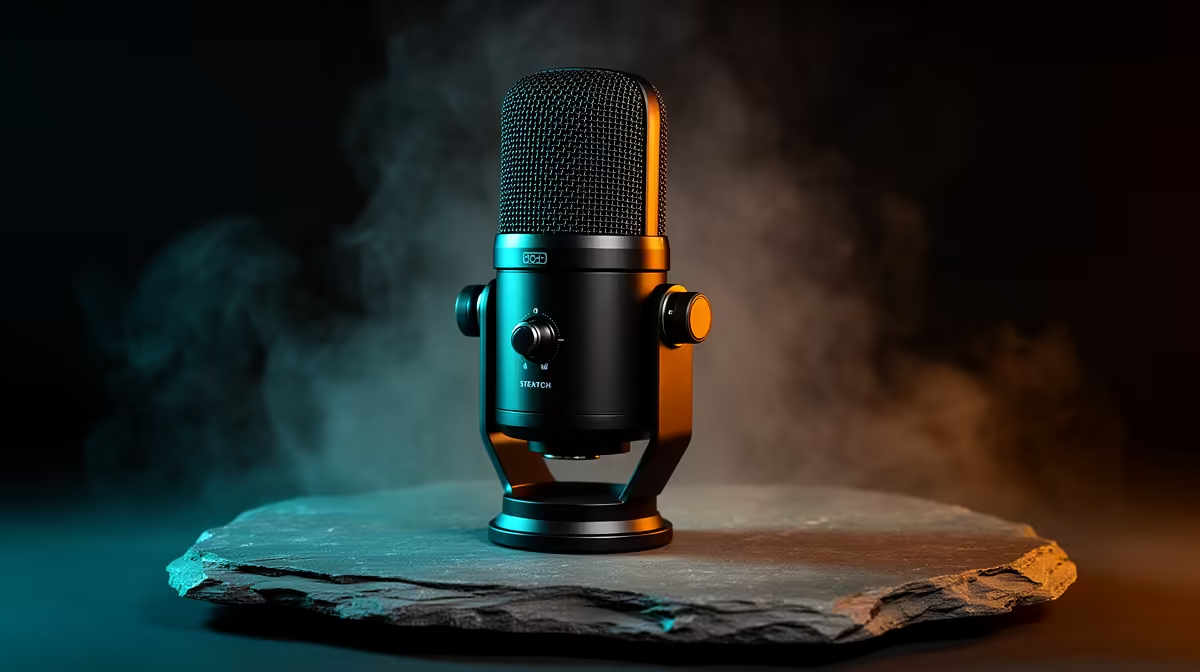
Background distortion during high-volume recording has a specific hierarchy of causes, and switchable AI noise suppression addresses one of them very effectively while doing nothing for the others. The order in which you tackle the problem determines whether the AI filter works cleanly or struggles against a signal that was already compromised before it reached the processor. Get hardware gain right first, then switch the suppression on, and the combination handles most of the noise a busy South African home studio throws at a recording session.
Quick Answer
Switchable AI noise suppression stops steady background distortion from fans, aircon, and traffic by isolating the voice and muting noise in real time. It cannot fix clipping. Set hardware gain so peaks reach about minus 6 to minus 12dB first, then enable suppression on the clean signal.
🎙️ What AI Noise Suppression Actually Does
The AI chip monitors the incoming audio stream and classifies sounds in real time, separating voice transients from noise profiles. Fan hum, an aircon compressor, refrigerator vibration, and distant street traffic all have consistent spectral patterns the model learns to identify and suppress. Voice transients, which change constantly in pitch, rhythm, and intensity, match the voice classification and pass through.
The processing happens at the hardware level on a mic with on-chip AI suppression, typically within 10 to 15 milliseconds. The suppression applies 15 to 20 decibels of noise reduction to identified background frequencies without touching the voice frequencies.
The physical toggle switch is a meaningful feature. Switching suppression off gives an editor the unprocessed waveform, which is preferable when mastering a final cut because the suppression algorithm can occasionally soften the attack on sharp consonants.
🔧 Why Clipping Is Outside the AI's Scope
Clipping is not a noise problem. It is a signal problem. When the hardware gain is set too high, the analogue signal reaching the converter exceeds the converter's maximum input range. The converter cannot represent values above its ceiling, so it records the maximum digital value for every sample that exceeds it. The result is a flat-topped waveform with harsh, buzzing distortion on every loud moment.
AI noise suppression receives the audio after conversion. By the time the AI model sees the signal, the clipping damage is already encoded in the digital data. No noise model can reconstruct the original waveform from a clipped recording because the information above the ceiling is permanently lost.
This is why hardware gain management comes before suppression in the setup sequence. Set the gain knob so that the loudest moments reach around minus 6 to minus 12dB on the level meter. That headroom means the converter never saturates regardless of what happens in the session.
⚡ Suppression Performance at High Recording Volumes
Modern AI suppression models maintain voice classification up to roughly 110dB SPL, well above normal gaming reaction levels.
Artefacts appear with rapid repetitive transients at high gain: aggressive keyboard typing captured by the mic, or repeated desk impacts. These are not steady noise profiles and the model occasionally misclassifies short transients. The fix for keyboard noise is mic placement, not suppression: 15cm from the mouth, slightly off-axis, with the keyboard outside the capsule's forward pickup zone.
For the steady background noise South African homes produce, suppression performs cleanly. Aircon hum, a refrigerator through a shared wall, or Joburg street traffic are exactly the profiles the model handles best.
🎯 Hardware Suppression vs Software Alternatives
Software suppression tools running on the PC consume CPU resources. During a heavy game capture session where the PC is already running the game, the capture software, and the stream encoder, adding a noise suppression plugin in the software chain adds processing load that can manifest as frame drops or increased encoding latency.
Hardware AI suppression on the mic offloads this entirely. The PC receives an already-processed audio stream with no additional work required. On a gaming PC where CPU headroom is already constrained, this offload is a practical benefit.
Frequently Asked Questions
Does switchable AI suppression add latency to a live recording session?
Minimal latency. Most on-chip AI processors handle classification and filtering within 10 to 15 milliseconds, below the threshold where lip-sync becomes visibly out of step. The physical toggle lets you bypass suppression instantly if you need the raw signal for a specific take.
Can AI suppression rescue audio that is already clipping?
No. Clipping is permanent distortion created when the signal exceeds the converter's maximum input range. The AI model receives the already-damaged digital signal and cannot reconstruct the original waveform. Bring hardware gain down to a level where loudest peaks reach around minus 6 to minus 12dB before enabling suppression.
Will the AI filter mute my voice if I shout loudly?
Rarely, on a well-trained model. Modern AI suppression chips classify voice at levels up to roughly 110dB SPL before misidentification becomes a risk. The model targets steady low-frequency noise profiles rather than loud transient speech, so a shout passes through while fan hum stays suppressed.
How do I disable suppression for a raw recording take?
Use the physical toggle button or mute knob on the mic body. This bypasses the DSP stage and sends the unprocessed signal directly to the converter chain. Editors typically prefer the raw waveform when mastering so they can apply their own noise reduction with full control over parameters.
Is on-mic hardware suppression better than software tools for gaming?
For a gaming PC under load, yes. Hardware suppression processes the audio on the mic's own chip before it reaches the PC, adding no CPU load during a capture session. Software suppression tools add a processing step that competes for CPU resources alongside the game and encoder.
Ready to stop background noise before it reaches the recording? Browse the AI-equipped gaming microphone range at Evetech and find a mic that handles your room noise in hardware, so your PC can focus on the game.










