


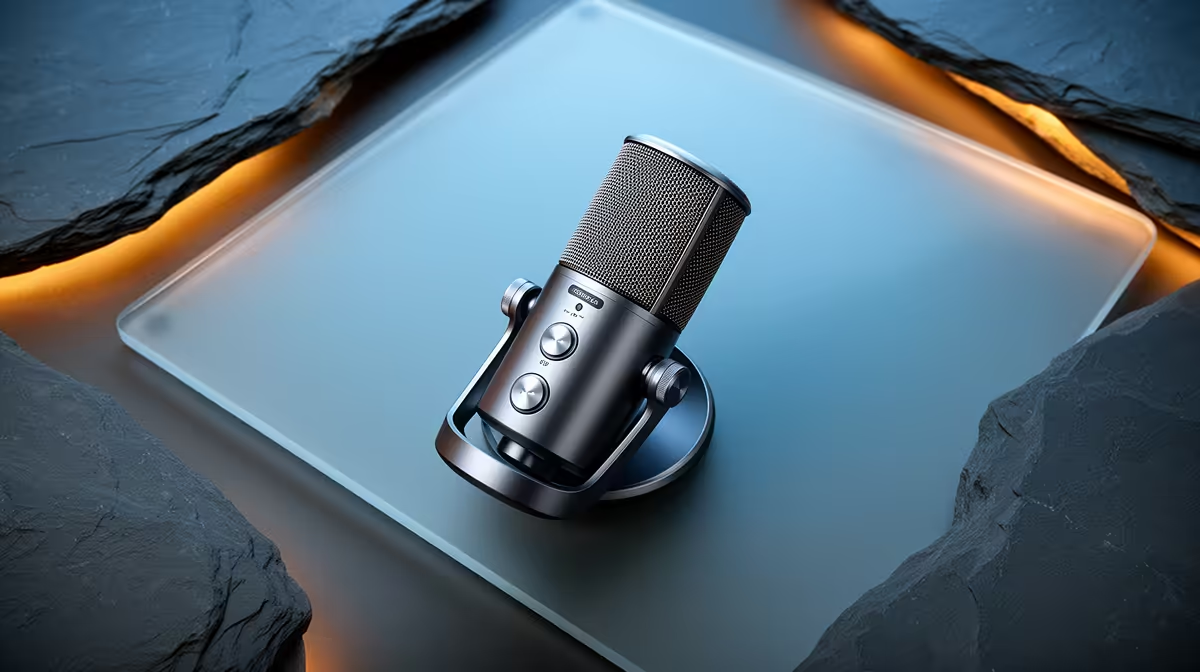
Fan noise, air conditioning hum, and a mechanical keyboard are the three constants of a South African gaming room. Traditional noise suppression plugins address them, but they run on your PC, add latency, and consume CPU cycles your game would rather have. Switchable AI-powered noise suppression on a streaming mic moves that processing onto the microphone's own chip, cuts the noise before the signal leaves the hardware, and toggles on or off with a single button press.
Quick Answer
Switchable AI noise suppression on a streaming mic runs a trained neural model on the mic's onboard DSP chip. It separates your voice from steady background noise in real time and mutes the background, typically cutting fan and keyboard noise by 15 to 20dB. A button toggles it without touching any software.
🧠 What the Onboard Model Is Actually Doing
The chip inside a noise-suppression mic runs a machine learning model trained on thousands of hours of voice and non-voice audio pairs. The model learns the spectral fingerprint of human speech and distinguishes it from the mechanical frequency patterns of fans, air conditioners, and keyboards in real time.
When you speak, the model passes your voice through and attenuates everything it classifies as non-voice. It operates on a very short analysis window, typically a few milliseconds. That short window keeps latency low. The model does not need to hear a full sentence before acting on the first syllable.
An onboard model handles steady, predictable noise profiles extremely well: a constant fan speed, a stable AC unit, a hum at a fixed frequency. Sudden unpredictable sounds like a door slam are harder to classify and may pass through partially. The AI excels at the continuous noise sources that define most home gaming rooms.
⚡ Hardware Processing Versus Software Plugins
Software noise suppression in OBS, Discord, or a standalone app runs the same class of model on your PC's CPU. The quality ceiling is similar. The differences are practical.
Processing on the mic's chip does not load your CPU. For streamers encoding 1080p60 on an entry-level SA gaming PC, reducing processor load is meaningful. Hardware suppression also avoids the software audio pipeline for the noise removal step, meaning no dependency on driver behaviour, no dropouts when the game spikes the CPU, and no compatibility issues between the mic driver and the streaming application.
The toggle button beats software too. Flipping suppression off on hardware is instant and reliable mid-session. Disabling a plugin in OBS while live requires opening settings and navigating filter menus. One physical button is faster.
🔧 Tuning Strength and Understanding the Limits
Most mics with switchable suppression offer a strength adjustment through a companion app or secondary control. Low strength cuts steady hum while leaving soft vocal consonants intact. High strength drives deeper cuts but can affect trailing word endings, giving the voice a slightly clipped quality.
The moderate setting handles a PC fan and ambient noise comfortably for most SA home streamers. If the room is particularly loud, speaking closer at 8 to 12cm raises your voice above the noise floor and reduces how hard the suppression needs to work, which preserves more vocal naturalness throughout a session.
Frequently Asked Questions
How does onboard AI noise suppression work on a streaming mic?
A trained neural model runs on the microphone's dedicated DSP chip. It analyses incoming audio in real time, identifies voice versus non-voice based on spectral patterns, and attenuates everything classified as non-voice. Processing happens before the signal leaves the mic, so the PC receives a clean audio stream without any software filter required.
How much noise can AI suppression on a mic remove?
Steady fan noise, AC hum, and keyboard clatter typically drop by 15 to 20dB. That is roughly the difference between clearly audible and effectively inaudible in a stream mix. The suppression works best on continuous, predictable noise sources. Sudden unpredictable sounds pass through partially because they are harder for the model to classify instantly.
Does hardware AI noise suppression add latency to the audio?
Very little. Onboard processing adds only a few milliseconds, far less than the 20 to 50ms round-trip of software filters that route audio through the OS and back. For streamers who monitor through the mic's headphone jack, the hardware path stays under 10ms total, below the threshold where latency becomes noticeable.
Can I switch the noise suppression off during a session?
Yes. The dedicated toggle button flips suppression on or off instantly without opening any software. This lets you compare raw versus processed sound live, useful for tuning strength settings or for streams where you want natural room ambience included. The switch works reliably mid-session.
Does onboard AI suppression need a powerful PC to run?
No. The processing happens on the microphone's own chip, so the PC's CPU is not involved. An entry-level SA gaming laptop loaded with a game and streaming encoder gets clean audio without giving up any processing resources to noise suppression. That is the primary practical advantage over equivalent software plugins.
Ready to cut your room noise at the source? Browse the AI noise suppression microphone range at Evetech and find the streaming mic that handles your gaming room before the audio even reaches your PC.










