Quick Answer
For SolidWorks modelling, the webcam barely touches CAD performance - a 1080p unit from about R900 at Evetech is plenty for design reviews and remote collaboration. Spend your real budget on the workstation GPU and CPU instead; the camera only needs to make you clear on a Teams call.
Why the webcam is the cheapest part of a CAD setup
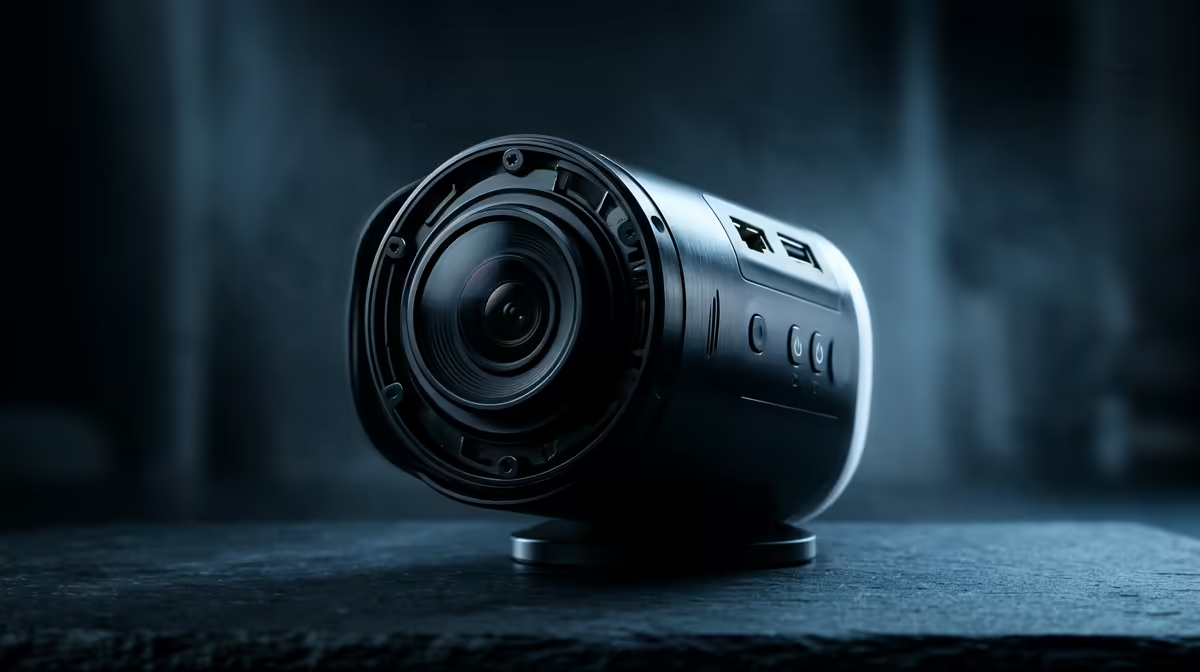
SolidWorks leans on the CPU for modelling and the GPU for viewport and rendering, not the camera. A 1080p webcam is purely for communication - design reviews, supervisor check-ins and remote work. So the spec floor is "looks sharp on a call", which 1080p meets comfortably. If your reviews involve holding a part to the lens, a cam with quick autofocus and a 78-90 degree field of view frames a desk and a held object cleanly without you leaning awkwardly into the lens.
What actually helps on engineering calls
Clear audio matters more than camera resolution for technical reviews, so a cam with a decent dual mic, or a separate USB mic, pays off. Autofocus helps if you hold parts up to the lens to show a feature. Beyond that, more megapixels add nothing to a CAD workflow.
Where the CAD money should go
If you are tempted by a R3,000 4K webcam, put that toward more RAM or a certified GPU instead - 32GB and a workstation-class card change SolidWorks rebuild and rotate times far more than the camera ever will.
FAQ
Does the webcam affect SolidWorks performance?
No. The model rebuilds and viewport run on the CPU and GPU. A webcam only loads the system while it is actively streaming on a call.
What resolution do I need for design reviews?
1080p is the practical floor. It is sharp enough to show a printed sketch or a small part on camera without wasting budget.
Should I buy a 4K webcam for engineering work?
Not for SolidWorks. Redirect that money to RAM or a certified GPU, which directly improve modelling and rendering speed.