


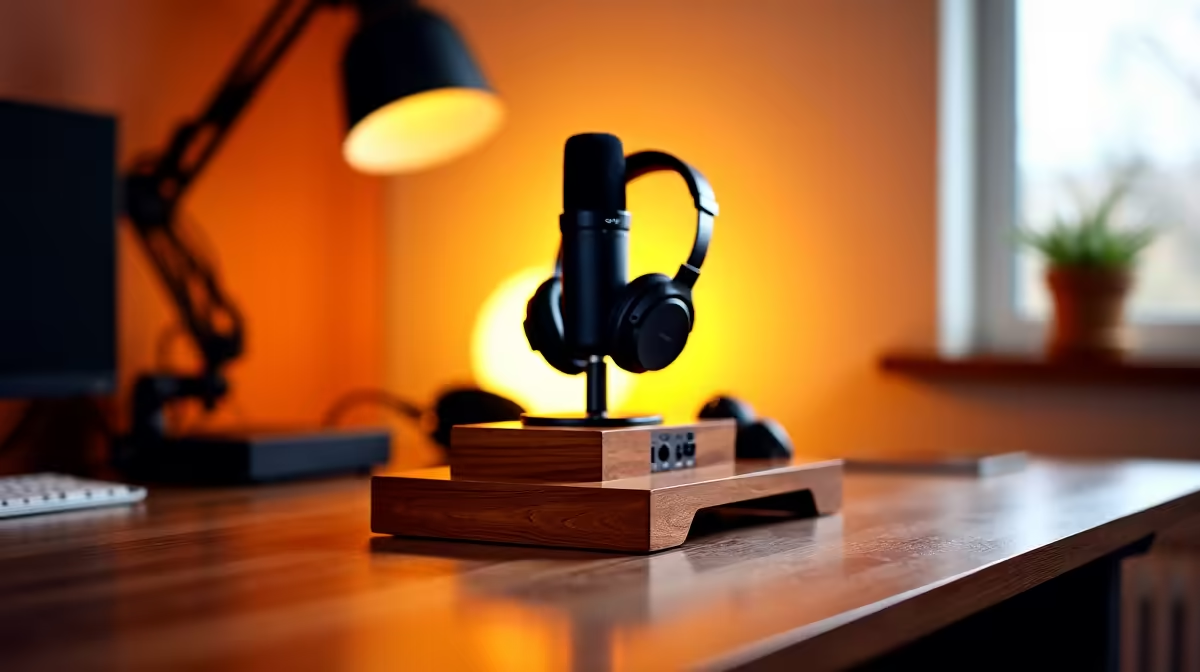
Setting up home podcasting, a dock keeps your laptop, mics, interface and monitors tidy. A clear budget, balanced and premium tier helps you spend right for your show's stage.
Quick Answer
For home podcasting, a budget dock around R1,500 covers a solo show, a balanced dock near R3,000 adds dual displays and more USB for guests, and a premium dock above R4,500 suits multi-mic, multi-screen production. Match the tier to your show's scale.
Budget Tier (around R1,500)
A basic USB-C dock with one display output, a few USB ports and Ethernet suits a solo podcaster recording with a single USB mic. It keeps cables tidy and adds wired networking for stable uploads without overspending.
Balanced Tier (around R3,000)
A dock with dual display output and more USB ports supports a second monitor for show notes and editing, plus extra ports for a guest mic interface and accessories. This tier fits a growing two-person show.
Premium Tier (above R4,500)
A Thunderbolt or USB4 dock with dual 4K, high bandwidth and 100W power delivery handles a multi-mic interface, several screens and fast external storage for large audio projects, suiting serious production.
FAQ
What dock does a solo podcaster need?
A budget USB-C dock around R1,500 with one display output, a few USB ports and Ethernet. It tidies cables and gives stable wired uploads without paying for features a solo show will not use.
When should I move to a balanced dock?
Once you add a second monitor or a guest mic. A balanced dock near R3,000 with dual displays and more USB ports supports a two-person show and editing workflow.
Do I need a premium dock for podcasting?
Only for multi-mic, multi-screen production with large audio files. A premium dock above R4,500 with 100W power and fast bandwidth suits serious shows, not a starting podcast.
Match the dock tier to your show: budget for solo, balanced for a guest and second screen, premium only for multi-mic multi-screen production.










