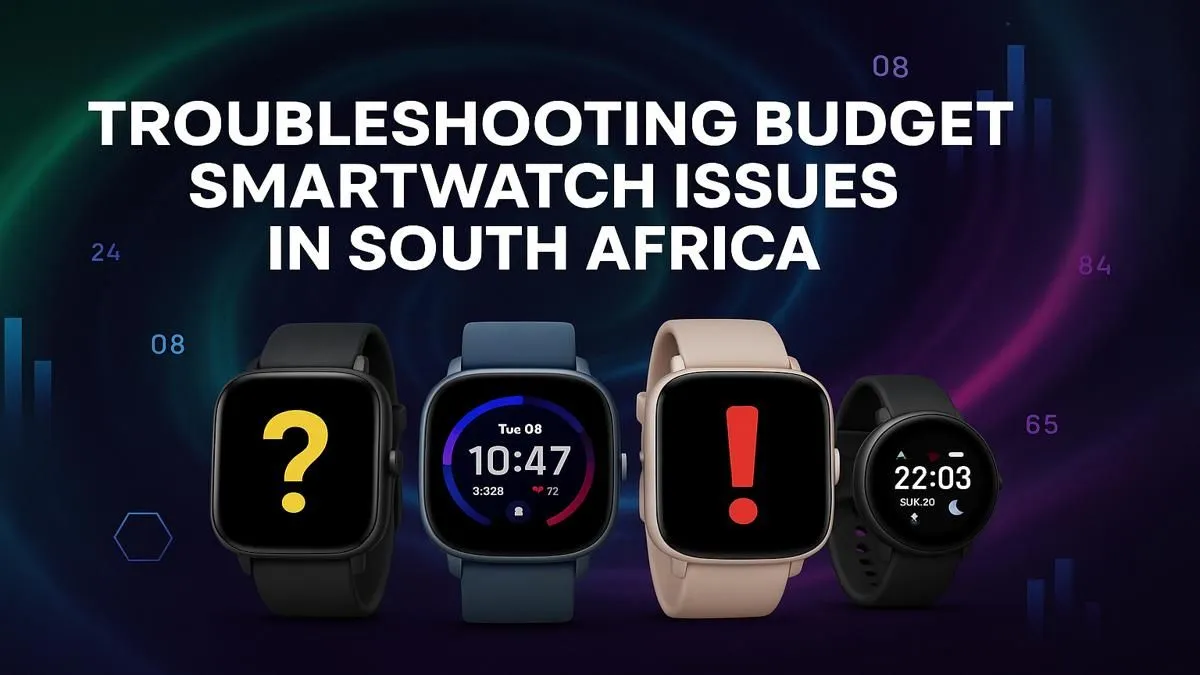
So, you grabbed a budget-friendly smartwatch. Lekker! But now, the battery dies before your morning coffee, it disconnects more than Eskom, and the step counter thinks a drive to Durban is a light jog. We get it. These affordable gadgets are tempting, but dealing with common budget smartwatch problems in South Africa can be a real headache. 🔧
Don't toss it in a drawer just yet. Before you give up, let's try a few quick fixes to get your device running smoothly.
Taming the Terrible Battery Life
Is your watch dead by lunchtime? This is one of the most frequent issues with cheaper wearables. Their smaller batteries and less optimised software struggle to keep up. But you can fight back.
First, dive into your watch's settings and turn off the "raise to wake" feature. It’s cool, but it activates the screen constantly. Next, lower the screen brightness and reduce the screen-on time. Finally, disable any features you don't use, like continuous heart-rate monitoring. Every little bit helps squeeze more life out of that tiny battery. If you find you're still struggling, it might be time to explore a wide range of smartwatches with better battery performance.
Solving Annoying Connection Drops
Nothing is more frustrating than your watch constantly losing its Bluetooth connection to your phone. When this happens, you miss notifications and your health data stops syncing. This is a classic budget smartwatch issue.
A simple restart of both your phone and your watch often solves temporary glitches. Also, check your phone’s battery settings; aggressive power-saving modes can kill the watch’s companion app. Make sure the app is allowed to run in the background. If problems persist, it might point to a weaker Bluetooth chip in the watch itself, where reliable brands like Promate often offer a more stable experience. ✨
Fixing Inaccurate Fitness Tracking
Are you getting 10,000 steps just from typing at your desk? Inaccurate tracking is another sign of a device cutting corners. The sensors used in ultra-cheap models just aren't as precise.
For better results, make sure the watch is worn snugly on your wrist, about a finger's width above your wrist bone. This ensures the sensors have good contact with your skin. Also, take a moment to wipe the back of the watch with a soft, dry cloth to clean the sensors. Sometimes, even the best smartwatches under R1000 need a little help to perform at their peak.
GPS Pro Tip ⚡
Many budget smartwatches use 'Connected GPS', meaning they rely on your phone's GPS signal. For accurate run or cycle tracking, always take your phone with you and ensure the companion app has location permissions. This simple step can dramatically improve the accuracy of your distance and route mapping.
While these tips can definitely improve your experience, some budget smartwatch problems are simply baked into the hardware. If you're tired of the workarounds and just want a device that works flawlessly, it might be time for an upgrade.
Ready to Upgrade Your Wrist Game?
Tired of the workarounds? Sometimes the best fix is a fresh start. Explore our massive range of smartwatches and find a reliable companion that just works, right out of the box.