


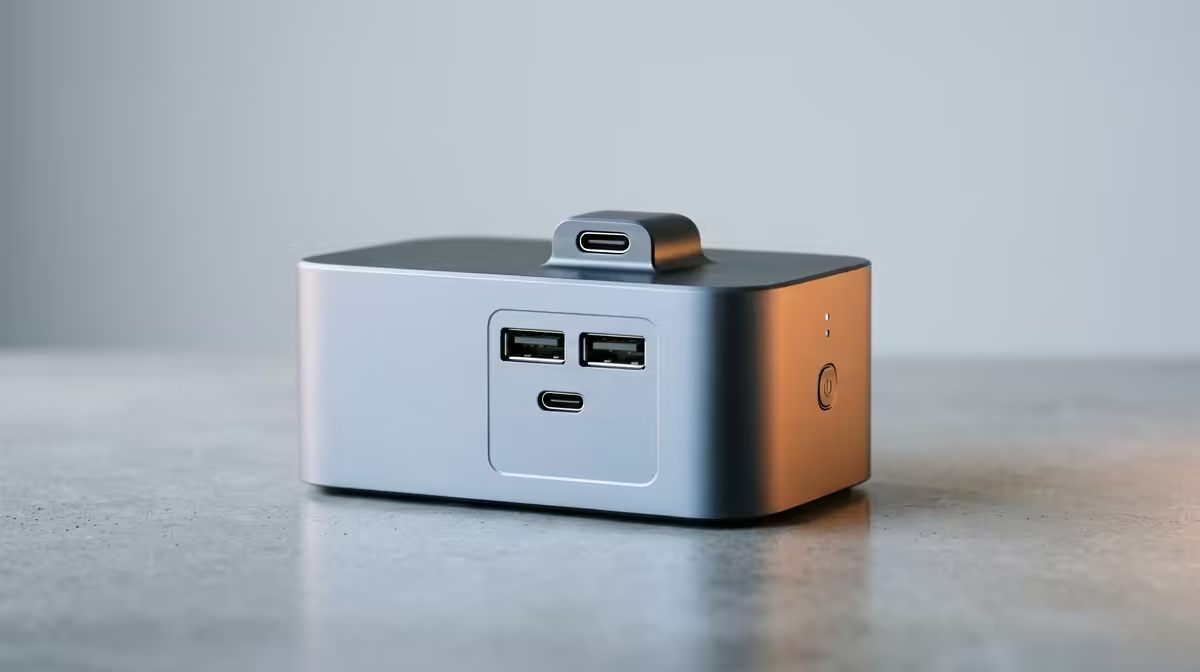
Quick Answer
For university assignments, a docking station matters once you settle at a res or home desk and want your laptop driving a bigger monitor, full keyboard and mouse over one cable. A simple USB-C dock with single 4K output and 65W power delivery costs about R900 to R1,800, which is the right level for essays, research and Office, no Thunderbolt needed.
When a dock helps with coursework
Most assignment work, writing, research, spreadsheets and slides, runs fine on a laptop, but a second larger screen makes long sessions far easier: notes on one side, document on the other. A docking station lets a student laptop drive a 24-inch or larger monitor plus a comfortable keyboard and mouse from one cable, with 65W power delivery keeping it charged. A R900 to R1,800 USB-C dock is ideal for a res desk, where you plug in once and have a proper study station.
When to skip it and save the money
If you study purely on the laptop and never connect a monitor, a dock adds nothing, and a NSFAS-funded student watching every rand should put the money toward storage or a second-hand monitor first. Note that the R5,200 NSFAS device allowance won't even cover the cheapest laptop on its own, so prioritise the core machine before accessories. Add the dock later once you have a monitor and want a tidy, one-cable study setup. Buy it for the workflow, not as a default first purchase.
FAQ
Do students need a docking station for assignments?
Only if you connect a monitor and peripherals at a desk. For laptop-only study a dock is unnecessary; for a fixed res desk with an external screen, a R900 to R1,800 USB-C dock makes setup one cable.
Does NSFAS cover a dock?
The R5,200 NSFAS device allowance doesn't even cover the cheapest laptop on its own, so a dock is well down the priority list. Sort the core laptop first, then add accessories like a dock and monitor later.
What dock is enough for essays and Office?
A basic USB-C dock with single 4K output and 65W power delivery. Writing and research don't need Thunderbolt or dual 4K, so the cheaper tier covers a student desk comfortably.
Sort your core laptop and a monitor first, then add an affordable USB-C dock from Evetech so your res desk connects in one cable for long assignment sessions.










