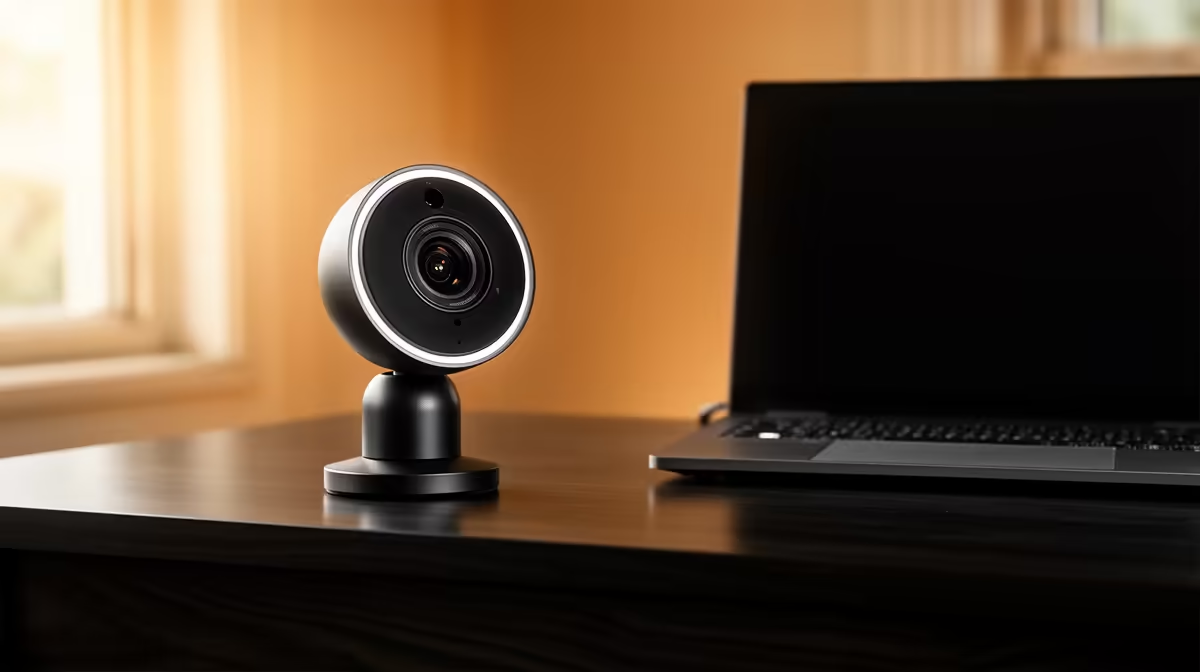
Most South African home offices were not designed to look good on a screen. A window behind the chair backlights the face, the ceiling light casts unflattering shadows, and the laptop mic sitting next to the keyboard picks up every key press and the fan noise underneath. Three targeted upgrades transform a standard desk into a seamless video conferencing setup that colleagues notice for the right reasons: a clear voice, a sharp image, and a face that is actually visible.
Quick Answer
A USB microphone, a 1080p webcam, and a key light are the three practical upgrades for a South African home office video call setup. A USB mic positioned correctly cuts the laptop fan noise and echo colleagues hear. A key light removes the dim, backlit look that a window behind you creates.
🔧 Why the Laptop Mic Has to Go
A built-in laptop microphone sits in the chassis, typically near the hinge or the keyboard deck. From that position it captures everything: the cooling fan spinning underneath, every keystroke, the echo bouncing off the desk surface, and the full ambient sound of the room. The person on the other end receives all of this at roughly equal volume alongside your voice.
A dedicated USB microphone on a boom arm, positioned 15 to 20cm from your mouth, changes the equation. The capsule sits close to the source, a cardioid pattern rejects the room behind your chair and the keyboard in front, and colleagues hear the conversation rather than the environment.
An omnidirectional USB mic works for two people on the same call if both sit within a metre of the capsule. For solo calls, a cardioid design is the cleaner choice.
📺 The Webcam Upgrade That Changes First Impressions
A dedicated 1080p webcam at 30fps sharpens the image considerably over a built-in 720p laptop camera and handles the shifting natural light that most South African home offices see throughout the day.
Mounting position matters as much as resolution. A webcam at desk level looks up at the face and reads as unprepared. At eye level or slightly above the angle is natural. Raising a monitor on a stand or a stack of books costs nothing and immediately improves the framing.
✨ Lighting: The Upgrade Nobody Expects to Work This Well
A window behind the chair is the most common lighting mistake. The camera exposes for the window and the face becomes a silhouette. Moving the desk to face the window fixes this for free.
A key light at roughly 45 degrees from the face, at eye level or slightly above, fills it evenly. A ring light works for solo setups; an LED panel with adjustable colour temperature lets you match the warmth of the room. Spending R600 to R900 on a key light produces a perceptible jump in how professional the image looks on any call platform.
💰 Build in Order: Mic, Then Camera, Then Light
Microphone first -- audio is noticed on every call and its absence is felt by the listener immediately. Webcam second: a 1080p camera at the right height transforms first impressions without ongoing effort. Lighting third: a key light is often the most visually dramatic upgrade, but it rewards a camera already worth looking at.
Frequently Asked Questions
Why replace a laptop microphone with a USB mic?
Laptop mics capture fan noise and room echo at roughly the same volume as your voice. A USB mic on a boom arm at 15 to 20cm from your mouth captures your voice directly while the cardioid pattern cuts the background. Colleagues hear the conversation, not the environment.
What webcam resolution suits professional video calls?
1080p at 30fps is the right tier. It is noticeably sharper than the 720p cameras built into most laptops and does not demand more bandwidth than a standard SA fibre connection. 4K webcams add cost without visible benefit at the screen sizes most participants use.
Does a key light make a visible difference on calls?
Yes, often more than a camera upgrade. A window or overhead light behind the chair creates a silhouette. A key light positioned to the side and slightly above the face removes that and makes the image look deliberate and professional on every call platform.
Can one USB mic handle two people on a call?
An omnidirectional model placed between two speakers within a metre of the capsule captures both voices. A cardioid mic aimed at one speaker picks up a second person at reduced clarity. For two-person calls, an omnidirectional design is the practical choice.
Ready to show up on calls the way your work deserves?
Browse the USB microphone and webcam range for South African home office setups, and add the key light that makes the whole setup look deliberate.