Quick Answer
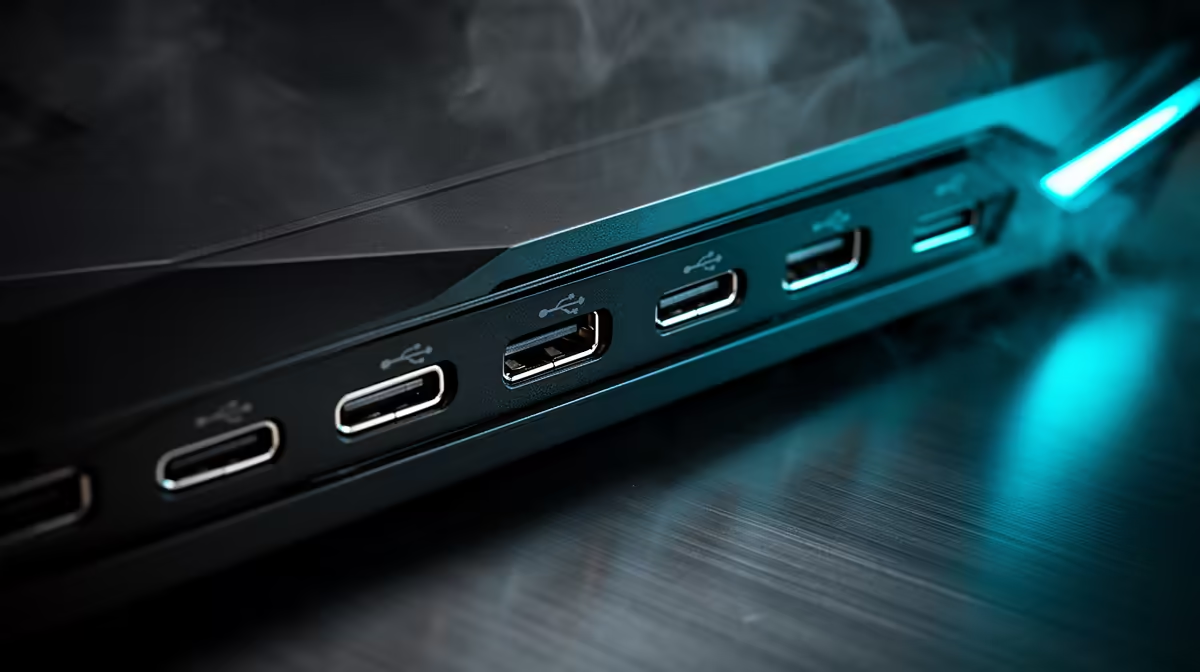
USB Type-C 20Gbps on a PC case front panel is USB 3.2 Gen 2x2, providing approximately 2,400 MB/s real-world throughput. For creators transferring large video files or raw footage from external SSDs, this port eliminates the need to reach behind the PC and delivers meaningful speed improvements over the 10Gbps ports found on most older cases.
How 20Gbps Compares to Other Front USB Standards 🔌
USB 3.0 (Gen 1) delivers 5Gbps. USB 3.2 Gen 2 reaches 10Gbps. USB 3.2 Gen 2x2 uses two 10Gbps lanes simultaneously to achieve 20Gbps. The practical impact: a 100GB 4K raw video file transferred from a Samsung T9 portable SSD takes about 42 seconds via 20Gbps versus roughly 85 seconds via 10Gbps. For editors on tight turnaround deadlines at a Johannesburg production house, these differences accumulate across a working day. USB 3.2 Gen 2x2 requires an internal 40-pin header on the motherboard, present on most Z790, Z890, X670E, and B850 boards but absent from many B660 and B550 boards.
Which Devices Benefit Most From 20Gbps 📡
Not all devices saturate even 10Gbps. The 20Gbps port is primarily useful for external NVMe SSDs, high-speed SD card readers (UHS-II and above), and modern docking stations. A Samsung T9 is rated up to 2,000 MB/s sequential read, which requires at least 20Gbps to sustain at full speed. Traditional flash drives, older portable HDDs, and most peripherals are limited by their own internal speeds rather than the port bandwidth. For a South African video editor offloading from a DJI Ronin 4D or transferring from a CFexpress reader, the 20Gbps port is one of the most practical professional upgrades in a case specification.
Motherboard Header Requirements 🖥️
The front USB Type-C 20Gbps port connects via an internal USB 3.2 Gen 2x2 Type-C header (40-pin), physically distinct from the standard 19-pin USB 3.0 header and the 20Gbps USB-C header. If the motherboard does not include this header, the port either goes non-functional or operates at 10Gbps via a lower-spec cable. Check the motherboard manual for a header labelled F_U32C or similar. Boards like the ASUS ROG Strix Z890-E and Gigabyte Z890 Aorus Master include the correct 40-pin header for full 20Gbps front panel operation.
Verify the Header Type on Your Motherboard ⚡
Open the motherboard manual and search for USB 3.2 Gen 2x2 in the header section. If only a Gen 2 (10Gbps) Type-C header is listed, your 20Gbps port will be speed-limited. Confirm header compatibility before purchasing a case specifically for its 20Gbps front port.
FAQ
Is USB Type-C 20Gbps the same as Thunderbolt 4?
No. Thunderbolt 4 uses the same physical connector but is a distinct protocol supporting 40Gbps bandwidth and daisy chaining. A Thunderbolt 4 device plugged into a USB 3.2 Gen 2x2 port will function but only at USB 3.2 speeds.
Do I need a special cable for 20Gbps transfers?
Yes. USB 3.2 Gen 2x2 requires a cable certified for that standard, typically labelled 20Gbps. Standard USB-C cables rated for charging or USB 2.0 speeds will not sustain 20Gbps data transfer.
Can a 20Gbps front USB-C port fast-charge a phone?
It can charge devices at Power Delivery speeds supported by the port, usually 15W to 27W. Fast-charging a smartphone or small tablet is practical. Charging a high-performance laptop at 65W or higher typically requires a dedicated PD charger rather than a front panel port.
Equipping a creator workstation?
Explore PC cases at Evetech with USB Type-C front I/O, plus compatible motherboards that support 20Gbps headers for full-speed creator workflows.