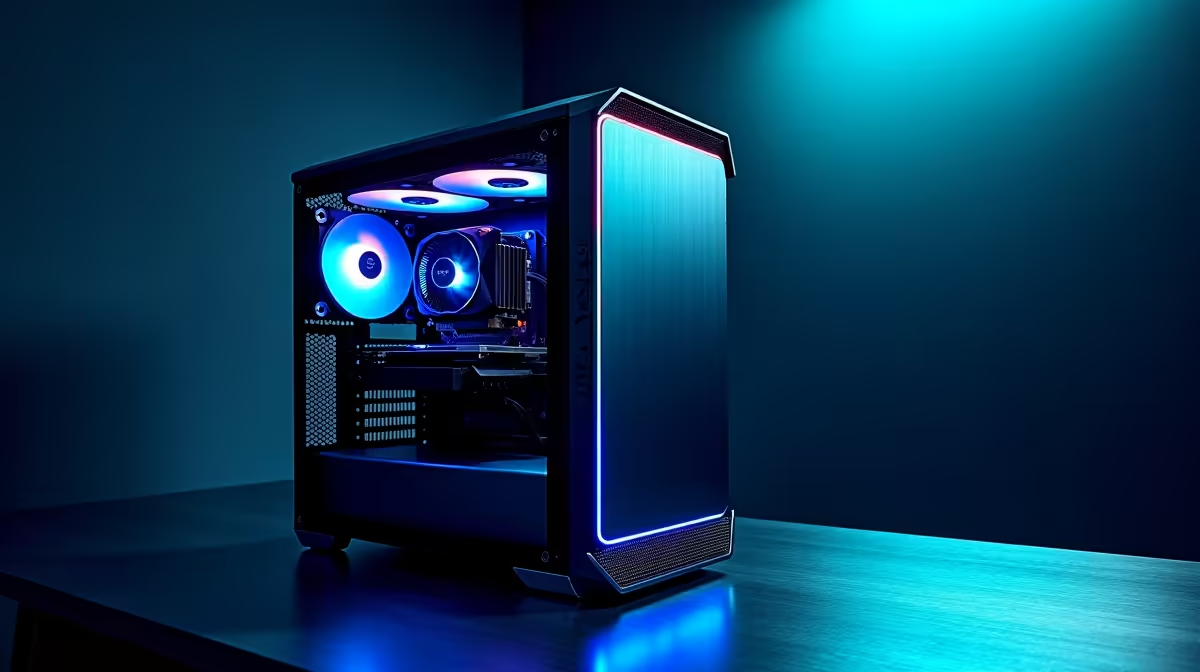
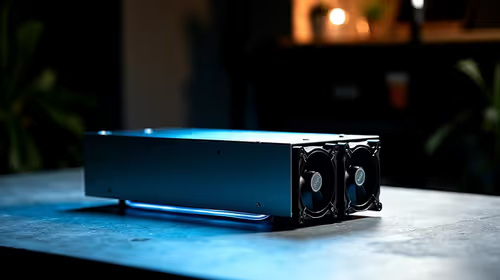
A video-editing PC has enough processing power for many home media-server tasks, but leaving it on as a server may waste energy, create noise and interrupt editing. Storage capacity, network reliability and backup design matter more than the editing label. A separate NAS can keep media available while the workstation remains off.
Compare combined and separate roles
List the number of viewers, media formats, remote-access needs and required storage. Test whether clients can play the files directly or need live transcoding. Note when editing and streaming happen together, then check temperatures, network use and noise under that combined load.
The ORICO MetaCube Mini single-bay NAS is listed at R1,070, and the Seagate IronWolf 8TB hard drive at R4,604. Confirm live drive compatibility, bay limits, network port, supported services, operating requirements and warranties. A single-bay device offers convenient storage but no drive redundancy, so it cannot be the only copy of valued media.
Secure user accounts, apply supported updates and avoid exposing services without a deliberate network plan. Back up family media and server settings independently. Keep active editing cache and project files on storage suited to that workload.
Use the editing PC when occasional streaming and power habits make the combined role practical. Choose a dedicated NAS when always-on access and separation are more valuable.
Planning a home media library? > Compare Evetech NAS and hard-drive options by capacity and network support.