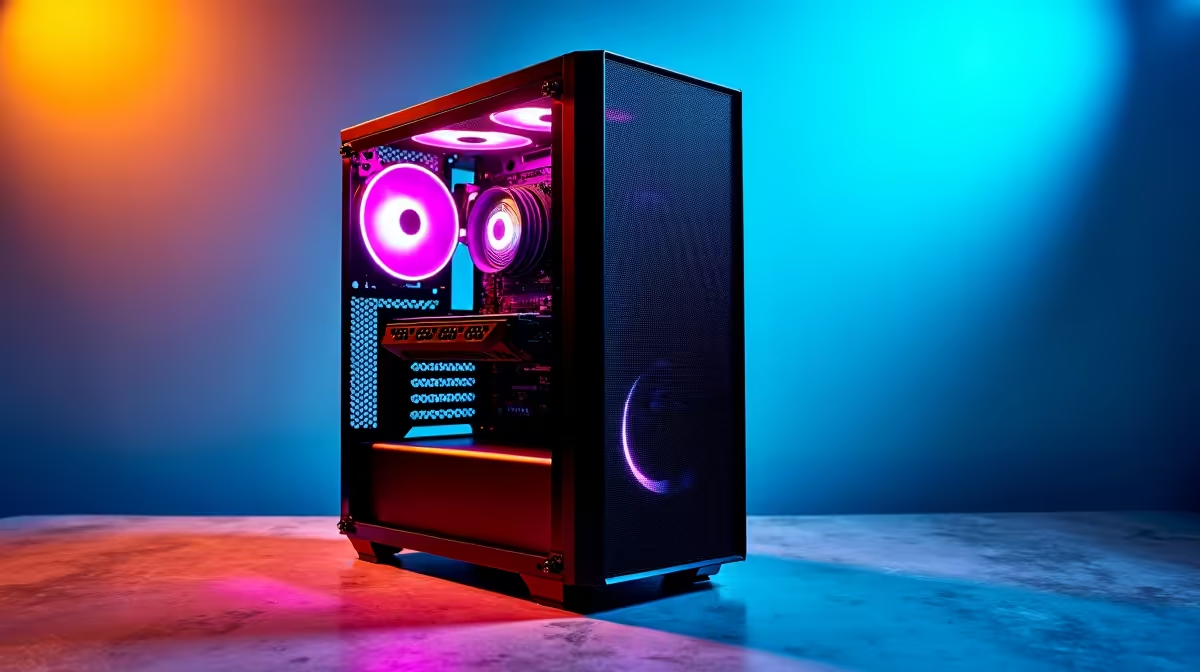
A video-editing PC can be worthwhile for 1440p gaming when its graphics card and processor are balanced for both workloads. Creator branding does not guarantee strong game performance, and a gaming GPU does not guarantee smooth playback of every production codec. Size the machine around the demanding edit and the games actually played.
Choose graphics for both timelines and frames
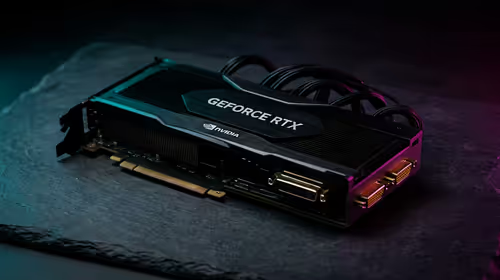
The verified MSI RTX 5070 12G at R13,100 gives a compatible desktop a clear 1440p-oriented graphics option. Check the editing application, GPU acceleration, VRAM demand and monitor connection before selecting it. The processor, memory and storage must prevent a strong GPU from waiting on the rest of the system. Confirm power-supply capacity, current connectors, case clearance and cooling with the complete component list.
Test two representative workloads
Run a real project with colour adjustments, captions and the normal export format, then play a demanding title at the intended resolution and settings. Record timeline responsiveness, export time, game frame time, temperature and noise. Keep production media on fast local storage and maintain an independent backup. Preserve the last stable driver installer before updates, especially when work deadlines depend on the computer. A dual-purpose PC earns its cost when both tests pass without repeated reconfiguration. Save separate application profiles so a game adjustment cannot silently alter the next client export.
Building one PC for creation and play? > Ask Evetech to balance graphics, processor, memory, storage and power around both measured workloads.