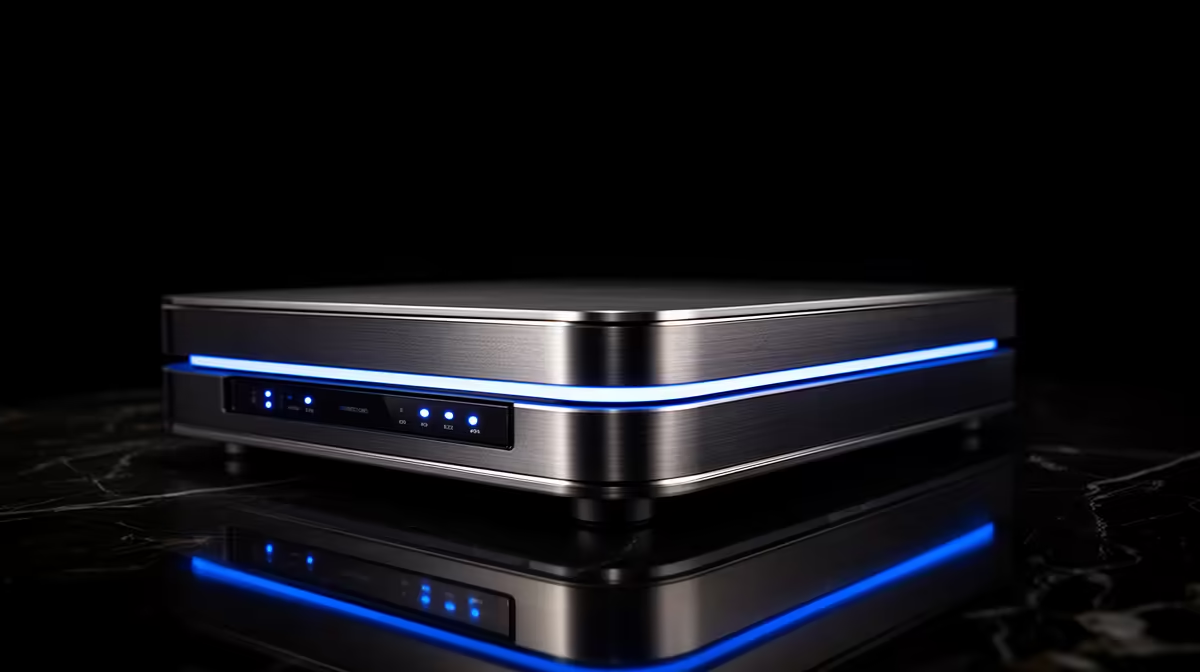
Shop for a NAS and the listings throw "2-bay", "4-bay" and "diskless" at you before explaining any of it. The good news is that drive bays are the simplest part of the whole decision. A bay is just a slot that holds one drive, so the number in the name tells you how many drives the box can take.
Quick Answer
A drive bay is a slot that holds a single storage drive, so a 2-bay NAS fits two drives and a 4-bay fits four. Most NAS units ship diskless, meaning you buy and install the drives yourself. More bays means more total capacity and more flexible data protection, which is why 4-bay units suit serious storage while 2-bay units suit homes and small setups.
What "bay" means
Each bay is one slot for one hard drive or SSD. The bay count is the headline spec because it caps how much storage the unit can ever hold. A 2-bay NAS tops out at two drives; a 4-bay can grow to four. You do not have to fill every bay on day one, so a 4-bay unit with two drives installed leaves room to expand later without buying a new box.
2-bay versus 4-bay in practice
The bay count changes what data protection you can run. A 2-bay NAS is generally limited to mirroring, where the second drive holds an exact copy of the first, so one drive can fail without losing data. The trade-off is that mirroring halves your usable space, since both drives hold the same files.
A 4-bay NAS opens up smarter layouts. With four drives you can run a parity setup that survives a drive failure while wasting far less capacity than mirroring. As a rough illustration, four 10TB drives in a parity configuration give about 30TB usable, where mirroring the same drives would leave only 20TB. That efficiency is why a 4-bay unit makes sense once your storage needs grow.
For a household backing up photos and documents, a 2-bay NAS with mirroring is often plenty. For a media library, a small business, or anyone who wants room to grow, a 4-bay unit is the safer long-term buy. You can see both classes alongside the drives to fill them in the NAS storage range at Evetech, and the most popular SSD picks are worth a look if you plan to use solid-state drives in the bays.
Frequently Asked Questions
What does diskless mean when buying a NAS?
Diskless means the NAS ships without any drives inside. You choose and install your own drives, which lets you set the exact capacity you want rather than being locked to a fixed amount.
Do I have to fill every bay straight away?
No. You can start with fewer drives and add more later, as long as the layout you choose allows it. A 4-bay unit with two drives installed leaves clear room to expand.
Is a 4-bay NAS always better than a 2-bay?
Not always. A 4-bay gives more capacity and more efficient data protection, but it costs more and many homes never need that much. Match the bay count to how much you actually plan to store.
Can I mix hard drives and SSDs in the bays?
Many NAS units allow it, though the rules vary by model and the configuration you choose. Check the unit's specification before mixing drive types so you set it up correctly.