


Quick Answer
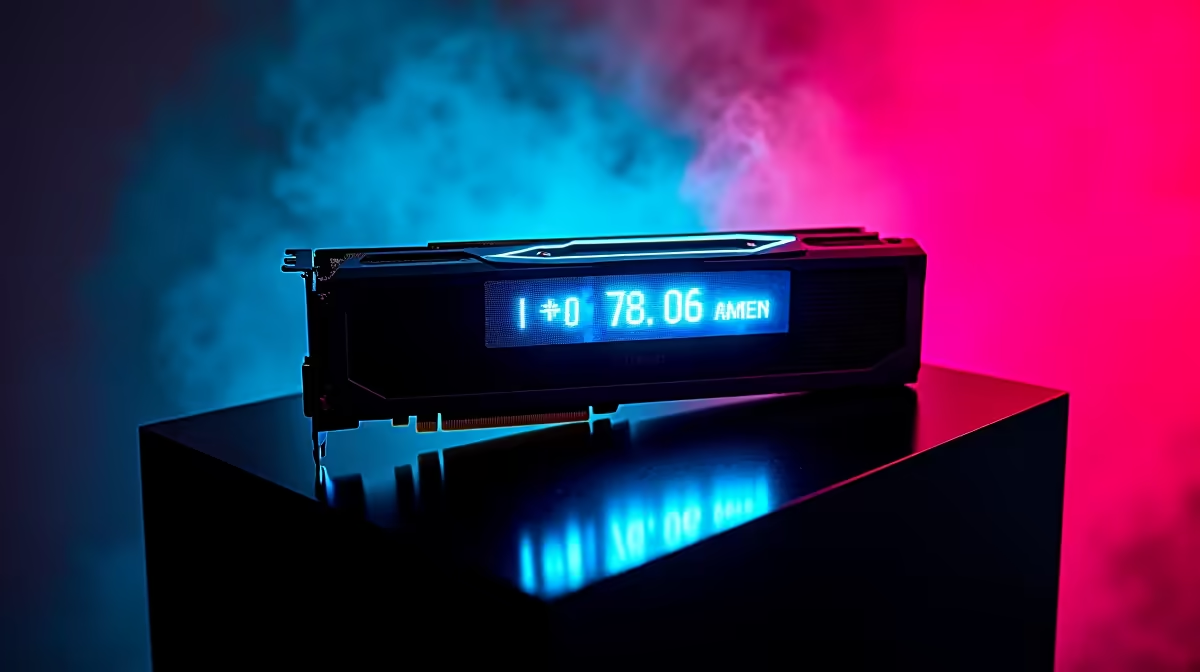
A built-in OLED power display on a PSU shows real-time system watt draw without needing software, a watt meter, or a second monitor. For overclockers, the display confirms exact power consumption at each tuning step. For cost-conscious South African gamers, it provides instant visibility into electricity draw, making it easier to track monthly costs at current Eskom tariffs.
What the OLED Display Shows and How to Use It 🖥️
PSUs like the ASUS ROG Thor series mount a small OLED screen on the fan-facing side, visible through the PSU cutout in most modern mid-towers and full towers. The display shows total watt draw in real time from 0W at standby to the PSU's rated maximum. Some units also display internal PSU temperature or allow mode switching between watt and temperature views via a physical button or Aura Sync software integration. During an overclocking session pushing an RTX 5090 from its 575W base TDP toward 650W with a power limit increase, the OLED display confirms exactly how much total system power is being consumed, letting the overclocker stay safely within the PSU's capacity without guessing.
Practical Value for South African Gamers 💰
At Eskom tariffs between R3.50 and R4.20 per kWh, knowing your gaming rig's real watt draw helps you calculate monthly electricity costs accurately. A system drawing 600W for 5 hours daily consumes 3 kWh per session. At R3.80 per kWh, that is R11.40 per gaming day or around R342 per month for a daily gamer. Without a display or external watt meter, most users significantly underestimate this figure. The OLED PSU display turns electricity awareness into a passive habit, which is genuinely useful in South Africa where electricity costs have risen sharply and household budgeting matters.
Beyond Power Monitoring 🔧
The OLED display also serves as a quick diagnostic reference. If a system starts crashing during heavy loads, the display reveals whether the PSU is approaching its rated capacity before the crash occurs. A sustained reading near 1,400W on a 1,600W unit during a dual-GPU render confirms the system is running close to the PSU ceiling and may need a PSU upgrade. This is faster than installing monitoring software or attaching an external watt meter. For South African builders who handle their own maintenance, the display provides hardware-level data independent of Windows drivers or third-party tools.
Match Case Cutout to PSU Orientation ⚡
The OLED is only visible if the PSU is mounted with the fan facing down, the standard orientation in most modern cases with a bottom PSU bay and mesh floor intake. Before buying an OLED PSU, confirm your case has this orientation and a clear panel cutout. Full-shroud cases without a PSU window block the display entirely.
FAQ
Does the OLED display affect PSU efficiency or power draw?
No. The OLED operates from the 5V standby rail and draws a negligible amount, typically under 1W. It has no measurable effect on PSU efficiency or thermal output.
Can I control what the OLED shows on an ASUS ROG Thor PSU?
Yes. The ROG Thor OLED can be toggled between watt display and temperature display via the side button. Through ASUS Armoury Crate software you can also set custom display modes and link it to the Aura Sync lighting ecosystem.
Is the OLED display durable over a 10-year PSU lifespan?
OLED displays degrade over tens of thousands of hours through pixel ageing. A PSU inside a dark case has reduced display stress. The display is a convenience feature rather than a safety-critical component, so gradual degradation over 10 years is a minor concern.
Want real-time power visibility in your build? The ASUS ROG Thor range at Evetech includes built-in OLED power displays, 10-year warranties, and ATX 3.1 compliance, giving you the most informative PSU for an extreme South African build.










