


Quick Answer
Triple-shielded cables reduce electromagnetic interference by 40 to 60 dB more than unshielded cables, prevent signal dropouts at high-bandwidth connections like 4K DisplayPort and HDMI 2.1, and maintain reliable performance in environments with dense wireless infrastructure. For any 4K display setup within 2m of a Wi-Fi router or in a shared office, triple shielding is the most effective passive cable protection available.
Three Layers, Three Distinct Jobs 🛡️
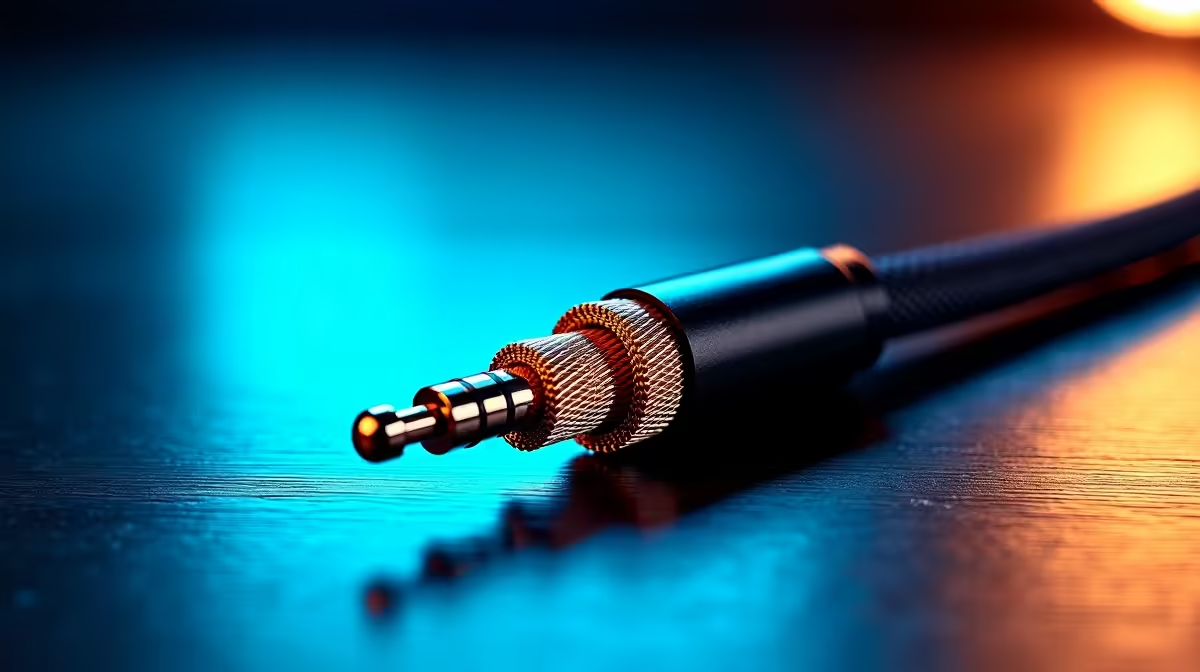
Each shielding layer in a triple-shielded cable targets a different frequency range of interference. The outermost aluminium foil layer, typically 100 percent coverage foil, blocks high-frequency RF interference above 100 MHz generated by Wi-Fi routers operating at 2.4 GHz, 5 GHz, and 6 GHz. The braided copper or aluminium mesh layer underneath handles mid-frequency interference from 1 MHz to 100 MHz produced by switching power supplies, LED drivers, and networking equipment. The innermost drain wire provides a continuous conductive path to chassis ground, bleeding off any residual charge that penetrates both outer layers before it reaches the signal conductors. Together, the three layers provide a combined attenuation of 70 to 100 dB, compared to 30 to 40 dB for a single foil layer.
Real-World Impact on 4K Connections 🖥️
At 4K 60Hz over DisplayPort 1.4, the signal runs at 8.1 Gbps per lane. Any EMI-induced bit error causes a visible artefact: a pixel flicker, a brief black frame, or a full monitor disconnect that takes one to two seconds. In a South African co-working space in Johannesburg or Cape Town with 20 to 40 access points, an unshielded cable produces these errors regularly during peak hours. A triple-shielded cable eliminates them in all non-industrial environments. For a calibrated 4K colour grading workflow, triple shielding is a functional requirement.
Practical Buying and Installation Guidance 🔧
Triple-shielded DP 1.4 and HDMI 2.1 cables at Evetech sit in the R200 to R380 range for 1m to 2m. A genuine triple-shielded cable is stiffer and heavier than a standard cable, which is a useful physical indicator when no spec sheet is available. Install them perpendicular to nearby power cables to reduce inductive coupling. Label each cable with the DP or HDMI version so future replacements use a specification-matched substitute.
EMI Source Audit Before Buying New Cables ⚡
purchasing triple-shielded cables, identify the nearest EMI sources: Wi-Fi router position, UPS or power strip location, and any LED lighting with switching drivers above the desk. Relocating a router 40cm further from the cable run often reduces interference as effectively as a shielding upgrade, and costs nothing.
FAQ
Does triple shielding affect cable flexibility or ease of routing?
Yes, triple-shielded cables are stiffer than single-shielded cables by roughly 20 to 30 percent in minimum bend radius. For fixed desktop runs this is no issue; for monitor arm setups where the cable flexes regularly, check the bend radius specification before purchasing.
Can triple-shielded cables eliminate all EMI-related display issues?
Nearly all, for passive copper cables under 3m in non-industrial environments. For cable runs in proximity to variable-frequency drives, welding equipment, or large electrical motors, active optical cables with fibre cores are the appropriate solution.
Is triple shielding the same as a grounded cable?
Not exactly. The drain wire connects the shielding layers to chassis ground only when plugged into properly grounded equipment. A floating equipment chassis negates the drain wire's function. Ensure your PC and monitor use a grounded power outlet.
Ready to eliminate 4K display interference? Evetech stocks triple-shielded DisplayPort and HDMI cables designed for high-EMI South African office and home environments. Browse the accessories section for currently available options.










