


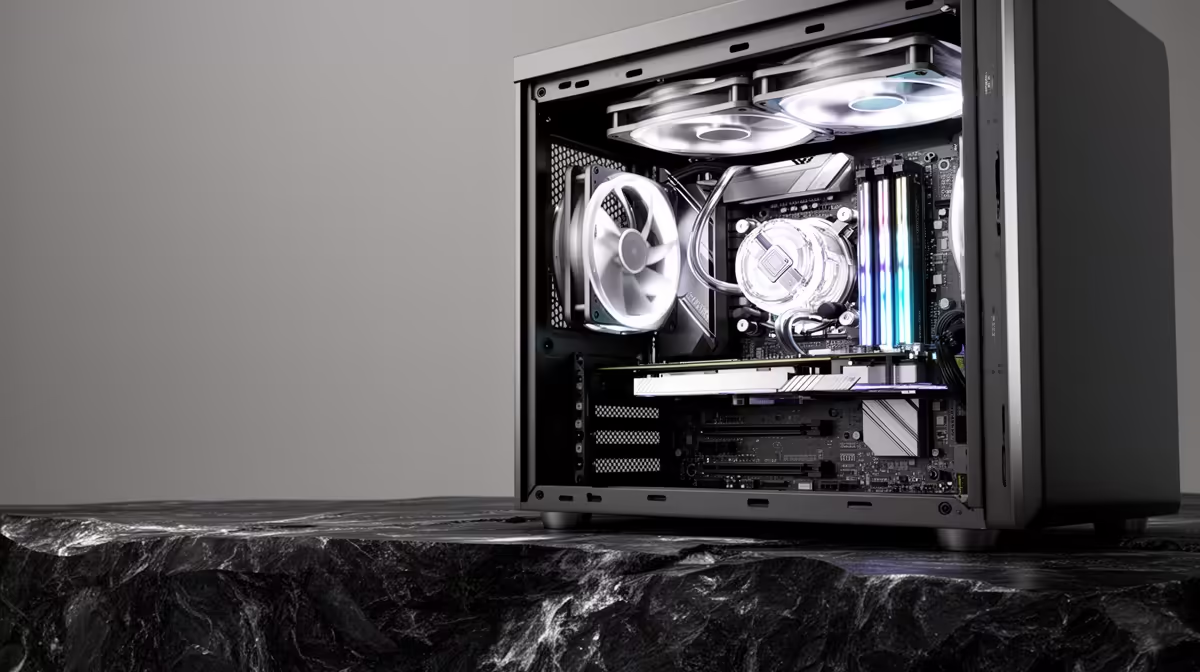
Most coding tools that touch AI make you fret about a beefy GPU and stacks of RAM. Claude Code flips that worry on its head. Because the heavy thinking happens on Anthropic's servers, your machine only runs a lightweight command-line client, reads and writes files, and streams text back and forth. That means a modest laptop or even an older desktop can run it comfortably.
Quick Answer
Claude Code needs about 4GB of RAM as a minimum, a stable internet connection, and roughly 500MB of free disk space. No GPU is required. For working across large projects with thousands of files, 8GB or more keeps things smooth, but the tool itself is light.
The actual hardware requirements
The published baseline is 4GB RAM, around 500MB of disk space, and an internet connection. There is no graphics card requirement because no model runs on your machine. Your CPU only handles the client process, file operations and rendering text in the terminal, so almost any modern processor is enough.
Operating system support is broad: macOS 13 Ventura or newer, Windows 10 build 1809 or later, and mainstream Linux distributions. Installation is either a standalone native installer that needs no extra dependencies, or via npm if you already have Node.js 18 or newer.
Why no GPU and why RAM still matters a little
The work that usually demands a powerful GPU, running the language model, never happens locally with Claude Code. Prompts go to the cloud, the model responds, and the client displays the result. So a GPU buys you nothing here.
RAM is the one spec worth a second thought. The 4GB minimum is genuinely enough for small to medium projects. The catch shows up on very large codebases. On a 4GB machine working in a repository with 50,000 or more files, the experience can turn sluggish, and moving to 8GB clears it up entirely. For a smooth daily-driver experience, 8 to 16GB is the comfortable zone, and that is already standard on most machines sold today.
What to actually buy if you are starting fresh
Since the tool leans on the cloud, you do not need to overspend. Any reasonably modern machine with 16GB of RAM, a multi-core CPU and an SSD runs Claude Code alongside your editor, browser and local servers without strain. The SSD matters more than raw CPU speed because file reads and writes are what you will notice most.
For machines purpose-built for AI workflows, the AI PC range at Evetech brings together configurations suited to exactly this kind of work. For a quicker shortlist of proven builds, the PC best sellers at Evetech reflect what other buyers are choosing, which is a useful reality check when specs start to blur.
Frequently Asked Questions
Does Claude Code need a graphics card?
No. The AI model runs on Anthropic's servers, not your machine, so there is no GPU requirement. Your computer only runs the command-line client and handles file operations.
How much RAM is enough for Claude Code?
4GB is the technical minimum and works for small to medium projects. For large codebases or running an editor and browser alongside it, 8GB or more keeps things responsive.
Can Claude Code run on an old laptop?
Yes, provided it meets the OS requirement, macOS 13, Windows 10 build 1809, or a recent Linux distro, and has at least 4GB of RAM and an internet connection. Older hardware is fine because the workload is light.
Do I need Node.js to install it?
Only if you use the npm installation method, which needs Node.js 18 or newer. The standalone native installer requires no extra dependencies.
Building an AI-friendly workstation? Compare specs and options in the AI PC range at Evetech to get a machine that handles coding tools and everything else with room to spare.










