


Quick Answer
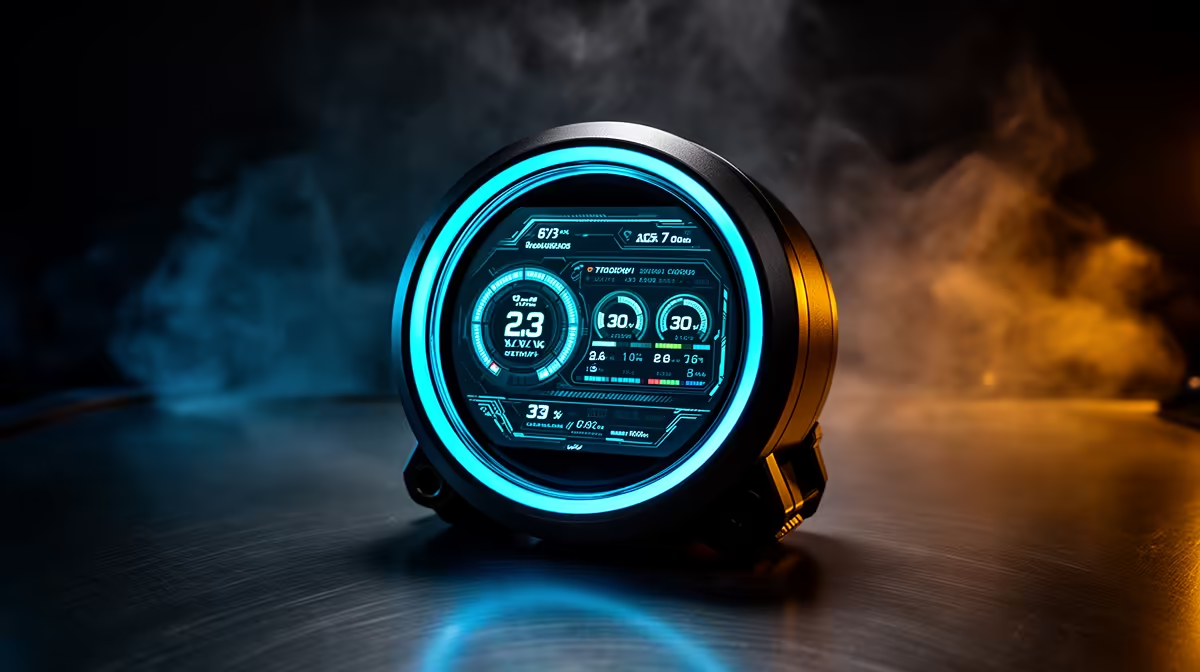
A 2.3-inch LCD display on an AIO cooler pump head shows real-time system data including CPU temperature, CPU clock speed, GPU temperature, fan and pump RPM, and coolant temperature. It can also display custom images, animated GIFs, or a clock. The specific options depend on the cooler's companion software.
Default Monitoring Data Available 📡
Out of the box, most 2.3-inch LCD AIO displays are configured to show CPU temperature and a clock or system information panel. Through the companion software (ASUS Armoury Crate, MSI Center, Corsair iCUE, or brand-specific tools), you can customise which sensor data displays. The 2.3-inch panel at typical resolutions of 240x240 or 320x320 pixels can clearly display two to four sensor values simultaneously in large readable fonts from a normal desk viewing distance.
Custom Display Options 🖥️
Beyond sensor data, the 2.3-inch display supports custom content in most implementations. Static images can be uploaded at the panel's native resolution, useful for displaying a team or game logo that matches the build theme. Animated GIFs can be loaded for looping visual effects; at 2.3 inches the animation is visible and recognisable but small enough that complexity matters (simple animations with high contrast read better than detailed ones). Some units support short video loops for backgrounds behind sensor overlays, though this depends on the display controller's capability and software version. South African builders in the R30,000 to R50,000 build range often use the LCD to show a custom logo alongside CPU temperature, balancing personalisation with utility.
What the 2.3-Inch Size Means in Practice 🔧
At 2.3 inches diagonal, this display is smaller than a 2.8-inch panel by a meaningful margin. Four sensor readings simultaneously fills the panel without much whitespace, so choose your displayed metrics based on what you actually monitor. The smaller size makes it better suited to one or two large-text values (CPU temp and clock speed) rather than a dense multi-column dashboard. If the case has a tempered glass panel and sits at desk height, the display is clearly legible from a seated position at 60 to 80 cm distance. For cases sitting on the floor or angled away from the primary viewing position, even the best 2.3-inch display provides limited utility.
Update Firmware Before Configuring the Display ⚡
Many LCD AIO coolers release firmware updates within the first year of launch that expand display options, fix colour calibration issues, or add new sensor channels. Before spending time configuring your display layout, check the manufacturer's website or companion software for available firmware updates, as the post-launch version often adds features not present at retail launch.
FAQ
Can the display show GPU temperature even though it is on the CPU cooler?
Yes. The display connects via USB and draws sensor data from the companion software, which reads all system sensors simultaneously through OS-level monitoring. GPU temperature is simply another data channel the software exposes to the display regardless of what the cooler is physically connected to.
Does the 2.3-inch display drain power from the USB header noticeably?
No. The display draws approximately 0.5W to 1.5W via USB, which is negligible compared to the typical USB header's 2.5W capacity. It has no meaningful effect on system power draw or efficiency.
Is a 2.3-inch display significantly worse than a 2.8-inch one for visibility?
The difference is noticeable but not dramatic. A 2.8-inch display is easier to read at glance from further distances and can show more information comfortably. If your primary use is monitoring two to three key metrics from a desk distance of 60 to 70 cm, the 2.3-inch panel serves that purpose adequately.
Want a cooler that keeps you informed while it keeps your CPU cool? Browse Evetech's LCD AIO cooler range and find a display unit with the monitoring features your build setup needs.










