Quick Answer
3,000 RPM is the high end of the AIO fan speed range, delivering maximum airflow through the radiator at the cost of significant noise, typically 35 to 42 dBA. At this speed, a 360mm AIO can dissipate 300 watts or more of CPU heat, making it appropriate for chips like the Ryzen 9 9950X under full synthetic load, but unnecessary during normal gaming where fans at 1,000 to 1,400 RPM provide sufficient cooling.
How RPM Translates to Airflow and Heat Dissipation 💨
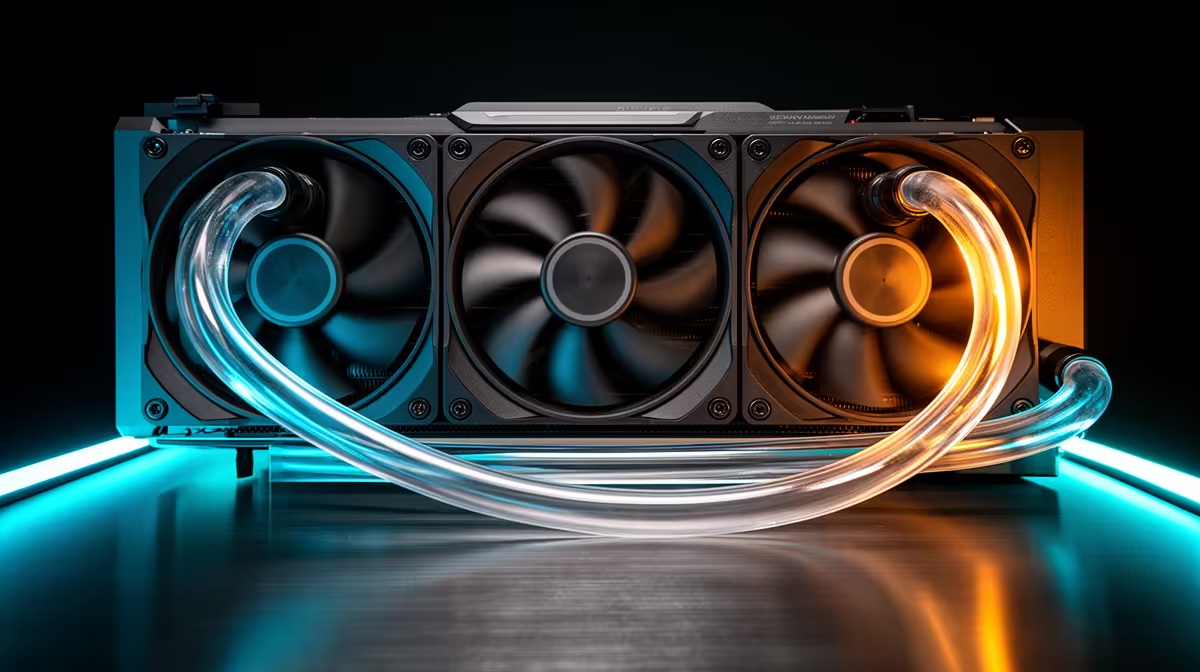
Fan performance is governed by three linked values: RPM, CFM (cubic feet per minute of airflow), and static pressure (in mmH2O). At 3,000 RPM a quality 120mm fan generates around 55 CFM and 2.6 mmH2O of static pressure, pushing air effectively through the dense fin stacks of a thick radiator. On a 360mm radiator with three fans running at 3,000 RPM, total airflow exceeds 150 CFM, enough to keep a 200-watt CPU cool even when SA ambient temperatures reach 30 to 32 degrees Celsius in summer.
Noise at 3,000 RPM and Why PWM Curves Matter 🔊
Three 120mm fans at 3,000 RPM produce 38 to 42 dBA at a metre's distance, comparable to a busy office environment. A temperature-based PWM curve keeps fans at 900 to 1,200 RPM during gaming on a Ryzen 7 9700X, which is near-silent. The 3,000 RPM maximum is a thermal ceiling for extreme workloads, not a daily target. Think of it as the reserve you only access during a prolonged Blender render or a summer gaming marathon in a non-air-conditioned SA room.
Choosing a Fan With the Right Max RPM for Your Use Case 🎯
Budget AIO fans typically max out at 1,800 to 2,200 RPM, adequate for CPUs up to 125 watts TDP. If you are building around a high-TDP chip and want maximum cooling capacity for professional workloads, look for AIOs with fans rated to 2,500 RPM or above. Some enthusiast AIOs include fans rated to 3,000 RPM, such as certain Corsair LL120 variants and Arctic P12 PWM models. Locally at Evetech, these higher-speed fan options appear on premium 360mm units priced from R2,800 upward.
Set Your Maximum Fan Speed in BIOS, Not Software ⚡
BIOS-level fan curves apply even before Windows loads, so your AIO fans ramp properly during extended POST or memory training events. Software-based fan control only activates after Windows boots, leaving the CPU exposed to full heat without speed control during those early stages.
FAQ
Is 3,000 RPM too fast for everyday desktop use in South Africa?
For everyday tasks and gaming, 3,000 RPM is far more than required. A curve that keeps fans below 1,500 RPM under gaming load and only reaches 3,000 RPM under sustained all-core workloads gives you quiet operation and thermal safety without compromise.
Do high-RPM AIO fans wear out faster than low-RPM fans?
Fan bearings have a rated lifespan measured in hours at maximum speed. Running fans at 3,000 RPM continuously shortens bearing life compared to 1,200 RPM. With a good PWM curve, fans spend most of their lives at moderate speeds, extending service life well beyond the typical 30,000-hour bearing rating.
Can I replace the fans on my AIO with higher-RPM models for better summer cooling?
Yes. Most AIO radiators use standard 120mm mounting. Replacing stock fans with high-static-pressure models rated to 2,500 to 3,000 RPM, such as Noctua NF-F12 industrialPPC or Arctic P12 Max, can reduce temperatures by 4 to 7 degrees Celsius during peak summer loads.
Looking for an AIO cooler with high-performance fan options?
Browse the full range of AIO coolers and replacement 120mm fans at Evetech to build the cooling setup your CPU actually needs.