


Quick Answer
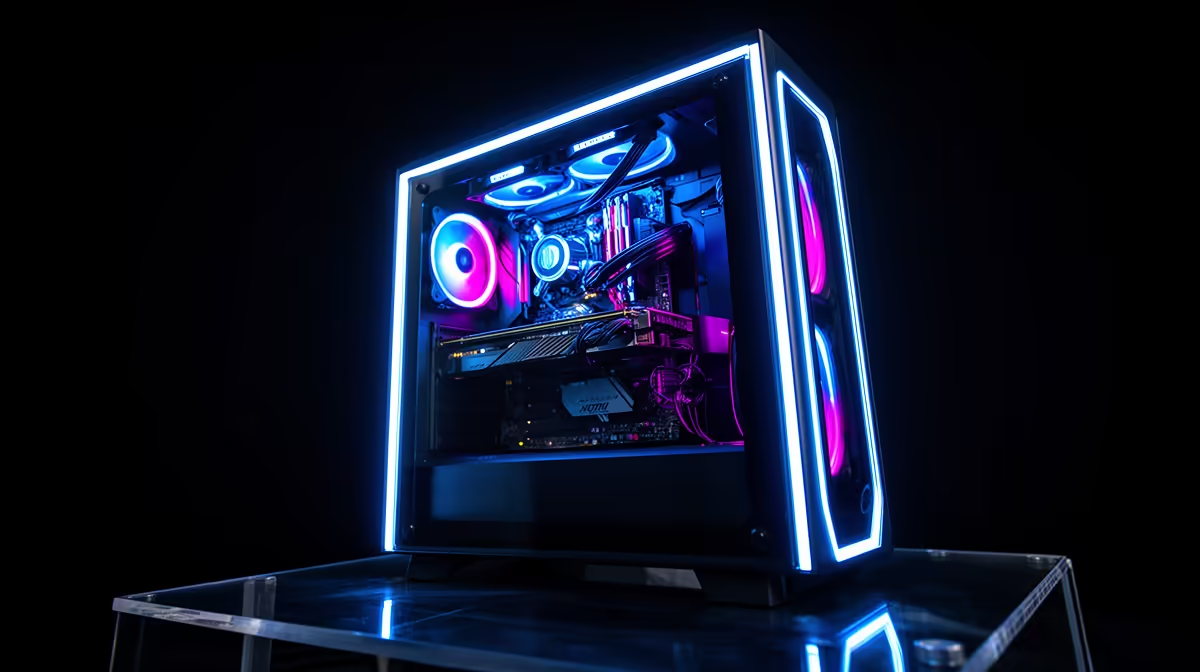
A mirror display stage is a reflective platform, usually at the base of the case interior, that reflects light from the GPU, PSU fan, and ARGB fans upward into the chamber. It makes the interior appear deeper and more illuminated than it actually is, particularly emphasising GPU lighting and underside fan glow. It is purely aesthetic and adds no thermal or performance benefit, but it is a signature feature of premium showcase cases typically priced between R4,500 and R7,000 in SA.
How a Mirror Display Stage Works ✨
The mirror display stage is a reflective acrylic or glass insert positioned beneath the GPU and PSU shroud area, angled or flat to face upward. When ARGB fans mounted on the front intake illuminate the GPU underside, or when a GPU's own RGB zones light its bottom edge, the mirror reflects that light back upward through the PCIe slot area and across the chamber. The visual effect is similar to what a well-lit shoe display achieves: even a single light source appears doubled, giving the interior a sense of depth and luminosity. Some cases use a true mirrored glass stage; others use brushed metallic acrylic that creates a softer, more diffused reflection rather than a sharp mirror image.
What Components Benefit Most From Mirror Staging 🖥️
Not all components look equally good above a mirror stage. GPUs with RGB zones on the underside of the shroud, such as ASUS ROG Strix and MSI Gaming X Trio designs with addressable underglow LEDs, benefit most: the mirror doubles the underglow's visible area. ARGB fans mounted in the front intake appear to extend infinitely when reflected. PSU units with illuminated fans or mesh top grilles reflect their glow downward into the mirror and back up, creating an additional light source from an unexpected direction. By contrast, standard black GPUs without RGB lighting gain little from a mirror stage; it simply reflects the unlit card housing, which adds nothing visually.
Practicalities and Maintenance 🔧
A mirror or reflective display stage accumulates dust, which becomes visible quickly against a reflective surface. In SA conditions, particularly in Gauteng where atmospheric dust levels are significant, cleaning the mirror stage every two to three weeks is necessary to maintain the visual effect. Most designs are accessible from the side panel and can be wiped with a microfibre cloth in under two minutes. Some premium cases make the mirror stage removable for easier cleaning. The stage itself is typically a flat acrylic insert and is not structurally load-bearing, so it does not affect the PSU or GPU installation in any meaningful way.
Match Your GPU RGB Zones to the Stage ⚡
Before buying a case with a mirror display stage, confirm your GPU has ARGB zones on its underside shroud or side face. An ASUS ROG Strix RTX 5080 with underglow LEDs will look spectacular above a mirror stage; a reference-design card with no RGB will look ordinary. The mirror amplifies what is already lit, not what is absent.
FAQ
Does a mirror display stage interfere with case cooling?
No. The mirror stage sits beneath the PSU shroud in an area that is not part of the main airflow path. It does not block fan intake or restrict airflow to the GPU.
Are mirror display stages easy to scratch or damage?
Acrylic mirror stages scratch more easily than glass ones. Use only a soft microfibre cloth for cleaning and avoid abrasive materials. Some premium cases use tempered glass mirror inserts that are more scratch-resistant.
Can a mirror stage be added to a case that does not already have one?
Aftermarket reflective acrylic sheets can be cut to fit the base of most ATX cases and attached with removable adhesive tape. This is a popular modification in the SA PC building community and can be done for under R150 with mirror acrylic sheet from a local plastics supplier.
Want a PC build that looks as premium as the hardware inside it? Browse Evetech's showcase gaming cases with mirror display stages and panorama glass to complete your build aesthetic.










