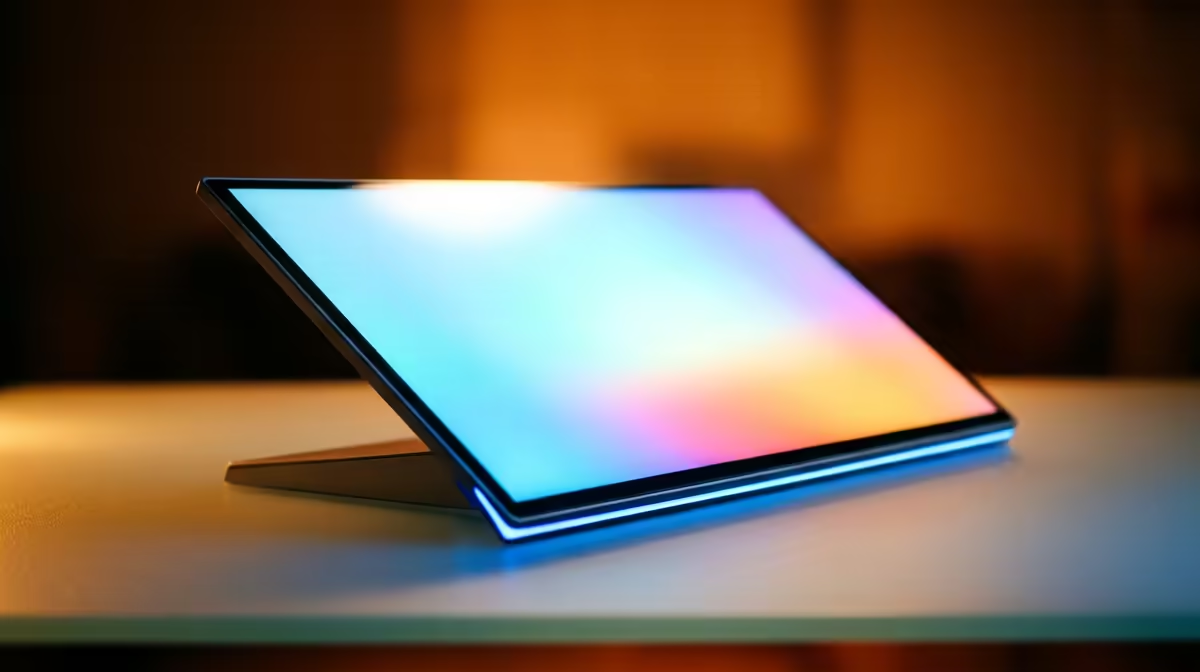
Two portable monitors can have the same crisp 1080p panel and feel completely different the moment something moves on screen, and the reason is refresh rate. It is the number of times per second the display redraws the image, written in Hz. A 60Hz portable monitor looks smooth for spreadsheets and video. A 120Hz or 144Hz panel makes fast games on a handheld or gaming laptop noticeably cleaner, with far less of the motion smear you get at 60Hz.
Quick Answer
Refresh rate is how many frames per second the panel can show, measured in Hz. 60Hz is smooth enough for work, browsing and video. 144Hz redraws more than twice as often, which makes fast-paced games dramatically sharper in motion and cuts the blur you notice during quick camera pans.
What the Hz number actually does
At 60Hz the screen paints a new image 60 times a second. At 144Hz it does so 144 times. More redraws mean each frame sits on screen for less time, so a moving object jumps a smaller distance between frames and your eye tracks it more cleanly. The result is motion that reads as fluid rather than slightly stuttery. For static work like writing and editing, the difference is invisible, which is why 60Hz portable monitors are perfectly fine for productivity.
When 60Hz is the right choice
If you are extending a laptop for a second window, watching video or running a presentation off a handheld, 60Hz does the job and usually costs less and draws less power. A lower refresh panel is also lighter on the battery of a USB-C powered portable screen, which matters when you are running it off a laptop or power bank. For most travelling office setups, 60Hz is the sensible pick. You can compare current panels in the portable monitor range to see which models pair power and refresh the way you need.
When 144Hz earns its place
The moment you pair a portable monitor with a gaming handheld or a gaming laptop, refresh rate starts to count. Fast shooters, racing and platformers feel sharper because the higher Hz keeps motion crisp during quick movement. You only get the full benefit when the device feeding the screen can actually push high frame rates, so a 144Hz panel attached to a handheld locked to 60 fps will not show its advantage. Match the panel to the source.
Frequently Asked Questions
What does refresh rate mean in plain terms?
It is how many times per second the screen draws a new image, measured in Hz. 60Hz means 60 redraws a second, 144Hz means 144. Higher numbers make on-screen motion look smoother.
Is 60Hz enough for a portable monitor?
For productivity, browsing, video and presentations, yes. 60Hz handles all of that smoothly and often costs less and uses less power. You only feel the limit in fast-paced gaming.
Does a higher refresh rate drain more battery?
A higher refresh panel generally draws more power, which matters on a USB-C portable monitor running off a laptop or power bank. If battery life is your priority and you are not gaming, 60Hz is the kinder choice.
Will 144Hz help if my device only outputs 60 fps?
No. The screen can only show motion as smooth as the frames it receives. A 144Hz panel needs a source pushing higher frame rates to reveal its advantage, so match the panel to a handheld or laptop that can drive it.
Pick refresh rate by how you use the screen: 60Hz for work and video, 144Hz when you game on a handheld or laptop. Browse current options in the Evetech portable monitor range, and the monitor best sellers show which panels other buyers are pairing with their setups.