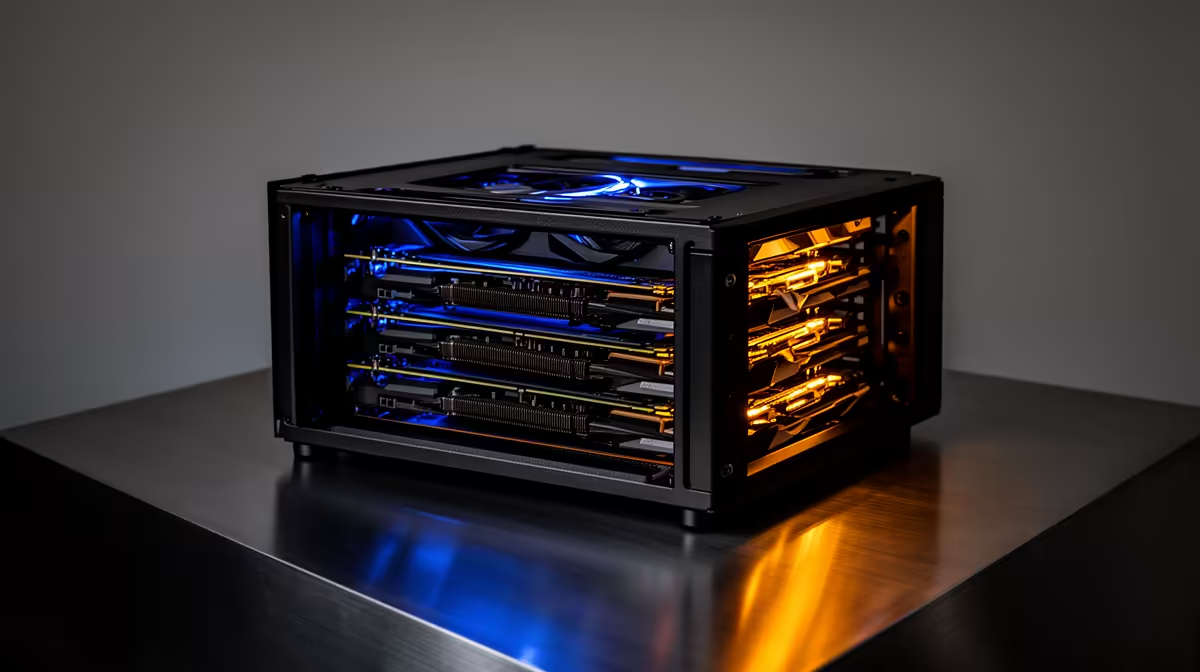
The single number that decides whether a 13B model runs locally is VRAM, and the maths is unforgiving. At 4-bit quantisation a 13B model carries roughly 8 to 10GB of weight data before the system reserves anything for context. That puts an 8GB card right on the edge and makes 12GB the comfortable starting point.
Quick Answer
A 13B model at Q4_K_M quantisation demands about 9GB of VRAM for the weights before anything else. It technically fits on an 8GB card but with almost no headroom, so a 12GB GPU like the RTX 3060 12GB is the realistic minimum for comfortable local use. Pair it with 16GB of system RAM and an NVMe drive.
Why VRAM is the only number that matters
The model weights have to sit in graphics memory for the GPU to run inference at usable speed. At full FP16 precision a 13B model wants around 28GB, which is server territory. Quantisation shrinks that: Q8 roughly halves it, and Q4_K_M cuts it by nearly four times while keeping about 95 percent of the full-precision quality. That is why Q4_K_M is the standard people actually run at home.
So at Q4 the weights land near 9GB. An 8GB card cannot hold that plus GPU overhead, so portions of the model overflow to system RAM and the inference rate collapses. A 12GB card holds the weights with room to spare, which is the difference between a chatbot that responds instantly and one that stutters.
Do not forget the KV cache
The weights are not the whole story. As the model processes a conversation it stores attention state, the KV cache, for every token, and that lives in VRAM alongside the weights. The longer your prompt or chat history, the more it eats. Budget an extra 10 to 20 percent on top of the model size for normal use, and considerably more if you feed it very long documents.
On a 12GB card this means a 13B model is happy with short to medium contexts but will run out of room if you push toward very large prompts. On 8GB you are forced to keep context short, often 4K tokens or less, and you cannot comfortably run other GPU apps at the same time. If your work involves long context, a 16GB card removes the worry entirely. The AI PCs at Evetech are specced around these GPU and memory combinations.
The rest of the build
VRAM drives performance, but the surrounding hardware matters too. Keep 16GB or more of system RAM so both the operating system and the model loader have breathing room, and use an NVMe SSD because a 13B model file is several gigabytes and you will load it often. A faster drive means less waiting every time you switch models. To see which GPU and memory combinations SA buyers favour, the Evetech PC best sellers page shows what is moving right now.
Frequently Asked Questions
Can I run a 13B model on an 8GB GPU?
Just barely, at Q4 with a short context and nothing else using the GPU. It fits but leaves no headroom, so any KV cache growth or background GPU task pushes it over. A 12GB card is the sensible minimum.
What quantisation should I use for a 13B model?
Q4_K_M is the sweet spot. It keeps roughly 95 percent of the full-precision quality while shrinking the model to about 9GB, which is what makes 13B models practical on consumer cards.
Is a 12GB RTX 3060 enough for a 13B model?
Yes, for most local use. It holds the Q4 weights plus a healthy KV cache and still leaves a little room, so you get fast responses at normal context lengths without spilling into system RAM.
How much system RAM do I need alongside the GPU?
Plan for at least 16GB. The model loads through system memory before it reaches the GPU, and the OS needs its share, so 16GB keeps everything smooth even while other apps are open.
Want a machine that runs a 13B model locally without the stutter? Match a 12GB or 16GB GPU with fast memory and storage. Explore the AI PC range at Evetech to spec a build sized for local LLM work.