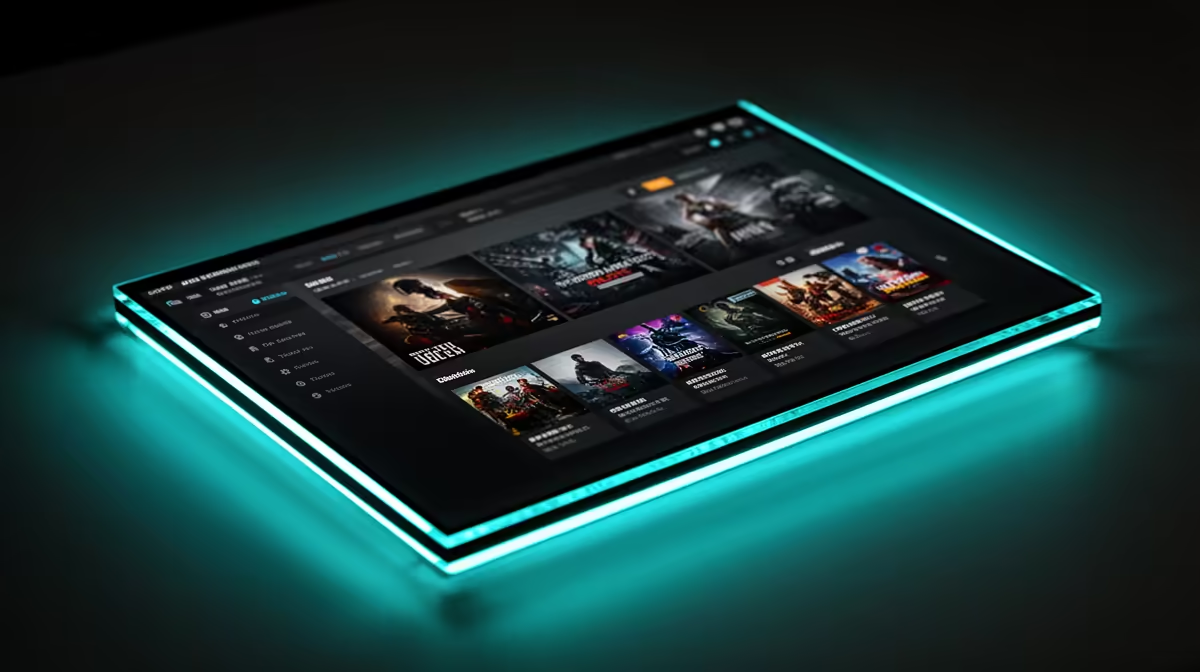
Boot up a retro handheld and the polished menu you scroll through, the one with box art, system folders, and a tidy list of every game, is doing a specific job. That menu is a frontend, and it is the layer that turns a folder of ROM files into something you can actually browse and play. Without it you would be hunting through directories and launching emulators by hand. Names like EmulationStation, Knulli, and OnionOS get thrown around interchangeably, but they are not all the same kind of thing, and the difference is worth knowing before you flash a new card.
Quick Answer
A frontend is the menu layer that organises a handheld's game library and launches the correct emulator for each title automatically. EmulationStation is a frontend used by firmwares like Knulli; OnionOS uses its own custom frontend. Without one, you launch each emulator and find each ROM manually.
What a Frontend Does
Underneath every retro handheld are emulators, separate programs that imitate old consoles. A frontend sits on top of them. It scans your game folders, shows them as a clean menu, and when you pick a title it launches the right emulator with the right settings. Good frontends add box art and metadata so a screen of game covers replaces a list of cryptic filenames. The key job is that mapping: this ROM is a Mega Drive game, so launch the Mega Drive core; that one is a PlayStation disc, so use the PS1 core. You never touch the emulator directly.
EmulationStation, Knulli, and OnionOS
This is where the terms get tangled, so it helps to separate the frontend from the firmware that ships it.
EmulationStation is a frontend. It is a comprehensive, theme-rich interface with box art, descriptions, ratings, and genre tags. It does not run on its own; a firmware bundles it.
Knulli is a custom firmware, the whole operating system for budget handhelds, built on the Batocera foundation and wrapped in EmulationStation. So when you run Knulli, the menu you see is EmulationStation. Knulli's twist is that you configure emulators directly inside that frontend, per system or even per game, instead of diving into the RetroArch menus. It also handles box art scraping, PortMaster support, and Wi-Fi file transfer out of the box.
OnionOS is a different approach again. It is the firmware that made the Miyoo Mini famous, and it uses its own purpose-built frontend rather than EmulationStation: a clean, fast vertical list of systems with box art and a quick game-switcher for hopping between recent titles. Same concept, different menu engine.
Why It Matters When You Buy or Set Up
The frontend shapes the entire feel of the device. A handheld with weak stock software can be transformed by flashing a custom firmware with a better frontend, which is exactly the OnionOS-on-Miyoo story. If you like rich box art and deep per-game tweaking, EmulationStation-based firmwares like Knulli suit you. If you want something minimal and instant, OnionOS-style frontends are quicker to navigate. Either way the hardware underneath has to be capable, and the handheld gaming console range at Evetech covers the devices these firmwares run on.
Most handhelds let you swap firmware on a separate microSD card, so you can try a frontend without touching the stock setup. If you are still deciding which device to start with, the best-selling PCs and devices at Evetech give a sense of what people pair with this kind of tinkering.
Frequently Asked Questions
Is EmulationStation the same as Knulli?
Not quite. EmulationStation is the frontend, the menu interface. Knulli is the full custom firmware that uses EmulationStation as its menu. You run Knulli; the screen you browse is EmulationStation.
Do I need a frontend at all?
For a usable handheld, yes. Without one you would launch each emulator manually and locate ROM files by hand. The frontend automates both, mapping each game to the correct emulator.
Can I change the frontend on my handheld?
Often, yes. Many handhelds let you flash a custom firmware like Knulli or OnionOS onto a separate microSD card, which swaps the frontend entirely without disturbing the original software.
What is the difference between OnionOS and Knulli?
Both are custom firmwares, but Knulli uses the feature-rich EmulationStation frontend, while OnionOS uses its own lightweight, custom interface. Knulli leans toward deep configuration and box art; OnionOS leans toward speed and simplicity.