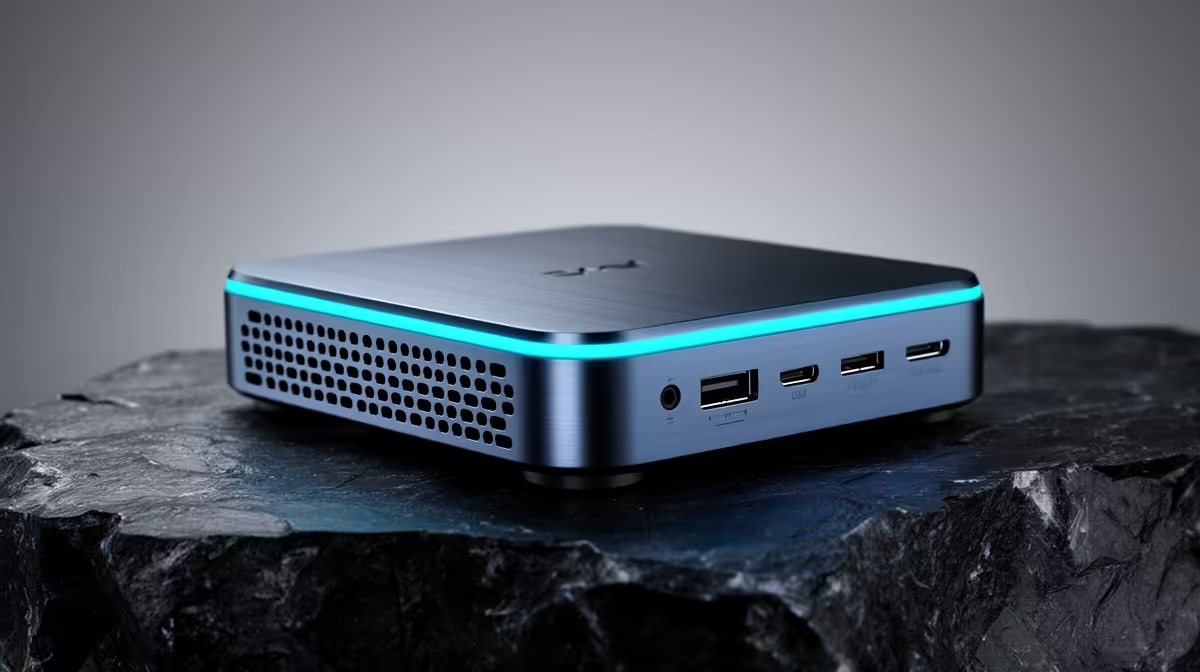
Picture a desktop PC shrunk until it fits in your palm or sits on a stack of paperbacks. That is a mini PC: a complete, working computer built around a low-power chip rather than a full-size desktop motherboard, with the processor, memory, storage and ports all packed into a chassis you could lose behind a monitor. It is not a cut-down toy. It is a real desktop in a tiny shell.
Quick Answer
A mini PC is a fully functional small-form-factor desktop built on a low-power SoC or mobile APU instead of a standard desktop motherboard. That design keeps it palm-to-book sized while still offering the connectivity of a normal desktop: USB, HDMI or DisplayPort, ethernet and wireless.
What makes a mini PC a mini PC
The defining choice is the chip. A normal desktop uses a full-size motherboard and a power-hungry desktop processor that needs a large cooler and case. A mini PC instead uses a system-on-a-chip or a mobile APU, the same efficient silicon family found in laptops, which combines processor and graphics on one low-power package.
That single decision cascades. Lower power means less heat, which means a smaller cooler, which means a tiny case. The result is a machine that draws a fraction of a tower's wattage, runs near silent, and disappears on a desk or behind a screen, yet still boots Windows, runs a browser with a stack of tabs, handles office work and streams video without complaint.
What a mini PC is good at, and where it stops
For everyday computing, a mini PC is genuinely capable. Office work, web browsing, email, video calls, media streaming and light photo editing all run comfortably. Bolted to the back of a TV it becomes a tidy media centre, and on a desk it makes a clean, clutter-free workstation. For a student doing coursework or a professional living in a browser and office apps, it is often all the PC they need.
The trade-off is ceiling. Because it leans on integrated graphics and mobile-class power, a mini PC is not built for demanding gaming at high settings or heavy 3D and video rendering. Those workloads still want a tower with a dedicated graphics card and the cooling to feed it. Knowing that line keeps expectations honest: a mini PC is a superb everyday machine, not a gaming rig in disguise. Browse the mini PC range at Evetech to check which SA-stocked models suit your everyday-to-light-creative workload.
Deciding between a compact machine and a full desktop is easier once you see actual SA buying patterns. The current PC best sellers show how mini PCs stack up against towers in real demand.
Frequently Asked Questions
What is the difference between a mini PC and a laptop?
Both use efficient mobile-class chips, but a mini PC ships without a display, keyboard or battery. You supply your own monitor, keyboard and mouse, making it a stationary desktop replacement rather than something you carry around. It typically provides more port variety and more flexible placement than a laptop.
Can a mini PC replace a full desktop?
For everyday use, yes. Office work, browsing, streaming and light editing all run well. What it cannot replace is a gaming or heavy-rendering desktop, since it relies on integrated graphics rather than a dedicated card. Match it to your actual workload.
Can you game on a mini PC?
Light and older titles, yes, thanks to integrated graphics. Demanding modern games at high settings, no. Those need a dedicated graphics card and the power and cooling a tower provides, which a mini PC's compact, low-power design cannot accommodate.
How much power does a mini PC use?
Far less than a desktop tower, often a fraction of the wattage, because it runs efficient mobile-class silicon. That low draw is why it stays cool, runs quietly and suits always-on roles like a media centre or a tidy desk workstation.