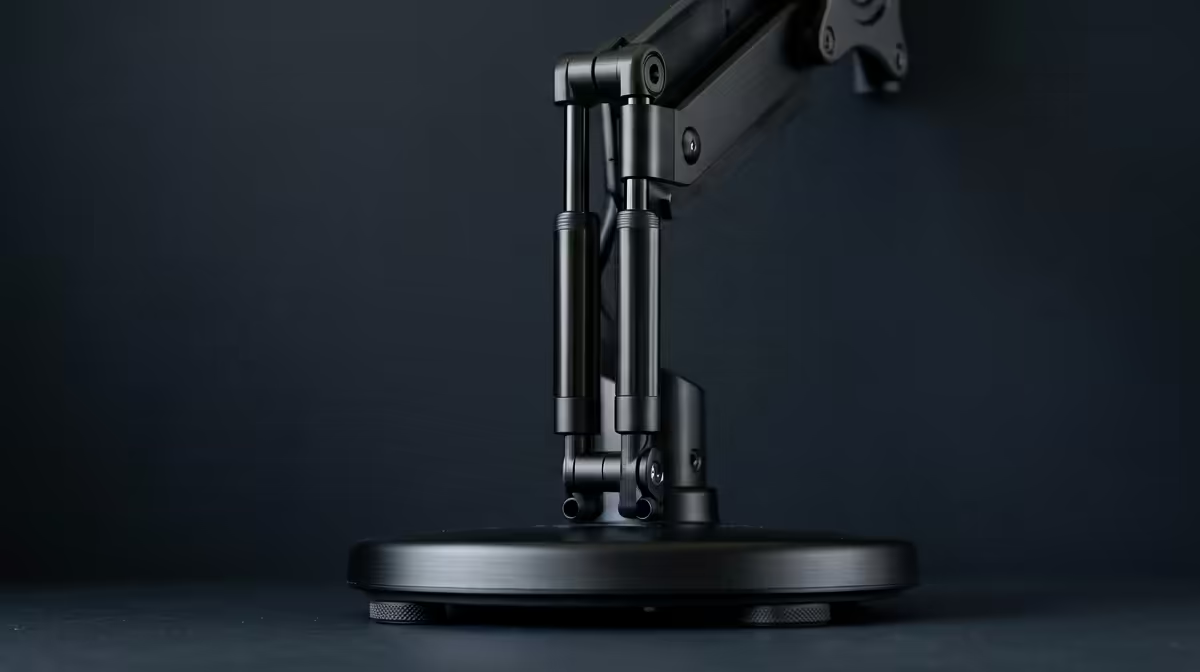
Clear the clutter from beneath your screen and reclaim a strip of desk you forgot you had: that is the everyday payoff of a monitor arm. Instead of a wide factory stand planted in the middle of your desk, the screen floats on a clamped, articulating arm that swings, tilts and rises to wherever you want it. The result is a tidier surface and a display you can put at exactly the right height.
Quick Answer
A monitor arm clamps or grommets to your desk and holds the screen on a jointed arm, freeing the surface and letting you reposition the display for height, tilt, swivel and depth. Removing the factory stand typically reclaims 15 to 20cm of usable desk depth and lets you set the screen at proper eye level.
How a monitor arm holds the screen
The base attaches to the desk in one of two ways. A clamp grips the rear edge, while a grommet mount drops a bolt through a hole in the desk for a more permanent fix. From that anchor, a set of jointed sections extend outward, and the screen attaches to the end through a VESA mounting plate, the standard square hole pattern on the back of most monitors.
The clever part is the gas spring or mechanical tension built into the joints. It counterbalances the weight of the screen so the monitor stays exactly where you leave it, whether pulled close, pushed back or raised high. A gentle push repositions it; let go and it holds.
What it actually changes on your desk
The first thing you notice is space. A factory stand has a footprint that eats the centre of the desk; an arm pushes the whole assembly to the edge, opening up the surface for a keyboard, notebook or coffee without a base in the way.
The second is ergonomics. Most factory stands offer a little tilt and not much height. An arm lets you lift the screen so the top edge sits near eye level, the position that keeps your neck neutral through a long working day. You can also pull the screen closer for detailed work and push it back when you want more distance, all without unscrewing anything.
For dual setups the benefit compounds. Two arms, or a single dual arm, let you angle each screen toward you in a slight curve and align their heights precisely, which is hard to do with two separate stands.
What to check before buying
Three numbers decide whether an arm fits your screen. Check the weight rating against your monitor's mass, since a heavy 32-inch display needs a stronger arm than a light 24-inch one. Confirm the VESA pattern matches, most commonly 75x75mm or 100x100mm. And check your desk: clamp mounts need a desk edge within the arm's supported thickness range, and a grommet mount needs either an existing hole or a desk you are willing to drill.
If the desk itself is part of the upgrade, it is worth setting up the whole workspace together rather than piecemeal. You can browse the gaming and ergonomic desk range at Evetech to find a surface that pairs well with an arm and sits at the right height for your monitor. To see which desk accessories SA buyers rate most highly alongside a tidy setup, the accessories best sellers at Evetech are a quick gauge.
Frequently Asked Questions
What does a monitor arm attach to?
It anchors to your desk, either via a clamp on the rear edge or a grommet bolt through a drilled hole. The screen then attaches to the arm through its VESA mounting plate.
What is VESA and does my monitor have it?
VESA is the standard square hole pattern on the back of most monitors, usually 75x75mm or 100x100mm. Check your monitor's spec sheet, and note that a few thin screens need a small VESA adapter.
How much desk space does an arm free up?
Removing the factory stand typically reclaims 15 to 20cm of usable depth, because the arm pushes the mounting point to the desk edge instead of planting a base in the middle.
Can a monitor arm hold any size screen?
Only within its rated weight and size range. Match the arm's stated maximum weight and screen size to your monitor, since a large heavy panel needs a sturdier arm than a small light one.
Want a cleaner desk and a screen at the right height? Set up your workspace properly with seating and desk gear from the range at Evetech, and give your monitor the room to move.