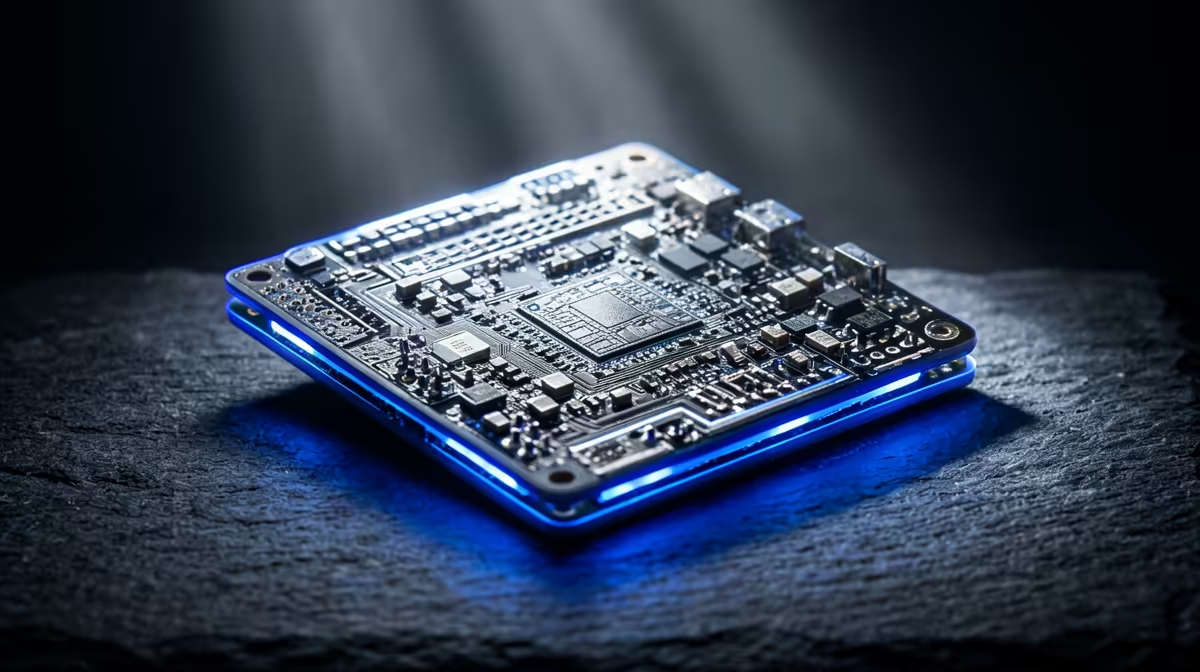
A Raspberry Pi is a full computer shrunk down to roughly the size of a credit card. It has a processor, memory, USB ports, video output and networking on a single small board, and it connects to a monitor and keyboard exactly like a desktop would. The current Pi 5 runs a 2.4GHz quad-core Arm Cortex-A76 processor on the BCM2712 chip and boots Linux straight out of the box. It is cheap, tiny and surprisingly capable.
Quick Answer
A Raspberry Pi is a single-board computer about the size of a credit card. The Pi 5 uses a 2.4GHz quad-core Arm Cortex-A76 CPU on the BCM2712 SoC, plugs into a monitor, keyboard and mouse, and runs Linux from a microSD card. It is a real computer, not a toy.
What "Single-Board Computer" Means
Most computers spread their parts across a motherboard, separate storage drive and various add-in cards. A Raspberry Pi puts the essentials onto one small board: the processor, the RAM, the USB and network ports, video output and power input are all there together. That is what "single-board computer" means, and it is why the whole thing fits in your palm.
The Pi 5's brain is the BCM2712 system-on-chip, which packs a 2.4GHz quad-core Arm Cortex-A76 CPU. Arm is the same family of processor design used in phones and tablets, which is part of why the Pi sips so little power compared with a full desktop.
What It Connects To and Runs
A Raspberry Pi behaves like a normal computer once you plug things in. It takes a monitor over its video output, a keyboard and mouse over USB, and gets onto your network over Wi-Fi or Ethernet. Storage comes from a microSD card, which holds the operating system and your files.
Out of the box it runs Linux, typically the official Raspberry Pi OS. That gives you a desktop, a web browser, a file manager and the standard tools you would expect, so a Pi can serve as a basic everyday computer for browsing, documents and learning to code.
What People Actually Use It For
The Pi's appeal is how many roles one cheap board can fill. People use it to learn programming, to run a home media server, to host small websites or home automation hubs, to power retro gaming projects and to drive electronics projects through its general-purpose pins. Because it is small and frugal with power, it is happy running quietly in a corner around the clock.
If you like the idea of a tiny always-on machine but want something more powerful and ready to use, a compact mini PC covers similar ground with more performance. You can compare the small-form-factor options in the mini PC range at Evetech and see which systems are most popular right now.
Frequently Asked Questions
Is a Raspberry Pi a real computer?
Yes. It has a processor, memory, ports and an operating system, and it runs Linux with a desktop, browser and standard apps. It is a genuine, if small and low-power, computer.
What can I do with a Raspberry Pi?
Common uses include learning to code, running a media or home automation server, hosting small projects, retro gaming and electronics experiments. Its low power draw makes it ideal for always-on tasks.
Does it run Windows?
Out of the box it runs Linux, usually Raspberry Pi OS. It is not designed to run standard desktop Windows, so plan around Linux software when choosing a Pi for a task.
How does it store data?
The Pi boots from a microSD card that holds the operating system and your files. You can also attach USB drives for extra storage, which is common for media-server setups.
Is a mini PC better than a Raspberry Pi?
It depends on the job. A Pi is cheaper, smaller and more power-efficient, while a mini PC offers more performance and usually runs Windows. For demanding everyday computing, a mini PC is the stronger choice.
Want more power than a Pi in a tiny package? Explore the mini PC range at Evetech and find a compact machine that fits your desk and your workload.