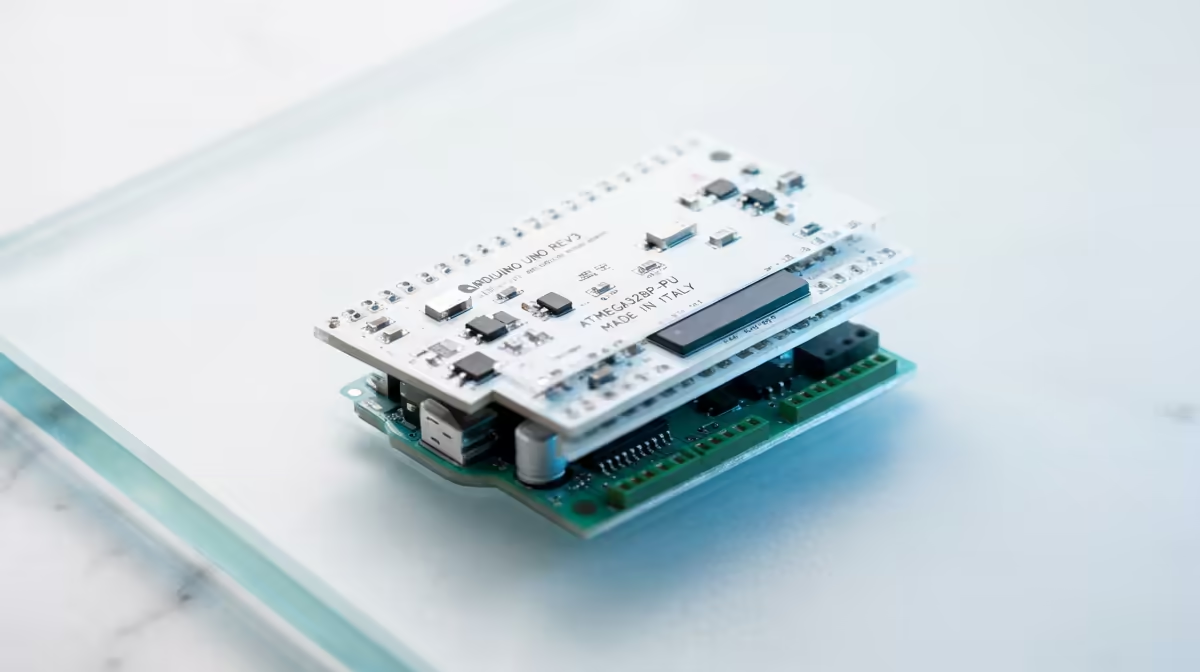
Boards that come loaded with sensors get you a result fast, but they hide the wiring. Arduino does the opposite on purpose. It hands you a bare microcontroller and expects you to build the circuit yourself, which is exactly why it has spent two decades as the board people learn real electronics on, not just coding. You wire the LED, you add the resistor, you understand why both are there.
Quick Answer
Arduino is an open-source electronics platform built around the Uno board, programmed in a language based on C and C++. Unlike boards with sensors built in, it is a blank slate: you add a breadboard and external parts to build any circuit. That hands-on nature makes it the go-to for learning electronics alongside coding, with the current Uno R4 costing roughly R500 to R900 in South Africa.
What Arduino Actually Is
Arduino is not a single product but an open-source ecosystem of boards, free software, and documentation used worldwide for learning and prototyping. The flagship is the Uno. The current generation, the Uno R4, runs a 32-bit Renesas RA4M1 microcontroller, an Arm Cortex-M4 at 48MHz with 256KB of flash and 32KB of RAM, a big step up from the long-running R3. Crucially, being open-source means the designs are public, which is why countless compatible boards and an enormous community of projects exist around it.
The board on its own does very little. It has rows of pins, and what you connect to those pins is the project. That is the deliberate design: Arduino gives you the brain and leaves the body to you.
How You Build and Program It
Because nothing is onboard, the breadboard is your workbench. A solderless breadboard lets you push components, an LED, a resistor, a button, a sensor, into its holes and link them to the Arduino's pins with jumper wires, no soldering needed. You build a circuit physically, then write code to control it. The classic first project is blinking an LED: wire the LED through a resistor to a pin, then write a few lines to switch that pin on and off.
The code is written in a language based on C and C++ in the free Arduino IDE. For a complete beginner the learning curve is gentle, because Arduino simplifies a lot of the harder parts of C and C++ into readable functions, while still being real code you can grow into. A starter kit bundles the board with a breadboard, jumper wires, LEDs, buttons, motors, and sensors so you have everything for the first projects in one box. Those kits and add-on parts sit in the maker and electronics range for anyone starting from scratch.
Who Arduino Suits
Arduino is the right pick for anyone who wants to learn electronics, not only coding. Because you wire every circuit by hand, you learn how voltage, current, resistors, and components actually behave, knowledge a sensors-included board hides from you. It suits hobbyists building gadgets, students taking real electronics courses, and tinkerers prototyping inventions.
It is a steeper first step than a board that runs a program with no wiring, so for a young child's very first taste of coding, a simpler board is gentler. But for a teenager or adult who wants to genuinely understand the hardware, Arduino is the platform that teaches it. The jumper wires, resistors, and small parts that keep a project moving are in the accessories best sellers.
Frequently Asked Questions
Do I need to know how to program before starting Arduino?
No. The language is based on C and C++ but Arduino simplifies the difficult parts into readable functions, so beginners can start with copy-and-modify examples and learn as they build. The gentle curve is part of why it is a teaching standard.
What is the difference between Arduino and a sensors-included board?
Arduino is a blank slate with no onboard sensors, so you wire external parts on a breadboard to build any circuit, which teaches real electronics. Boards with built-in sensors run a first program with no wiring but hide how the hardware works.
What is the Uno R4?
The current generation of the flagship Uno, running a faster 32-bit Cortex-M4 chip with far more memory than the older R3. It comes in a Minima version and a WiFi version that adds wireless and an LED matrix.
Can children use Arduino?
Older children and teenagers can, especially with a starter kit and guidance, since wiring circuits is part of the learning. For a very young child's first experience of coding, a simpler board with no wiring is an easier entry point.