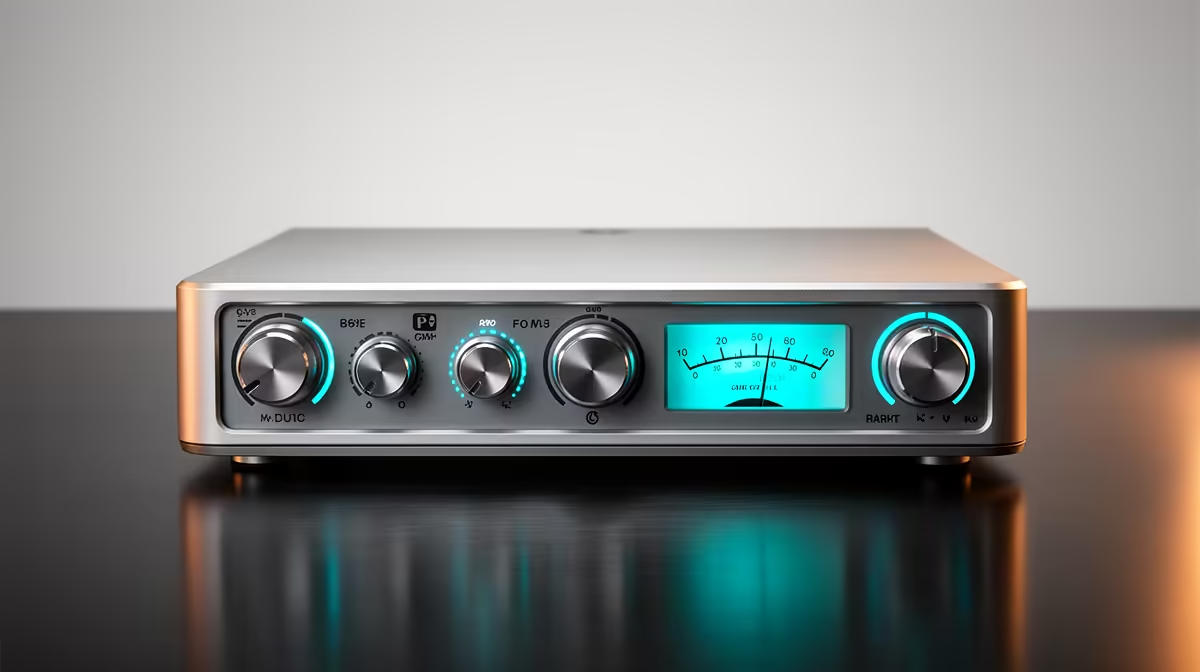
Turn a knob too far and your recording crackles into harsh distortion, turn it too low and you get a thin, hissy whisper you cannot rescue later. That knob controls gain, and getting it right is the single biggest thing separating clean audio from amateur audio. Gain decides how loud your microphone signal arrives before anything else touches it, which is why podcasters and streamers obsess over it.
Quick Answer
Gain is how much a preamp boosts your microphone's raw input signal on its way into the recording chain. Set it so your loudest speaking peaks land around minus 12 decibels on the meter: low enough to avoid clipping, high enough to stay above the noise floor. Too little gain forces you to amplify a quiet, noisy track in post, and too much causes clipping distortion that is permanent.
Gain versus volume
People mix these up constantly, but they sit at opposite ends of the chain. Gain is at the input, controlling how strongly the signal enters your interface or mixer. Volume is at the output, controlling how loud the already-captured signal plays back. Crank volume on a clipped recording and you just get a louder version of the distortion, because the damage happened at the input stage. That order is why gain matters more: it sets the quality of what you capture, and everything downstream inherits it.
A quieter microphone capsule needs more gain to reach a healthy level, and that extra boost also lifts the preamp's own hiss. This is the link between your mic choice and how much gain you can run cleanly. You can compare capsule sensitivity across the headset and microphone range at Evetech when picking gear for voice work.
How to set gain without clipping or noise
Open your recording software and watch the input meter while you talk at the volume you will actually use, not a polite test voice. Raise the gain until your loudest natural peaks hit roughly minus 12 decibels, leaving headroom so a sudden laugh or emphasis does not slam into the red. If the meter touches the top, you are clipping and need to pull gain down. If your speech barely moves the meter, raise gain until it sits in that healthy band.
The trade-off to respect is the noise floor. Every preamp adds a little hiss, and the more gain you apply, the more audible that hiss becomes alongside your voice. The fix is to get closer to the mic so you need less gain for the same level, rather than pushing gain hard on a distant mic. Closer mic plus moderate gain almost always beats far mic plus heavy gain.
Why clipping cannot be undone
When a signal exceeds the maximum the system can represent, the tops of the waveform are flattened off and that information is simply gone. No plugin can reconstruct what was never captured, so a clipped vowel stays harsh forever. Noise, by contrast, is sometimes reducible, but it is far easier to capture a clean signal at the right gain than to repair a damaged one. Setting gain correctly at the source is the only real fix.
Frequently Asked Questions
What gain level should I aim for when recording voice?
Set peaks around minus 12 decibels, with your loudest moments staying below minus 6. That gives a strong signal with enough headroom that an unexpected loud word will not clip.
Why does my recording sound hissy even though it is quiet?
You likely set gain too low at the input, then raised volume afterwards, which lifts the hiss along with the voice. Capture at a healthy gain instead so you are not amplifying noise later.
Is gain the same as turning up the volume?
No. Gain boosts the signal entering your system, while volume adjusts playback at the output. Fixing a poorly captured signal with volume only makes its flaws louder.
Can I fix clipping in editing?
Not properly. Clipping permanently removes the peaks of the waveform, so the harsh distortion stays. The only reliable fix is to lower gain before you record.
Does my microphone affect how much gain I need?
Yes. A less sensitive capsule needs more gain to reach a usable level, and that extra boost raises the noise floor. A more sensitive mic, or simply moving closer, lets you run lower, cleaner gain.
Which headsets do SA creators actually use for monitoring gain?
Closed-back headsets are the standard choice because they keep the monitoring signal from leaking back into the mic. The best-selling headsets at Evetech skew heavily toward closed-back designs, which is exactly what you want when dialling in gain and checking for noise or distortion.