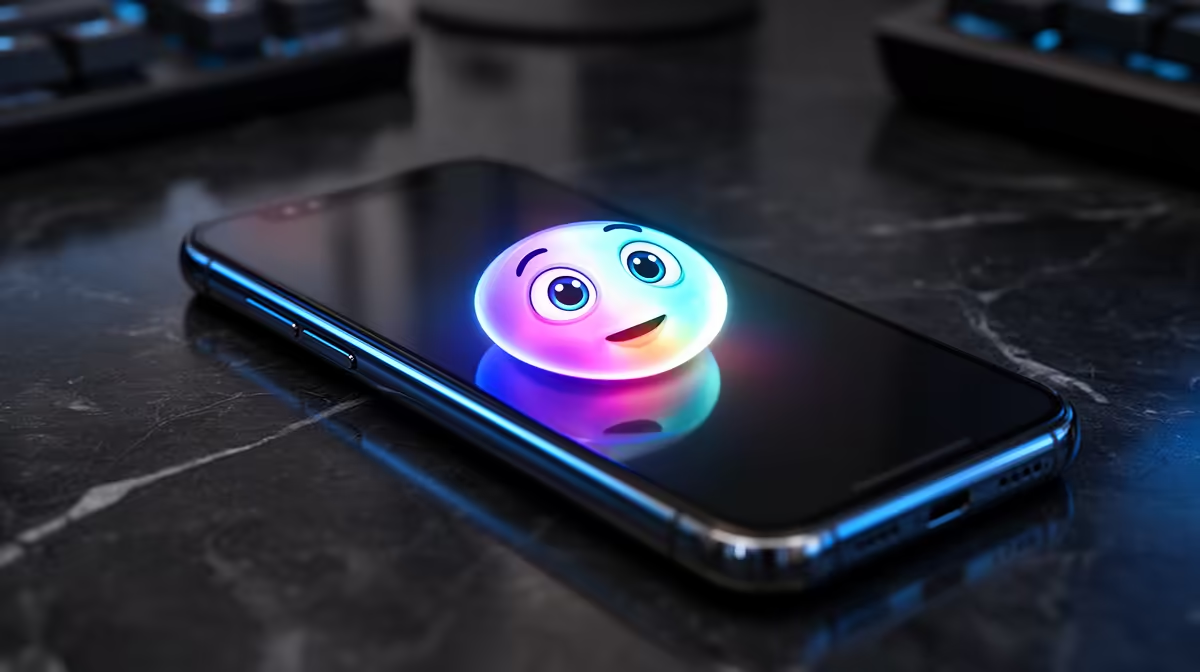
Type "a corgi wearing sunglasses on a surfboard" into Messages and watch your iPhone build a brand new emoji on the spot. That is Genmoji, Apple Intelligence's text-to-emoji generator, and it goes well past the fixed Unicode set everyone has been recycling for years. Each one is generated on your device, dropped inline like any other emoji, and shared straight into a conversation or saved as a sticker.
Quick Answer
Genmoji creates a custom emoji from a typed description using Apple Intelligence, on iPhone 15 Pro, the full iPhone 16 line, and M-series iPad and Mac. It first arrived in iOS 18.2 and runs on-device, so the description you type is turned into a small emoji-style image without leaving your phone.
What Genmoji actually does
The standard emoji keyboard is a fixed library. Genmoji removes that ceiling. You open the emoji keyboard, tap the Genmoji option, and describe what you want in plain language. Apple Intelligence returns a few options, you pick one, and it behaves like a normal emoji from then on, sitting inline in your text rather than as a separate attachment.
You can also base a Genmoji on a person from your Photos library, so a description like "my friend as a superhero" pulls in their likeness. The results are deliberately emoji-styled rather than photorealistic, which keeps them readable at small sizes in a chat bubble.
Which devices and software you need
Genmoji is part of Apple Intelligence, so the hardware bar is the same. That means an iPhone 15 Pro or Pro Max, any iPhone 16 model, or an iPad and Mac with an M-series chip. Older iPhones without the Pro chipset cannot generate Genmoji, although they can still receive and view them once they are running a recent enough iOS or macOS version. For a direct look at which M-series MacBooks are in stock and priced in Rand, the MacBook range at Evetech has the full current selection.
Where you can use them
Genmoji slot most naturally into Messages, where they appear inline or as a tapback-style reaction. Because they register as images, you can also drop them into other apps that accept stickers or inline images, including notes, mail, and many third-party messaging apps. On a Mac, the same creator is built into the system, so a Genmoji you make on your phone syncs across your Apple devices.
How it differs from Memoji and stickers
Memoji are animated avatars you customise from a set of fixed features. Genmoji are generated from free text, so the range is effectively open-ended rather than menu-driven. Stickers are static images you create or download. Genmoji blur the line by acting like an emoji while being freshly generated, which is why they feel different to use day to day. If you want to check which portable options South African buyers are picking up right now, the laptop best sellers at Evetech shows the current demand at a glance.
Frequently Asked Questions
Does Genmoji work offline?
Generation happens on-device, so it does not depend on a constant connection in the way cloud image tools do. You do need the feature enabled and Apple Intelligence set up, but the heavy lifting runs on the phone's own silicon.
Can people on Android see my Genmoji?
They appear as images rather than true emoji on non-Apple devices, so an Android recipient sees the picture but cannot react to it as an emoji. Between Apple devices on recent software they behave like proper inline emoji.
Why can't I find Genmoji on my iPhone?
The most common reason is hardware. Genmoji needs an iPhone 15 Pro or any iPhone 16, plus Apple Intelligence switched on in Settings. On an unsupported model the option simply will not appear in the emoji keyboard.
Are Genmoji saved anywhere?
Yes, the ones you create are stored so you can reuse them, and they appear in a recents row in the emoji keyboard. You can also manage and delete them, which keeps the list from filling up with one-off creations.
Is Genmoji free to use?
There is no separate charge. It is bundled into Apple Intelligence on supported devices, so once you have qualifying hardware and the feature enabled, generating emoji costs nothing extra.
Want a Mac that runs Genmoji and the rest of Apple Intelligence without compromise? Compare the M-series options in the MacBook range at Evetech and pick the one that fits your work.