

Ever potatoed an easy headshot in Valorant because your crosshair zipped past the target? You are not alone. Many South African gamers crank their sensitivity to the max. They think faster is always better. The truth is much simpler. Understanding mouse DPI is the secret to landing those crisp flicks.
Breaking Down the Basics
Let us start with the absolute basics. DPI stands for Dots Per Inch. It measures how many pixels your cursor moves on screen. This happens for every inch you move your mouse on the desk. A higher DPI means your cursor flies across the monitor with a tiny wrist flick. A lower DPI requires more physical arm movement.
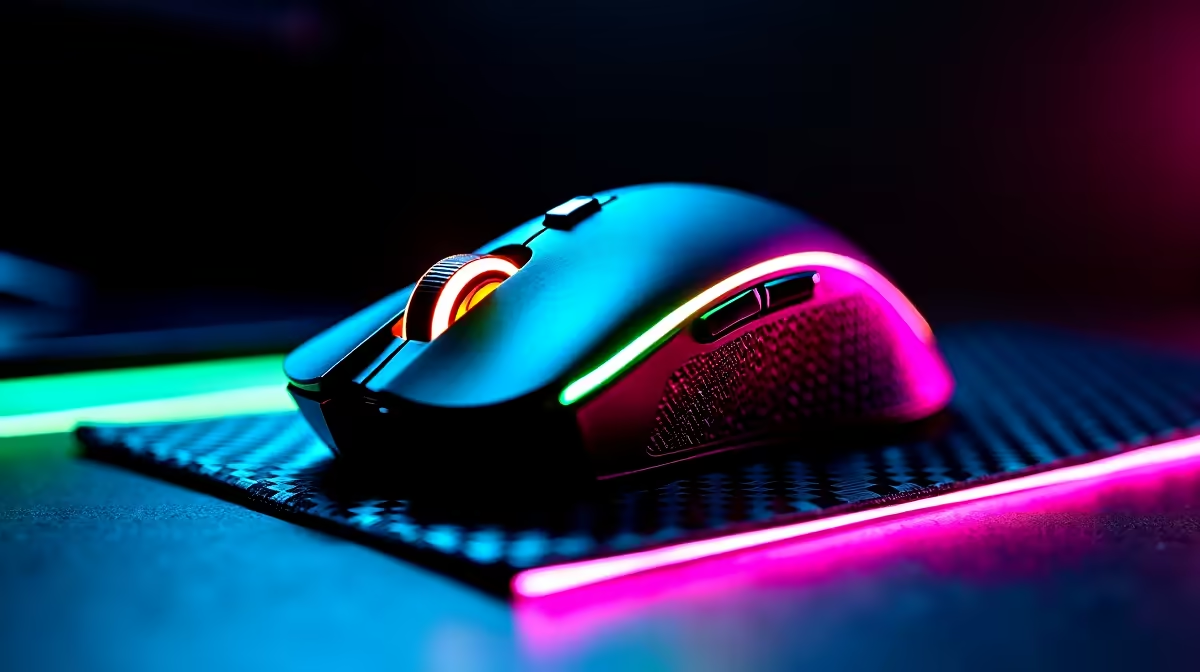
Having a top-tier sensor is vital. If your current peripheral is spinning out during fast swipes, you have a hardware problem. It might be time to browse a new gaming mouse to ensure flawless tracking.
How to Find Your Perfect Setting
Finding your perfect setting depends entirely on what you play. Competitive FPS players usually stick to a low mouse DPI. They generally sit around 400 to 800. This requires large arm sweeps but offers incredible precision. MOBA or RTS players often prefer higher settings for faster map panning.
If you are rocking a high-refresh-rate monitor, your mouse needs to keep up. A display powered by one of our best gaming PC deals paired with the right DPI makes a massive difference. ⚡
Sensitivity Pro Tip 🎯
Do not just look at DPI. Calculate your eDPI (Effective DPI) by multiplying your mouse DPI by your in-game sensitivity. This helps you keep a consistent feel across different games... even if you switch hardware.
Turn Off Enhanced Pointer Precision
Before you test a new setting, you must optimise Windows. Go to your system settings and disable "Enhance pointer precision". This is just a fancy term for mouse acceleration. It artificially speeds up your cursor based on hand speed. This destroys your hard-earned muscle memory. You want raw input for true accuracy.
Do Not Forget Your Mousepad
Your mouse DPI is only half the equation. The surface you play on matters just as much. A rough, worn-out mousepad creates unwanted friction. This makes micro-adjustments feel muddy and inconsistent. A fresh cloth pad offers smooth glide and stopping power. This ensures your perfect setting feels exactly right every single time.
Matching Your Hardware to Your Playstyle
Your DPI settings mean nothing if your system lags. A solid rig ensures your inputs register instantly. Perhaps you are hunting for hassle-free pre-built PC deals. Or maybe you prefer portable power from our massive range of laptops. Either way, consistent frame rates are essential.
Do not forget to keep an eye on your budget. You can often find premium gear with flawless sensors by checking out the latest Evetech specials. This saves you precious ZAR while actively boosting your aim. 🚀
Ready to Upgrade Your Aim? Finding your perfect DPI is just the first step. To truly dominate the lobby, you need the right gear in your hands. Explore our massive range of gaming mice and find the perfect peripheral to conquer your favourite games.











