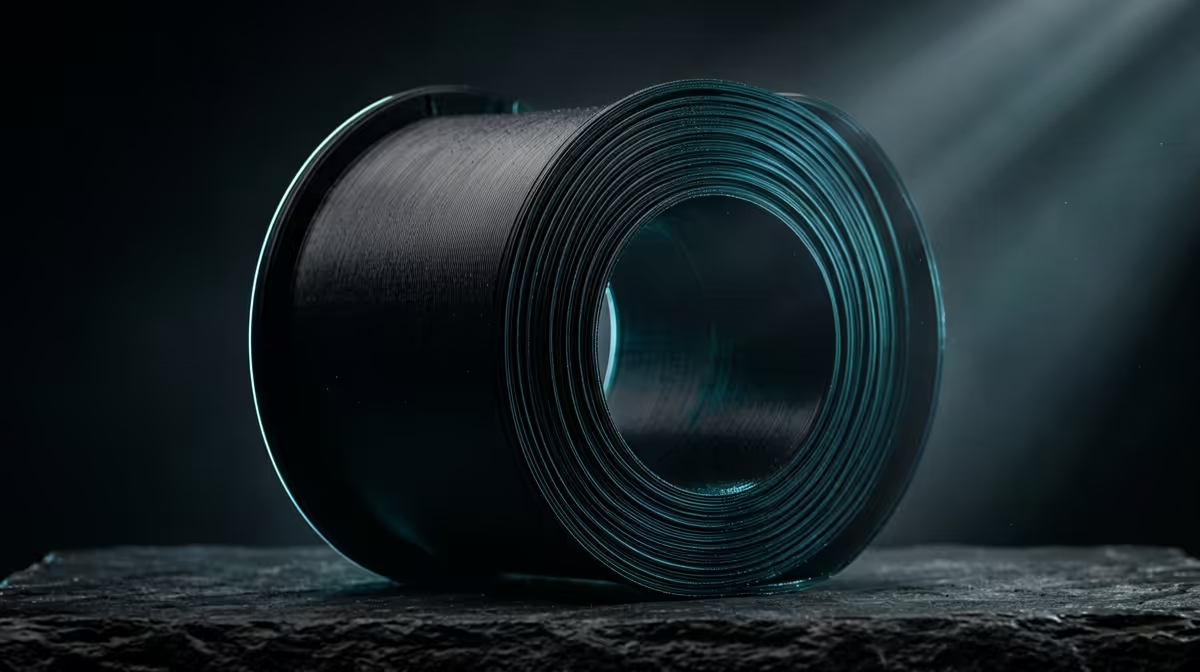
Spool up some PETG filament and you get a material that prints almost as easily as PLA but shrugs off heat, impact and chemicals the way ABS does. The catch is the stringing. PETG melts into a sticky, slightly gooey state that loves to leave thin wisps of plastic strung between your model's towers and gaps, and it soaks up moisture from the air faster than most hobby filaments. Tame those two traits and you have one of the most genuinely useful materials on the bench.
Quick Answer
PETG (polyethylene terephthalate glycol) is a tough, semi-flexible filament that prints at roughly 230 to 250 degrees Celsius with a 70 to 90 degree bed. It resists impact, heat and chemicals far better than PLA, but it strings badly unless you tune retraction and dry the spool first.
What PETG Actually Is and Where It Sits
PETG is PET, the same plastic used in water bottles, with glycol added to stop it crystallising and going brittle. That tweak gives you a filament that stays clear or richly coloured, bonds layers strongly, and bends a little under load instead of snapping. It lands between PLA and ABS on almost every axis: tougher and more heat resistant than PLA, easier and less smelly to print than ABS, and more forgiving of a slightly imperfect first layer than either.
Typical uses where it earns its keep: functional brackets, phone and laptop stands, outdoor parts that see Cape Town sun, project enclosures, and anything that needs to flex slightly without cracking. If you are buying a new machine to print these parts, the current 3D printer lineup covers entry units that handle PETG out of the box once you adjust the temperature profile.
Why PETG Strings and How to Stop It
Stringing happens because molten PETG stays tacky and tends to ooze from the nozzle during travel moves. Four settings fix most of it:
Dry the filament first. PETG is hygroscopic, meaning it pulls water out of the air, and wet filament pops and strings no matter how good your other settings are. A few hours in a filament dryer or a low oven sorts it.
Tune retraction. Start around 4 to 6mm on a Bowden setup or 1 to 2mm on direct drive, then nudge it up until the wisps disappear.
Drop the temperature in 5 degree steps. Hotter PETG strings more, so print at the lowest temperature that still gives clean layer bonding.
Raise travel speed and enable combing so the nozzle spends less time dragging over open air.
Bed Adhesion and Surface Finish
PETG sticks aggressively, sometimes too aggressively. Use a glue stick or a thin layer of release agent on glass or PEI, otherwise it can tear chunks off the build surface. Keep the first layer slightly higher than you would for PLA to avoid the nozzle smearing into the bed. The reward is a glossy, durable finish that holds up to handling. A few extras such as nozzles, glue sticks and a dryer live in the 3D printing accessories worth keeping on hand.
Frequently Asked Questions
What temperature should I print PETG at?
Most PETG prints cleanly between 230 and 250 degrees Celsius with a bed at 70 to 90 degrees. Start in the middle of that range and adjust based on layer adhesion and stringing.
Is PETG stronger than PLA?
Yes, meaningfully so. PETG absorbs impact and flexes instead of shattering, and it tolerates heat and chemicals far better, which makes it the better pick for functional parts that take real stress.
Why does my PETG keep stringing?
The two usual culprits are damp filament and too little retraction. Dry the spool, then lower the print temperature and increase retraction distance in small steps until the threads stop.
Can any 3D printer use PETG?
Almost all FDM printers can, since the required temperatures sit within normal hotend and bed ranges. You mainly need an adjustable temperature profile and, ideally, a way to keep the filament dry.
Ready to start printing tougher parts? Browse the 3D printer range and consumables at Evetech and pick up a machine that handles PETG comfortably.