A four-year-old who cannot yet read can still tell a robot to drive forward three squares, turn, and stop. That is the whole idea behind screen-free coding: teaching the logic of programming through physical buttons and cards instead of an app on a tablet. The child plans a sequence, sends it, watches the robot obey or get it wrong, and fixes the plan. They are debugging before they know the word.
Quick Answer
Screen-free coding uses button-driven robots like Botley 2.0 to teach sequencing, logic, and debugging with no tablet, phone, or computer involved. It suits children roughly aged four to seven, and Botley can store sequences of up to 150 steps entered entirely through a handheld remote. The appeal for parents is real coding logic with zero screen time.
How a Screen-Free Coding Robot Works
The mechanics are deliberately simple. A robot like Botley 2.0 comes with a remote programmer covered in directional buttons. The child presses forward, left, right, and so on to build a sequence, then hits a transmit button to send the whole instruction set at once. The robot runs the sequence step by step. If it ends up in the wrong place or bumps an obstacle, the child rethinks the order of commands and tries again.
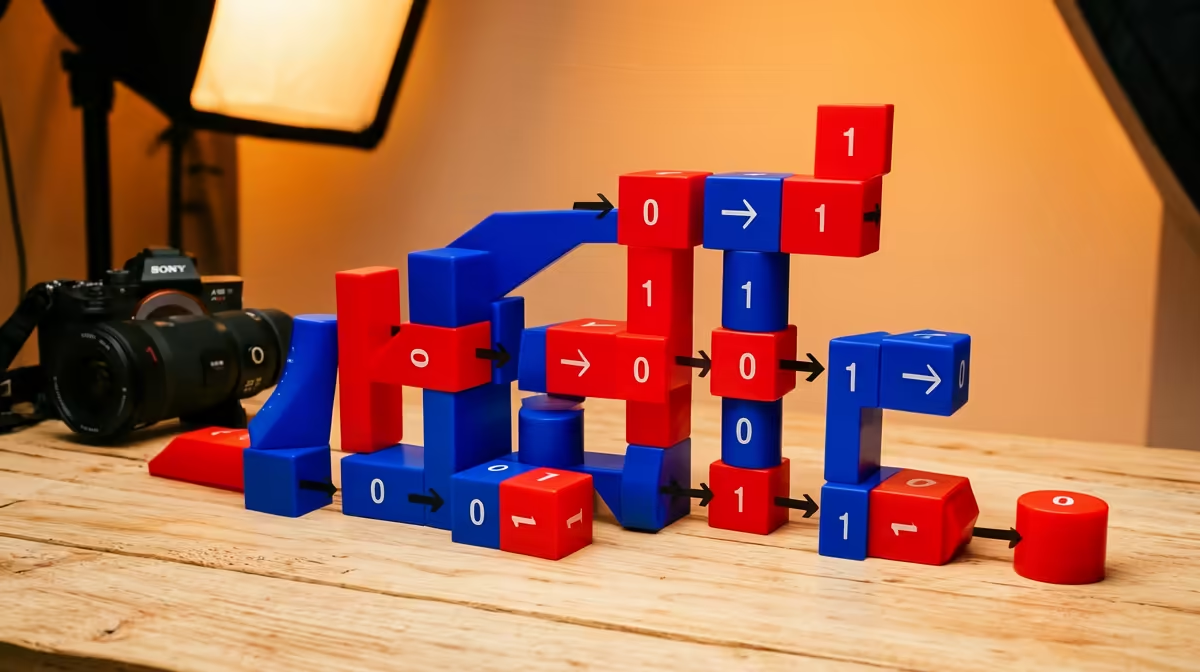
That loop of plan, run, observe, correct is the same loop a software developer lives in, stripped down to its essence. No syntax, no typing, no screen. A young child grasps cause and effect by watching the robot physically carry out exactly what they told it to do, which makes the consequences of a wrong step obvious and concrete.
What It Actually Teaches
The headline skill is sequencing, putting steps in the correct order to reach a goal. Close behind is debugging, spotting why a sequence failed and changing it. Botley 2.0 also introduces conditional logic, with sensors that let the robot follow a black line or react when it detects an object, so a child can build a plan that responds to its surroundings rather than running blind. None of this is framed in jargon. The child just plays, and the thinking sticks.
For South African families managing screen time, the no-screen part is the selling point. The learning happens on the floor with a physical robot and printed coding cards, not on a glowing display. Many of these robots and similar STEM playthings live in the smart home and learning gadgets section, and you will find related kits and add-ons among the top-selling accessories.
Is It Right for Your Child's Age?
Botley 2.0 is pitched at around five to seven, where children can independently plan multi-step sequences. A four-year-old can absolutely use it, but expect to sit alongside them, because instructions like press forward three times then hit the blue button need an adult to scaffold at first. By six or seven most children run it solo and start inventing their own challenges, which is exactly when the logic begins to transfer.
Frequently Asked Questions
What age is screen-free coding best for?
Roughly four to seven years old. A four-year-old will need a parent guiding each session, while five to seven year olds can usually build and debug sequences on their own.
Does my child need to read to use a coding robot?
No. The commands are directional buttons and pictures, not words, so a pre-reader can build and run sequences purely by recognising symbols and watching the robot respond.
How is this different from a coding app on a tablet?
A coding app still puts a screen in front of the child. Screen-free coding moves the same logic, sequencing, and debugging onto physical buttons and a real moving robot, with no display involved at all.
Will it actually prepare a child for real programming later?
It builds the underlying habits, breaking a goal into ordered steps, predicting outcomes, and fixing what does not work. Those are the foundations of programming, so the jump to block-based or text coding later feels natural.