


Quick Answer
The best single-screen gaming and workstation monitor is a 27-inch to 32-inch panel with QHD or 4K resolution, 144Hz to 240Hz refresh rate, USB-C connectivity for laptop integration, and an IPS or OLED panel with 95% or better DCI-P3 coverage. A 27-inch QHD 240Hz IPS in the R6,000 to R10,000 range hits all requirements for most mixed-use desks, with OLED options from around R12,000 for users prioritising gaming visual quality.
Choosing Size and Resolution for a Mixed-Use Desk 🖥️
At 60cm desk depth, standard for most South African home office and student desks, 27 inches at 65 to 70cm viewing distance is consistently comfortable for both gaming and document work. At 32 inches on the same depth, the screen edges fall into peripheral vision during productivity tasks, which some users find distracting rather than immersive. At QHD on 27 inches, 109 PPI handles spreadsheets, browsers, code editors and games equally well. At 4K on 27 inches, 125% to 150% OS scaling reduces effective logical workspace to roughly QHD equivalence while increasing GPU load for gaming.
Connectivity That Makes a Single-Screen Setup Work 🔧
USB-C with 65W or higher power delivery connects a work laptop on a single cable while charging it, eliminating a separate dock. HDMI 2.1 allows a console as a third source. Two DisplayPort connections allow hot-switching between a gaming desktop and a work PC. A built-in USB hub connects keyboard, mouse and webcam to the monitor so peripherals follow the active source automatically.
Balancing Gaming and Productivity Colour Needs 🎨
A gaming and productivity monitor needs two colour modes: a game-optimised profile with enhanced contrast for gaming, and a calibrated sRGB or P3 profile for presentations, editing and video calls. Most monitors at 144Hz and above in the R8,000-plus range include quick-access OSD presets that toggle between modes in under three seconds. For South African freelancers using the same screen for client work and evening gaming, this switching capability matters as much as the panel specification.
Position Bias Lighting for Both Gaming and Work Comfort ⚡
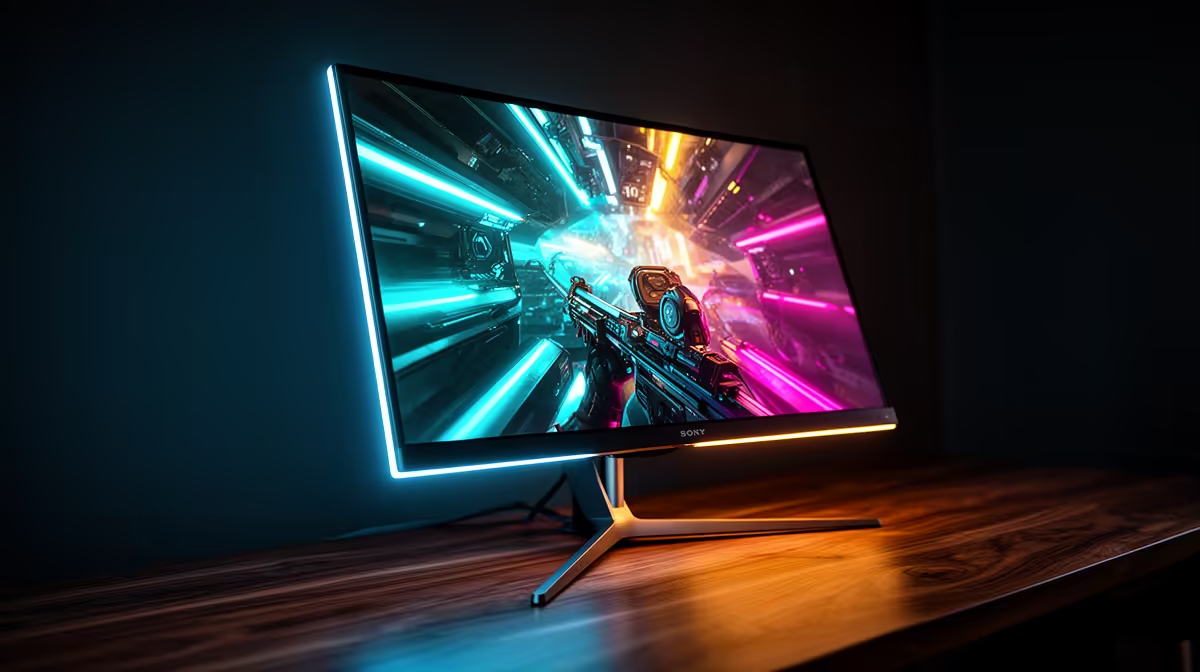
A bias light strip behind the monitor raises ambient brightness around the screen, reducing eye adaptation load during long mixed-use sessions. Set the bias light to neutral 6,500K white at 10% to 15% of screen brightness. This level is subtle enough for professional video calls and effective enough to reduce gaming eye strain, making it a set-once solution for a mixed-use South African home office desk.
FAQ
Is a curved or flat monitor better for a combined gaming and workstation setup?
Flat panels are the better choice for combined gaming and productivity. Curved monitors enhance gaming immersion but distort straight lines at the curved edges, noticeable during document work and video calls. For gaming-primary setups with occasional productivity, a gentle 1500R curve is a reasonable compromise.
How do I manage multiple devices on a single monitor in a South African home office?
A built-in KVM switches keyboard and mouse between machines simultaneously. Without KVM, a USB switch device costing R300 to R800 achieves the same result manually. Fibre from Vumatel or Openserve handles video conferencing on whichever machine is active.
How important is stand quality for a long-term single-screen setup?
Very important. A fixed stand that cannot reach the correct height causes cumulative neck and shoulder strain over months of daily use combining gaming and work. A stand with 100mm or more height adjustment and 15-degree or greater tilt is essential for eight-hours-plus daily use. If the included stand is inadequate, a VESA-compatible monitor arm at R600 to R1,500 is a better investment than upgrading the monitor itself.
Building the perfect single-screen gaming and workstation setup? Evetech stocks monitors with USB-C connectivity, ergonomic stands and panel quality for mixed gaming and productivity use. Browse the full monitor range at Evetech to find a screen that works as hard as your workflow demands.










