


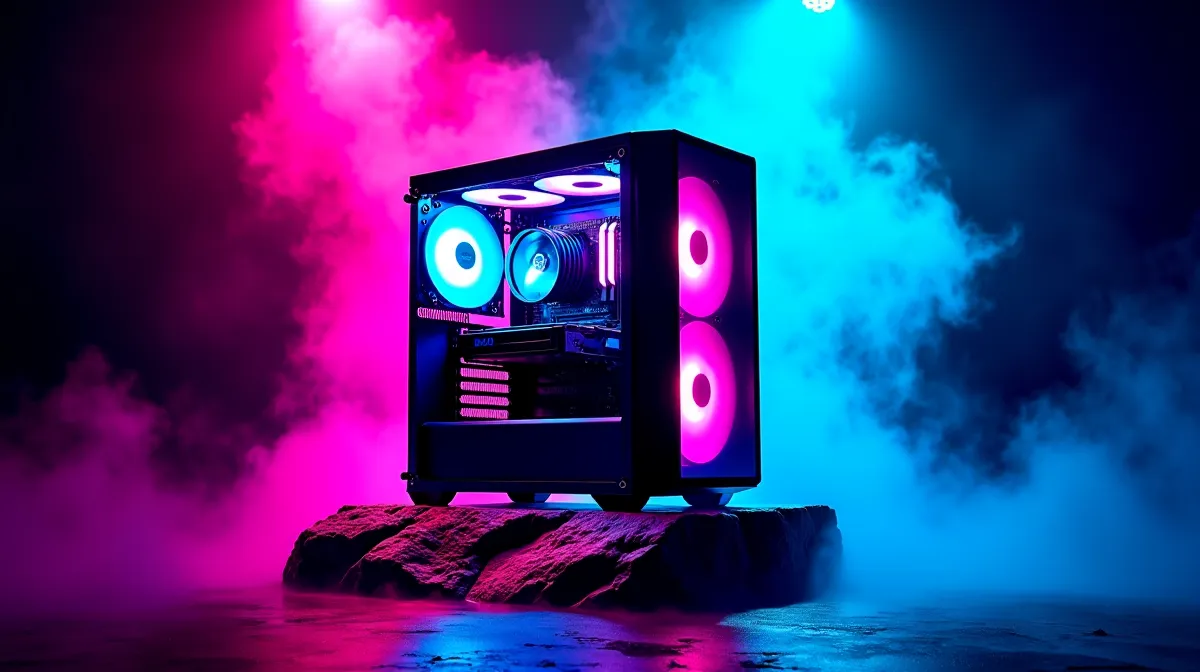
The cheapest way to build a gaming PC in South Africa in 2026 that actually runs modern games properly is to target the R8,000–R12,000 range using a current-gen APU (processor with integrated graphics), which eliminates the need for a separate GPU entirely. Going below R8,000 means too many compromises that result in a machine that can't handle 2026 titles. Here's the exact approach, component priorities, and where to save versus where to spend.
🎮 The APU-First Strategy: No Dedicated GPU Needed
Why an APU Is the Budget King
An APU — a CPU with powerful built-in graphics — is the single best money-saving decision for a budget gaming build. AMD's Ryzen 5 8600G and similar APUs include Radeon 700M-series integrated graphics that handle 1080p gaming at low-to-medium settings in most titles. You skip the R5,000–R8,000 GPU cost entirely, which is the single largest component expense in any gaming PC.
At 1080p low-medium settings, an 8600G delivers playable frame rates (40–60+ FPS) in popular titles like Fortnite, Valorant, CS2, Minecraft, and many AAA games with settings turned down. It's not a 144Hz ultra-settings experience, but it's genuinely playable gaming that gets you started. When budget allows later, you can add a dedicated GPU and immediately jump to a completely different performance tier.
⚡ Where to Spend and Where to Save
Spend on: CPU/APU, RAM, and Storage
Your APU is the foundation — don't cheap out here. Fast DDR5 RAM matters more for APU builds because the integrated graphics share system memory. 16GB of DDR5-5600 or faster gives the iGPU the bandwidth it needs. For storage, a 500GB NVMe SSD (around R600–R800) is the minimum — it's your boot drive and game storage in one.
Save on: Case, PSU (Within Reason), and Motherboard
A budget mid-tower case (R400–R800) works perfectly. Your PSU only needs to be 450–550W since there's no power-hungry GPU — look for an 80+ rated unit from a known brand in the R600–R900 range. The motherboard needs to be compatible (AM5 socket for current AMD APUs) with DDR5 support, but you don't need premium VRMs or extensive connectivity — a B650 board in the R1,800–R2,500 range does the job.
Don't Skip: A Decent Cooler
The stock cooler included with most APUs is functional but runs warm and loud under gaming loads. Spending R300–R500 on a basic tower cooler drops temperatures meaningfully and reduces noise. It's a small investment that improves the daily experience.
💰 Sample Budget Build Breakdown (R10,000–R12,000)
Here's a realistic component allocation for a budget gaming PC build in SA in 2026: APU (Ryzen 5 8600G or similar) at R3,500–R4,500, motherboard (B650 AM5) at R1,800–R2,500, RAM (16GB DDR5-5600) at R1,000–R1,400, SSD (500GB NVMe) at R600–R800, PSU (500W 80+) at R600–R900, case (budget mid-tower) at R400–R800, and CPU cooler (basic tower) at R300–R500. Total: roughly R8,200–R11,400 before peripherals.
If you already have a monitor, keyboard, and mouse, this build gets you gaming for under R12,000. If you need peripherals too, add R1,500–R3,000 for a basic monitor and keyboard/mouse combo.
Check Evetech's gaming PC deals to see if a prebuilt at this price point makes more sense — sometimes bundle pricing beats individual component costs.
🔧 The Upgrade Path: Why This Approach Wins Long-Term
The beauty of the APU-first approach is that every component remains useful when you upgrade. When you eventually add a dedicated GPU (say, an RX 7600 or RTX 4060 in 6–12 months), your APU becomes a pure CPU (and it's a good one), your RAM, SSD, PSU, case, and motherboard all stay exactly as they are. You're not throwing anything away — you're building a foundation.
This is genuinely the cheapest path that doesn't result in buyer's regret. Builds below R8,000 typically require compromises that limit upgradability — older platforms, DDR4 with no upgrade path, or weak PSUs that can't handle a future GPU.
Budget Build Pro Tip ⚡
Buy an APU build now and add a dedicated GPU later rather than buying a cheap GPU now that you'll replace entirely. The APU approach gives you a working gaming PC today AND a clean upgrade path tomorrow — without wasting money on a throwaway graphics card.
🇿🇦 Where to Buy Components in SA
Component pricing in South Africa is consistent across major retailers — the same GPU or CPU costs the same whether you're in Joburg or Durban. Bundle deals (CPU + motherboard + RAM kits) often save R500–R1,500 over buying individually. Browse Evetech's upgrade kits for pre-matched component bundles at package pricing.
Ready to Start Your Build? Browse gaming PCs, upgrade kits, and individual components at Evetech — competitive rand pricing, local warranty, and delivery across South Africa. Shop Gaming PCs at Evetech.










