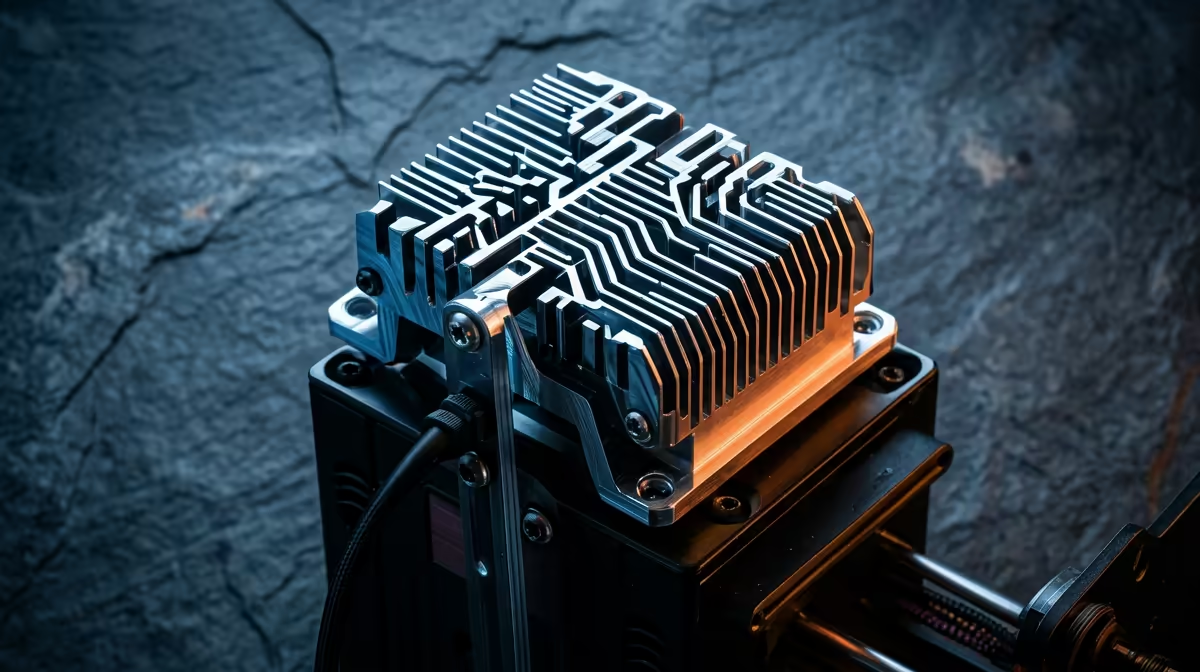
That cluster of aluminium fins sitting above the nozzle on your printer is doing one of the most underrated jobs in the whole machine. The heat sink on a 3D printer hotend keeps the upper section of the assembly cool so filament stays rigid until the exact moment it should melt. Get that wrong and you get jams, skipped layers, and a print that stops feeding halfway through a job.
Quick Answer
The finned heat sink, working with its small cooling fan, pulls heat away from the upper hotend so the "cold zone" stays below the filament's softening point (roughly 60 to 70 degrees for PLA). That keeps the plastic firm until it reaches the melt zone at the nozzle, preventing the soft, swollen plug that causes heat creep jams.
What the heat sink actually does
A filament-deposition hotend is really two thermal regions fighting each other. At the bottom, the heater block sits at 200 degrees or more so plastic flows. Just above it, the filament needs to stay solid and stiff so it can be pushed like a piston. The job of separating those two regions falls to the heat break, a thin-walled tube, and the heat sink bolted on top of it.
The fins increase surface area dramatically, and the fan blowing across them carries warmth away into the room. The result is a steep temperature drop over a few millimetres: hot at the nozzle, cool at the top. That gradient is what lets a solid strand of filament push molten plastic out the tip.
If you are setting up or maintaining a machine, the printers and spares in the Evetech 3D printer range come with this active cooling already tuned, which saves a lot of early frustration.
Why heat creep causes jams
Heat creep is the failure this whole system exists to prevent. When the cold zone gets too warm, filament starts softening before it reaches the nozzle. Soft filament swells slightly against the tube walls, grips, and stops moving. The extruder motor keeps pushing, the gear grinds a flat spot into the strand, and feeding stops entirely.
This usually shows up after a few minutes of printing, not at the start, because the heat needs time to migrate up. It also gets worse during retraction-heavy prints, where filament repeatedly pauses inside the warm zone. A healthy heat sink and fan keep that upper section cool enough that the plastic never gets the chance to soften where it shouldn't.
When the cooling fails
The most common real-world cause of sudden jamming is the hotend fan dying or getting clogged with dust. Without airflow, the fins cannot shed heat, the cold zone climbs, and heat creep sets in within a print or two. A quick check is to confirm that fan spins up the moment the printer powers on. It should run constantly, separate from the part-cooling fan that points at the print itself.
Thermal paste between the heat break and heat sink, plus a properly seated break, also matter. A loose or dry joint moves heat in the wrong direction. Keeping a spare fan and a few nozzles on hand from the printer accessories and best sellers means a five-minute swap rather than a dead machine mid-project.
Frequently Asked Questions
Is the hotend fan the same as the part-cooling fan?
No. The hotend fan blows across the heat sink fins to keep the cold zone cool and runs all the time. The part-cooling fan points at the freshly extruded plastic to set it faster, and you can adjust or switch it off per material.
Can I print without the heat sink fan running?
Only briefly, and not safely. Within a minute or two the cold zone heats up, filament softens early, and you get a jam. The fan should be running whenever the hotend is hot.
Does the heat sink need cleaning?
Yes. Dust packs into the fins over time and chokes airflow, which raises cold-zone temperatures and invites heat creep. A blast of compressed air across the fins every few weeks keeps it working.
Why do my jams only happen partway through a print?
Heat takes time to migrate up from the heater block. If cooling is marginal, the cold zone slowly warms until filament softens and grips, so the jam appears mid-print rather than at the start.
A healthy heat sink and a working fan are the difference between a reliable printer and one that jams every other job. Browse the 3D printer lineup and spare parts at Evetech to keep your machine feeding cleanly.