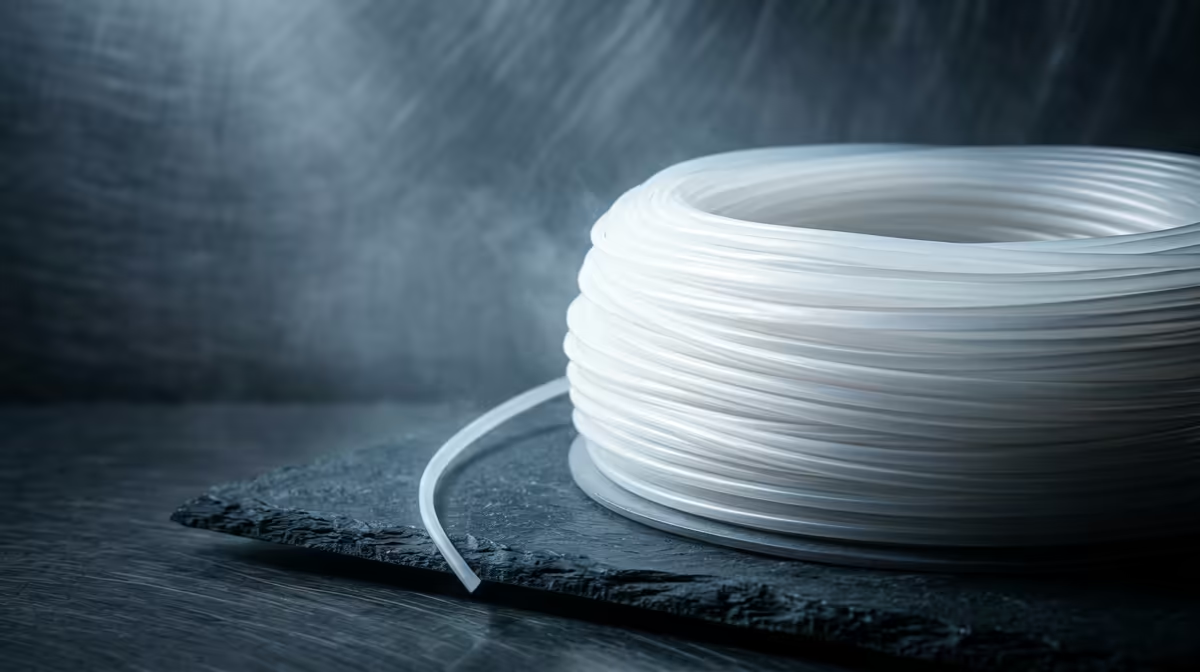
TPU filament is a flexible, rubber-like plastic used to 3D print parts that need to bend, stretch, grip or absorb shock: phone bumpers, drone feet, gaskets, watch straps and protective covers. Unlike rigid PLA or PETG, a printed TPU part flexes in your hand and springs back. The trade-off is that this elasticity makes it one of the trickier materials to feed through a printer, which is why your hardware setup matters more than the filament brand.
Quick Answer
TPU is a thermoplastic polyurethane elastomer rated by Shore hardness, and the popular 95A grade is firm and rubbery rather than soft. It prints reliably only on a direct-drive extruder running slowly, roughly 15 to 25 mm/s, because a Bowden tube lets the elastic strand coil and jam.
What Shore Hardness Actually Tells You
Shore hardness is the number printed on the spool, like 85A, 95A or 98A, and it measures how much the material resists a pressing point. The "A" scale covers soft and flexible plastics; higher numbers mean firmer.
A 95A TPU feels like a hard pencil eraser or a skateboard wheel, firm enough to hold its shape but with clear give. An 85A feels closer to a soft rubber band and is noticeably harder to print because it buckles inside the extruder. A 98A behaves almost like a stiff plastic and is the friendliest flexible grade for a first attempt. If you are buying TPU for the first time, 95A is the sensible middle ground, and a printer that handles it sits comfortably in the 3D printers section of the components range.
Why Direct Drive Beats Bowden for TPU
The single biggest factor in TPU success is how the filament reaches the hot end.
On a direct-drive printer, the extruder motor sits directly above the nozzle, so the gears push the soft strand only a few centimetres. On a Bowden setup, the motor sits on the frame and shoves the filament through a long PTFE tube. With a flexible strand that long unsupported path lets the TPU compress, bulge and curl instead of advancing, which shows up as under-extrusion or a total jam.
You can coax TPU through a Bowden machine by slowing right down and tightening the tube, but a direct-drive printer removes most of the pain. For anyone planning to print flexible parts often, that is the spec to look for first.
Print Settings That Work
Slow speed is the headline. Beyond that:
- Drop retraction close to zero, around 0.5 to 1 mm, since pulling an elastic strand backwards causes tangles.
- Print hotter than PLA, usually 220 to 235 C, and check the spool's recommended range.
- Keep the spool dry. TPU absorbs moisture quickly, and damp filament pops and strings.
A roll of spare nozzles, a brass cleaning kit and a sealed dry box make the difference between a clean flexible part and a stringy mess. For those, the accessories best sellers list is the fastest way to kit out a TPU workflow.
Frequently Asked Questions
Is TPU the same as TPE?
TPE is the broad family of flexible thermoplastic elastomers, and TPU is one specific type within it. TPU is generally tougher, more abrasion resistant and easier to print than softer TPE grades, which is why most flexible filament sold for desktop printers is TPU.
Can I print TPU on a Bowden printer at all?
Yes, but expect to slow the print to around 15 mm/s, reduce retraction to near zero and accept more failed attempts. A direct-drive extruder is strongly recommended for stress-free flexible printing.
Why does my TPU keep jamming?
The usual cause is pushing it too fast, letting the strand buckle before it reaches the nozzle. Moisture in the filament is the second most common culprit, so dry the spool and slow the speed.
What can I actually make with TPU?
Phone cases, drone bumpers, RC tyres, sealing gaskets, cable protectors, watch straps and vibration dampeners are all common. Anything that needs to flex, grip or cushion is a good candidate.
Ready to print flexible parts? Browse direct-drive 3D printers and filament-friendly accessories in the components range at Evetech, then add a dry box and spare nozzles so your first TPU roll prints clean.