Fifteen minutes into a VR session and your stomach turns, your forehead goes clammy, and you have to rip the headset off. That queasy feeling has a name and a cause. VR motion sickness happens when your eyes tell your brain you are moving while your inner ear insists you are sitting still, and the hardware fighting that mismatch hardest is fast frame rates paired with low-latency tracking.
Quick Answer
VR motion sickness is caused by a sensory mismatch between what your eyes see and what your inner ear, the vestibular system, senses. Stable high frame rates and low-latency tracking are the main hardware factors that reduce it. The target most modern headsets aim for is 90Hz or higher with under 20 milliseconds of motion-to-photon latency, the delay between you moving your head and the display updating.
The Visual-Vestibular Mismatch
Your sense of balance comes from a quiet conversation between two systems. Your eyes report motion, and the fluid-filled canals of your inner ear report acceleration and orientation. In the real world they agree. In VR, your eyes watch a virtual world rush past while your inner ear feels you sitting perfectly still on the couch. The brain receives two conflicting reports and responds the way it responds to many toxins: nausea, sweating, and dizziness.
This is why a smooth, perfectly rendered scene can still make you ill if the visuals imply movement your body never feels. It is also why some experiences, like a slow seated puzzle game, rarely cause trouble, while a fast cockpit racer or a flying game can floor a newcomer within minutes. The more the visual motion outpaces your physical stillness, the louder the conflict.
How Frame Rate and Tracking Fight Back
Hardware cannot remove the mismatch entirely, but it can shrink the part of it that comes from lag and stutter. Two specifications do the heavy lifting.
Frame rate is the first. At 90Hz, the display refreshes 90 times per second, so head movements translate into smooth, immediate visual change. Drop below that, say to 60Hz, and the world judders. Each stutter is a tiny moment where your eyes and inner ear disagree even more sharply, and those moments stack up into nausea. This is why 90Hz has become the comfort baseline, with newer headsets pushing 120Hz for an even smoother feel.
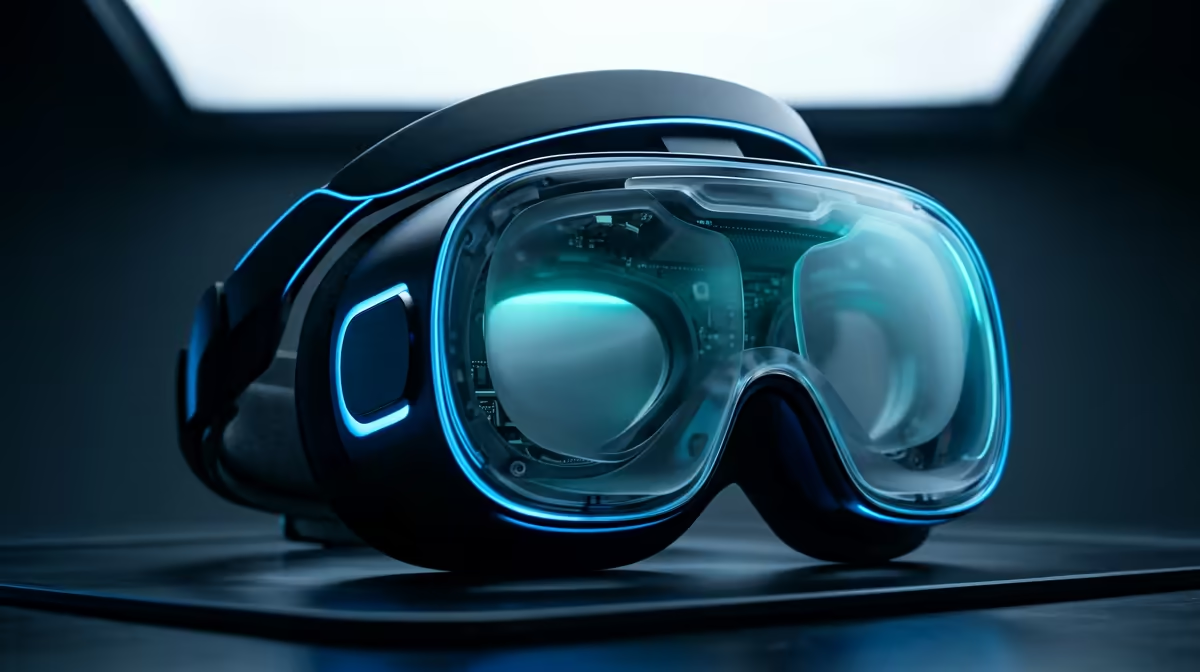
Tracking latency is the second. Motion-to-photon latency measures the gap between you turning your head and the photons of the new view reaching your eyes. Keep it under 20 milliseconds and the brain perceives the response as instant. Let it climb and the world appears to lag behind your movement, which the vestibular system reads as a serious wrongness. Low-latency tracking, combined with a high refresh rate, keeps that delay imperceptible. A headset that nails both feels grounded, even during quick movement, and the VR and AR hardware on offer is built around these comfort targets.
What You Can Do Beyond the Hardware
Good hardware does most of the work, but habits help. Start with short sessions and build tolerance over days. Use a fan for cool airflow, which genuinely reduces nausea. Favour teleport movement over smooth locomotion when a game offers it, and add a virtual nose or comfort vignette if the title supports one. Above all, make sure your PC or console can hold the headset's target frame rate without dropping frames, because a powerful enough system to sustain 90Hz is half the comfort battle. For accessories that round out a comfortable setup, the popular add-on picks are a useful place to browse.
Frequently Asked Questions
Does a higher refresh rate always reduce VR sickness?
Generally yes, up to a point. Moving from 60Hz to 90Hz makes a clear difference because the world stops juddering. Beyond 90Hz the gains are smaller, but a steady, consistent frame rate matters as much as a high one.
What is motion-to-photon latency?
It is the delay between you moving your head and the display showing the updated view. Under 20 milliseconds feels instant to the brain. Above that, the lag triggers the visual-vestibular mismatch that causes nausea.
Will VR sickness go away with practice?
For most people, yes. Repeated short sessions build tolerance over days or weeks as your brain learns to reconcile the sensory signals. Pushing through a long first session, however, tends to make things worse, not better.
Does my PC affect VR motion sickness?
Indirectly but significantly. If your PC cannot hold the headset's target frame rate, dropped frames cause stutter that worsens nausea. A system powerful enough to sustain a stable 90Hz is an important part of staying comfortable.