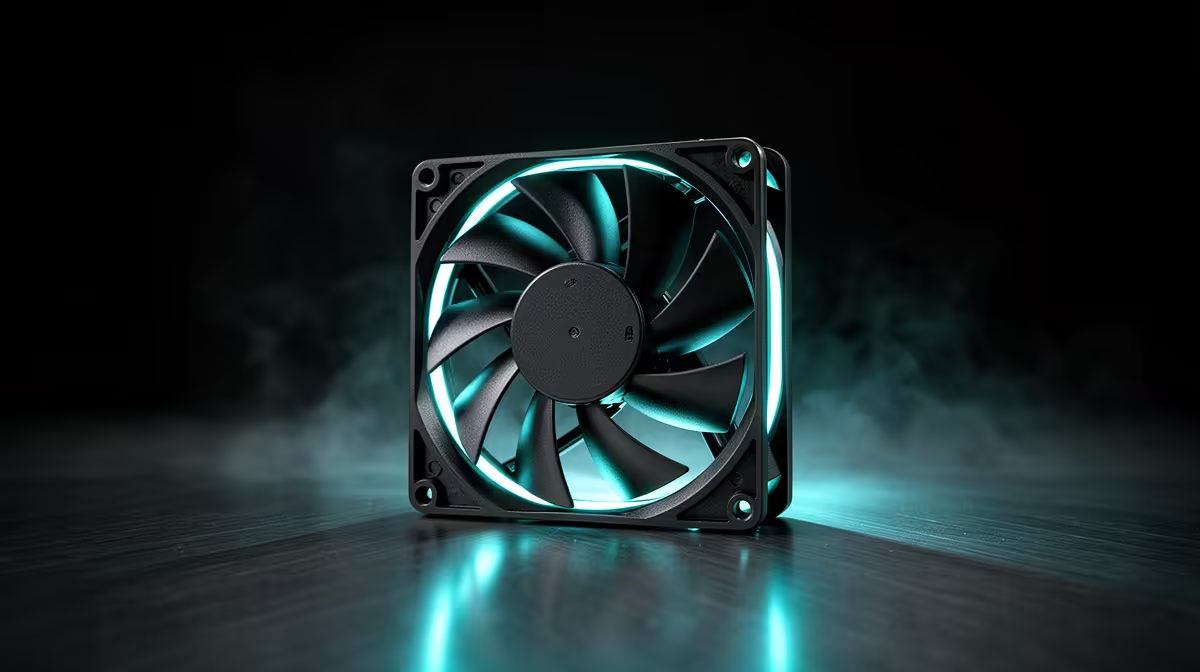
A fan with impressive numbers on the box can still end up being the wrong purchase if it does not physically fit or plug into what you already own. Working through what to check before buying a case fan takes only a few minutes, and it saves the hassle of returning a unit that turns out to be incompatible with your case or motherboard.
Quick Answer
Before buying, confirm mounting size, PWM header availability, and noise tolerance against your case's ventilation. The Einarex EX12A covers the common case at R249, fitting standard 120mm mounts with a 4-pin PWM connector and an 82.9 CFM airflow rating.
Mounting Size and Fan Position
Most mid-tower cases use 120mm fan mounts as the default, so confirm your case specs before ordering rather than assuming. The EX12A is built for that standard size, which covers the vast majority of front, rear, and top mounting points on typical gaming cases. If your case uses a different size mount, a 120mm fan simply will not bolt in, regardless of how good its airflow figures look.
PWM Header Compatibility
A PWM fan needs a 4-pin header on the motherboard or case fan hub to control its speed automatically. Plugging a PWM fan into a 3-pin header still spins it, but you lose the automatic speed adjustment and it may run at a fixed voltage instead. Check how many spare fan headers your motherboard has before buying more than one unit, since running out of headers means either a fan hub or a splitter cable.
Noise Rating Against Your Case's Airflow Design
The EX12A's maximum noise output sits at 40.7 dBA, reached only under full PWM-driven speed. A case with tight mesh filtering or a lot of internal air resistance may push any fan closer to that ceiling more often than an open, well-ventilated design would. Reading the fan's product listing before ordering gives you the full spec breakdown to weigh against your specific case.
Confirming Case and Fan Match Before You Order
If you are choosing a case and fans together, Einarex's case lineup lists mount counts and supported fan sizes clearly. For comparing multiple fan options against each other before deciding, Evetech's case fan range has CFM and dBA figures listed together so you are not just going on price.
Frequently Asked Questions
What size fan mount do most gaming cases use?
120mm is the most common standard mount size, which the Einarex EX12A is built to fit.
What happens if I plug a PWM fan into a 3-pin header?
It will spin but lose automatic PWM speed control, typically running at a fixed voltage instead.
How many spare fan headers should I check for before buying?
Count exactly how many fans you plan to add, and confirm the motherboard or a fan hub has that many free headers.
Does case design affect how loud a fan sounds?
Yes, cases with more airflow resistance from mesh or filters can push a fan closer to its maximum dBA rating more often.
Is 82.9 CFM enough airflow for most cases?
Yes, it is a solid mid to high airflow figure suitable for standard intake and exhaust duties in most gaming cases.
Ready to run through the checklist before buying an 82.9 CFM fan?
Confirm the mounts and airflow direction against the 120mm Einarex EX12A PWM fan which retails at R249 through Evetech's case fan range, before you check out.