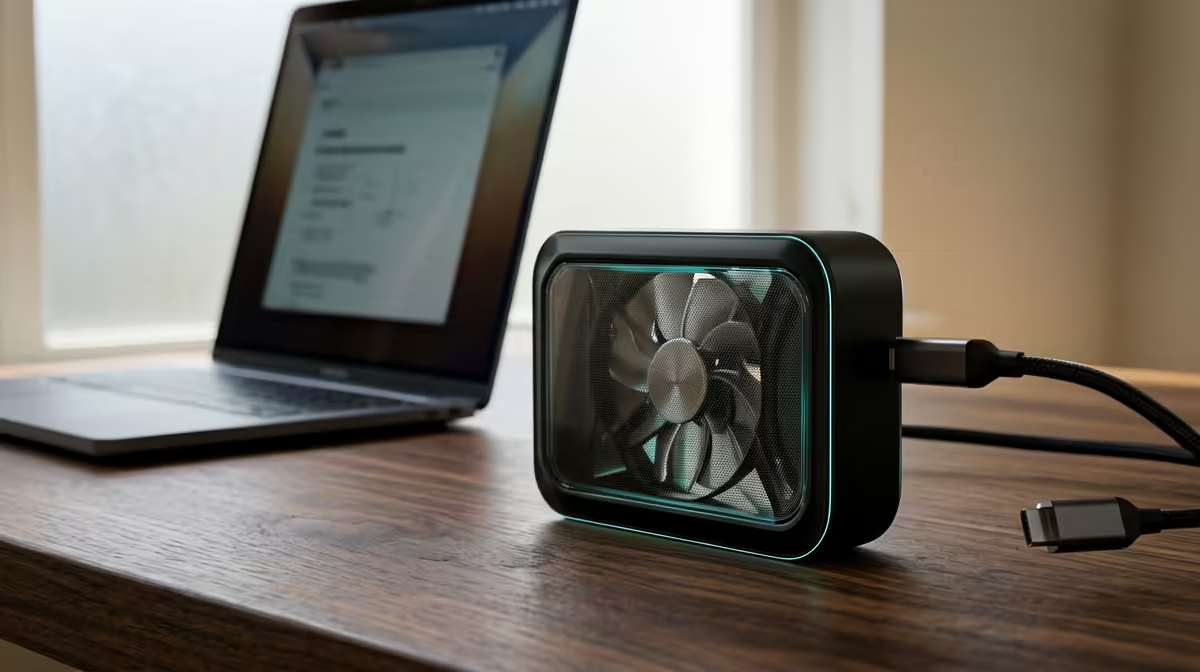
A study PC that lives in a backpack between home, res and lecture halls gets handled hard, and the cheapest case fans are usually where that abuse shows up first. Bargain-bin sleeve-bearing fans rattle after a few hundred kilometres of car boot vibration, and the R45 you saved turns into a R650 replacement plus an afternoon of swearing.
Quick Answer
Cheap case fans turn expensive on a travel-friendly study build the moment vibration loosens a sleeve-bearing rotor or a cable drifts into the blades. Skip the R40-R60 unbranded fans and spend R220-R350 on a fluid or rifle-bearing model like an Arctic P12 or Cooler Master SickleFlow, which survives moving and stays quiet enough for an 11pm assignment.
Why Portable Builds Punish Sleeve Bearings
A desktop that never moves can hide a wobbly fan for a year. A PC that gets lifted into a Polo boot every Friday cannot. Sleeve-bearing fans use a thin oil film that drains and wears when the case is tilted or knocked, so they start ticking within months. Fluid dynamic and rifle bearings tolerate movement and are rated for 40,000+ hours, which matters when you cannot easily get to a shop between Stellenbosch and home.
Pair the fan with a case that clamps it firmly. A loose 120mm fan vibrating against thin steel is the buzzing sound you hear in cheap builds. Rubber-mounted fan brackets, common on cases from R900 upward, cut that out entirely.
long drive, close the side panel, tilt the case 30 degrees, and listen. If a cable taps the blades or a fan ticks, secure it now rather than at 1am in res.
Noise Is The Hidden Cost In Shared Rooms
In a koshuis or shared digs, fan noise is not just your problem. A high-RPM unbranded fan screams at 38-42 dBA under load; a quality 120mm runs 22-28 dBA at the same airflow. The fix is not always a quieter fan, it is a PWM fan plus a sane fan curve so it idles at 600-800 RPM for browsing and study, only ramping when you actually game.
Spending The Money Where It Counts
You do not need six premium fans. Two good intakes and one exhaust handle a typical study-and-light-gaming build with an RX 7600 or RTX 4060 pulling 130-160W. Budget roughly R600-R900 for three decent fans rather than R150 for six that fail.
FAQ
Are PWM case fans worth it for a study PC?
Yes. PWM lets the motherboard drop fans to near-silent during study and lectures, then ramp only under gaming load. A 4-pin PWM fan costs R50-R100 more than a 3-pin and pays it back in noise control.
How many fans does a portable study build actually need?
Three is plenty for most ITX or micro-ATX cases: two front intakes and one rear exhaust. Adding more rarely lowers temperatures meaningfully and just adds noise and cable clutter for a build that gets moved.
Will cheap fans damage other components?
Indirectly, yes. If a fan seizes or a loose cable stalls it, the GPU or CPU can throttle or overheat. Spending R220-R350 on a reliable bearing protects an R8,000-R15,000 build.
Match two quiet intake fans and one exhaust to your case at Evetech, then set a PWM curve that idles under 800 RPM for study and only ramps when you game.