



650W PSU Planning for RTX 5090 Builds in SA
650W for RTX 5090 needs a full-build check, not a simple yes. Review GPU guidance, CPU draw, transient load, connectors, PSU quality, and upgrade plans before deciding.
Read moreAll-In-One Pcs In SA can change budget, compatibility or upgrade plans. SA PC builders should compare fit, warranty, platform needs and real workload value before committing.
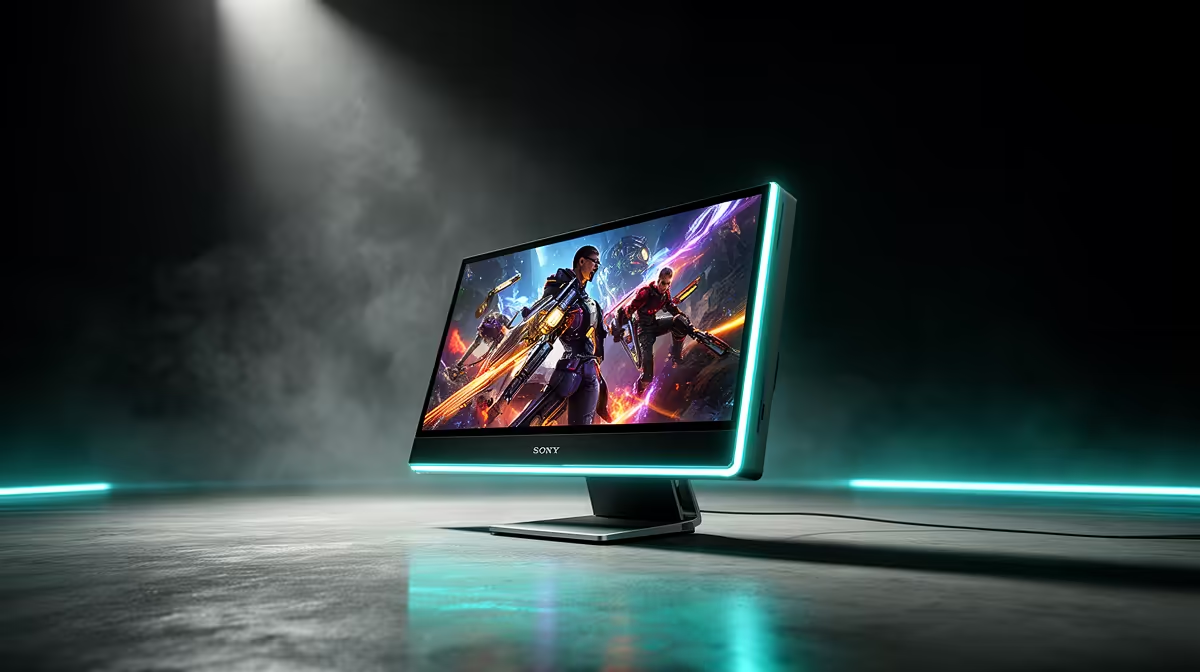
All-in-one PCs are niche in SA because they trade upgradeability and gaming performance for a tidy single-unit design — the screen and components are fused, so you cannot swap the GPU or easily add storage. For the same money, a tower PC plus a separate monitor gives far more performance and a clear upgrade path. AIO PCs suit offices and tight spaces, not gamers or builders.
An all-in-one packs the PC behind the monitor, which looks clean but locks you in: laptop-class parts, limited cooling, soldered or hard-to-reach components, and no room for a proper graphics card. For PC builders who value upgrading the GPU, adding drives, or replacing the CPU on an AM5 socket later, that is a dealbreaker. A standard tower offers all of those options for similar or lower cost.
AIO PCs work for reception desks, small offices, or homes where space and cable tidiness outweigh performance and upgrades. They are not built for gaming — the integrated or mobile GPUs cannot match a desktop card, and you cannot upgrade them. If gaming or future-proofing matters, a tower from around R12,000 with a B650 board, a desktop GPU pushing 60-90 fps at 1080p and a separate monitor is the better SA buy. Reserve all-in-ones for light, fixed-purpose use.
They fuse the screen and components, blocking GPU and storage upgrades and using laptop-class parts. Builders and gamers prefer upgradeable towers for the money.
Barely. Most have soldered or hard-to-reach parts and no room for a desktop GPU. A tower lets you swap the GPU, add drives and replace the CPU.
Offices, reception desks and tight spaces where tidiness beats performance. For gaming or future-proofing, a tower plus a monitor is far better value.
For gaming or future upgrades, choose a tower plus a monitor over an all-in-one — same cost, far more performance and a real upgrade path.
650W for RTX 5090 needs a full-build check, not a simple yes. Review GPU guidance, CPU draw, transient load, connectors, PSU quality, and upgrade plans before deciding.
Read more
How to fix FPS drops Windows 11 RX 9070 XT starts with GPU drivers, overlays, power plans, and frame pacing checks. For SA gaming PCs, verify chipset updates, HAGS, refresh rate, thermals, and per-game graphics settings.
Read more
How to fix FPS drops on X870E motherboard starts with BIOS, chipset drivers, PCIe settings, and memory stability. SA gamers can check EXPO, resize BAR, thermals, display refresh, and background apps before replacing components.
Read more
RTX 5060 is popular with SA students because it can fit gaming, coursework, and creative app needs in one setup. Compare total system price, cooling, RAM, storage, and screen quality before picking a desktop or laptop.
Read more
1440p is the sweet spot for SA gamers because it balances sharp visuals, high frame rates, and GPU cost better than 4K. It is a practical monitor target for players who want smoother upgrades without the heavier hardware demands of 4K.
Read more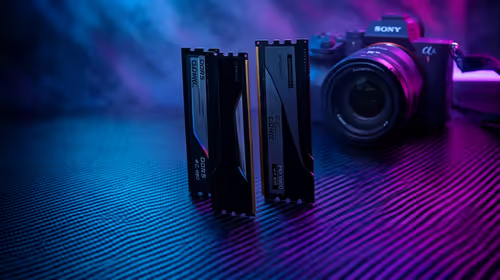
RAM pricing for Midrand gamers can shift with exchange rates, supply, specs, and model tier. Treat the title as a buying prompt, then compare SA warranty, timing, and build priorities.
Read more
From 1 October 2026, WhatsApp Business Platform service replies in South Africa are expected to cost about $0.0076, or 12 cents, per delivered message.

DDR5-8000 RAM Kits pros and cons depend on the build, budget, and workload. Weigh gaming needs, platform fit, power, cooling, warranty support, and South African pricing context before shortlisting it.

Wi-Fi 6E vs Wi-Fi 6 depends on AAA single-player gaming needs, platform limits, and budget fit. Compare compatibility, latency, upgrade path, and real setup constraints before choosing for an SA build.

Ryzen 9 9950X3D dead pixel checks should isolate the panel first. Run colour fills, inspect the monitor menu, test another cable or input, and capture proof before linking it to the SA CPU upgrade.

YouTube will count public views from the first frame across video formats from 24 August, while earnings and eligibility remain tied to engaged viewing.

Canonical expects Ubuntu on WSL users to outnumber native Ubuntu desktop users before the end of 2026. The software is open source and runs inside supported Windows PCs.

Telkom's daily bundles pair WhatsApp access with 10 all-network voice minutes. The R15 option includes 300MB, while the R17 option uses a fair-use threshold.

A 10,000-hour test found similar image retention across older and newer OLED TVs, while newer panels were brighter and more efficient. Local OLED monitors started at R9,999.
650W for RTX 5090 needs a full-build check, not a simple yes. Review GPU guidance, CPU draw, transient load, connectors, PSU quality, and upgrade plans before deciding.

PCIe 5.0 and PCIe 4.0 differ most in lane support, compatibility, and upgrade value for strategy and sim games. SA buyers should match the choice to their actual hardware and games.
How to fix FPS drops Windows 11 RX 9070 XT starts with GPU drivers, overlays, power plans, and frame pacing checks. For SA gaming PCs, verify chipset updates, HAGS, refresh rate, thermals, and per-game graphics settings.

AM5 vs AM4 for video editing in 4K Difference explained is mostly about compatibility, budget, upgrade path, and setup fit. SA buyers should check device support and real needs before expecting a clear win from either option.