


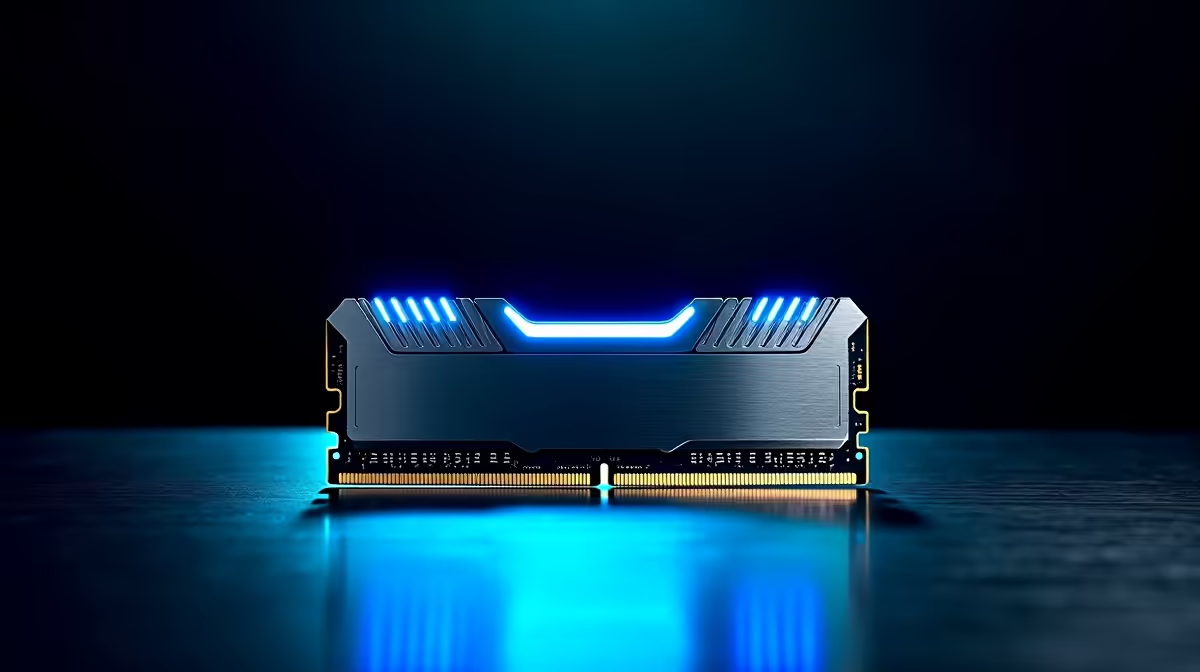
For SA builders, the DDR5 context is straightforward: it is now the mainstream memory standard, and knowing how much and how fast to buy matters more than the platform debate.
Quick Answer
DDR5 is the current memory standard for SA builders on AM5 and recent Intel platforms, with prices now mainstream after falling from launch highs. The sensible target is 32GB DDR5 for a modern gaming build. Local pricing reflects global memory cycles plus import factors and VAT. Kits are stocked at Evetech.
Where DDR5 Sits Now
DDR5 has moved from a premium launch product to the default choice for new builds, with prices well down from early levels. New platforms like AM5 require it, so most current builds use DDR5 regardless of the old DDR4 comparison. Local prices track global memory supply plus the rand and 15% VAT.
How Much and How Fast
32GB is the sensible capacity for a modern gaming build, giving headroom for games and background apps; 16GB suffices on tight budgets. Memory speed matters most for AMD CPUs and integrated graphics, so do not pair a fast platform with the slowest kit.
Practical Advice
Buy a 32GB DDR5 kit at a sensible speed for your platform, confirm it is on the motherboard's supported list, and enable the EXPO or XMP profile in BIOS so it runs at its rated speed rather than a slower default.
FAQ
Is DDR5 the right choice for a new SA build?
Yes. DDR5 is the current standard on AM5 and recent Intel platforms, with prices now mainstream. New platforms require it, so most current builds use DDR5 as the default.
How much DDR5 should an SA gaming build have?
32GB is the sensible target, giving headroom for games and apps. 16GB still works on tighter budgets but offers less future headroom for demanding modern titles.
Does DDR5 speed matter for gaming?
It matters most for AMD CPUs and integrated graphics. Avoid pairing a capable platform with the slowest kit, and enable the EXPO or XMP profile so the RAM runs at its rated speed.
32GB DDR5 kit at a sensible speed for your platform, confirm motherboard support, and enable EXPO or XMP in BIOS so it runs at its rated speed.










