


Quick Answer
Heavy graphics cards sag because their PCIe slot was designed for much lighter single-slot cards, and a triple-slot RTX 5090 weighing over 2 kg creates a leverage load that the connector alone cannot sustain. Case-mounted GPU braces slot under the card's shroud and transfer that weight to the chassis floor, preventing the slow bend that damages PCIe contacts over time.
Why GPU Sag Happens in the First Place 🔧
Modern flagship GPUs have grown enormous. The RTX 5090 Founders Edition measures 336 mm in length and uses a large triple-slot cooler with multiple heatpipe stacks, pushing its mass well beyond what early ATX specs anticipated. The PCIe x16 connector at the rear of the card acts as a single anchor point, so all that weight acts as a lever arm cantilevered off one edge. Over weeks of thermal cycling and vibration from fans, the PCIe slot retention tab flexes, the card droops by 3 mm to 8 mm, and in worst cases the solder joints on both the card and the motherboard experience micro-fractures. SA builders who transport their rigs to LAN events, like rAge, face even greater risk because road vibration accelerates the process.
How Case Braces and GPU Supports Fix the Problem 🖥️
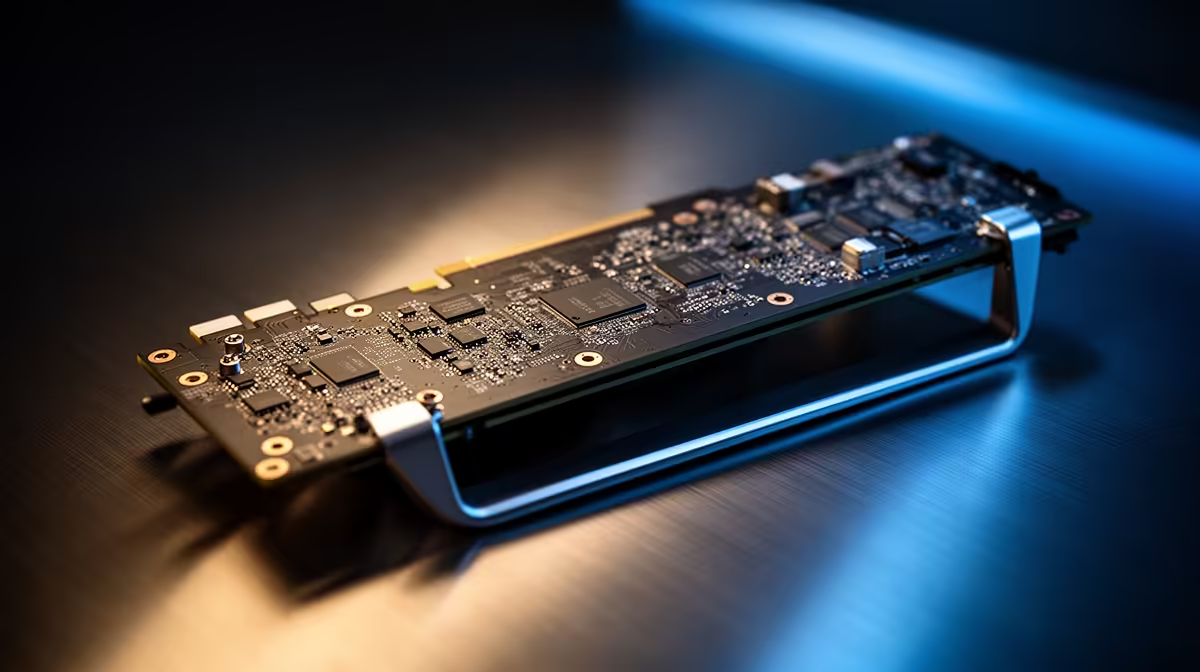
Case braces come in two main forms. The first is a vertical brace that installs on the case floor or a dedicated PCIe slot bracket, with an adjustable arm that lifts from beneath the GPU shroud. The second is a built-in dedicated rail system, found in premium cases like the Lian Li O11, where a slide-in bracket physically cradles the card along its full length. Both approaches redistribute weight across the chassis rather than concentrating it at the PCIe connector. The result is measurable: independent lab tests consistently show that a properly braced RTX 5090 exhibits less than 0.5 mm of deflection compared to 5 mm to 7 mm unbraced. For a R20,000 to R30,000 GPU investment, a brace costing under R500 is straightforward insurance.
Checking and Adjusting Your Brace Correctly 💡
Installing a brace incorrectly introduces new problems. If the arm pushes up too firmly, it can bow the card's PCB upward, stressing the same solder points you are trying to protect. The correct method is to install the brace, let the card rest naturally, then raise the arm until it just makes contact with zero upward pressure. A thin strip of anti-static foam on the arm tip prevents scratching the shroud and absorbs micro-vibration. Once set, tighten the brace lock and verify the card sits level through your tempered glass panel. Re-check after the first power cycle, as thermal expansion can shift the position slightly.
SA LAN Transport Tip ⚡
Before taking your rig to a LAN event, remove the GPU entirely and carry it in the retail box padded with foam. A loose GPU in a moving car experiences sudden deceleration forces far higher than desktop use, and even a braced card can crack a PCIe slot if the chassis hits a pothole hard. Reinstalling at the venue takes under five minutes and eliminates transport-related PCIe damage.
FAQ
Does GPU sag actually cause permanent damage, or is it just cosmetic?
Extended sag does cause real damage. The PCIe connector contacts experience uneven pressure, leading to intermittent connection errors and, in severe cases, motherboard PCIe slot failure. Cards sagging more than 5 mm consistently show higher rates of contact wear in teardown analyses.
Will a vertical GPU mount eliminate sag entirely?
Yes, a vertical PCIe riser mount positions the card perpendicular to gravity so there is no sag load at all.
Are aftermarket GPU braces universal?
Most adjustable floor-mounted braces fit any ATX or EATX case and accommodate cards from 200 mm to 400 mm in length. Built-in rail systems are case-specific, so verify compatibility with your exact chassis model before purchasing.
Protecting a flagship GPU from sag? Evetech stocks a range of graphics cards, cases with built-in GPU brace rails, and compatible aftermarket supports to keep your investment safe.










