Quick Answer
Large graphics cards sag because their weight exceeds what the PCIe x16 slot was designed to support over time. Flagship cards like the RTX 5090 weigh over 2kg and extend 300mm or more from the slot, creating significant lever arm force.
The Physics of GPU Sag Explained 🔧
A PCIe x16 slot secures a graphics card at one end via a retaining latch and the rear bracket. The card then extends horizontally into the case, cantilevered from that single mounting point.
Modern triple-fan RTX 5080 and RTX 5090 cards weigh 1.8kg to 2.3kg and reach 300mm to 380mm from the slot. Even 3mm to 5mm of visible sag at the card's far end represents significant cumulative stress on the PCIe fingers and the motherboard trace around the slot.
How Cases Address GPU Sag 🛠️
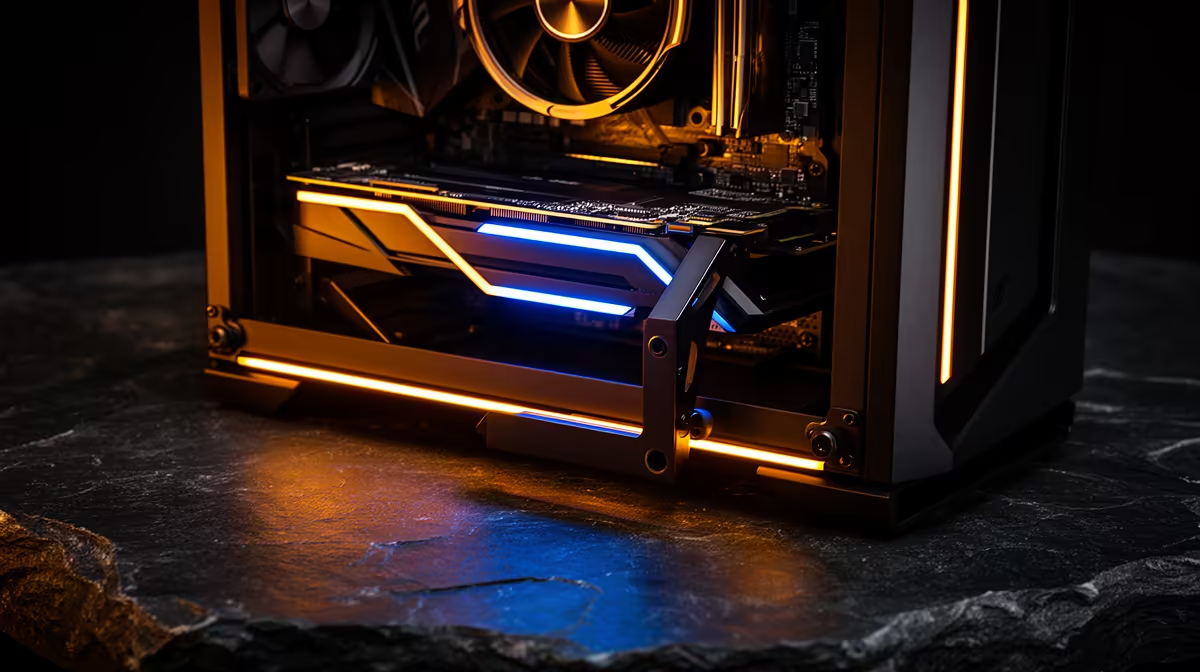
Modern premium cases tackle sag in three ways. First, integrated brace arms: a vertical post mounted to the case floor or a horizontal rail that positions an adjustable rubber-tipped arm under the GPU heatsink. Set correctly, this arm carries the cantilevered load and removes stress from the PCIe slot entirely.
Second, vertical GPU risers: a PCIe riser cable mounts the GPU rotated 90 degrees to face the tempered glass side panel. In this orientation, the card hangs rather than cantilevers, meaning gravity pulls it toward the bottom of the slot rather than away from the board. Sag becomes irrelevant in this configuration since the card now rests against the riser bracket.
Third, anti-sag brackets that mount on existing case infrastructure (drive cage, floor) and extend a support arm forward. These are often included with the case or sold as accessories for R150 to R400 locally.
Long-Term Consequences of Ignoring Sag 📊
Beyond the PCIe slot concern, persistent GPU sag stresses the heatsink mounting points on the card itself. Heatsink screws on the PCB can work loose over years of vibration combined with cantilevered weight, potentially allowing the heatsink to shift slightly off the GPU die, raising temperatures. For a card worth R15,000 to R30,000 in SA, the R0 to R400 investment in sag prevention is clearly worthwhile.
For builders transporting their PC to LAN events, sag protection is even more critical. Transit vibration multiplies the stress on an unsupported GPU. Use the integrated brace or an aftermarket support before any transport, even short distances.
Check Sag at First Boot ⚡
After installing any GPU weighing over 1kg, hold a ruler flat along the top of the card from IO bracket to far end and check for visible droop. Even 2mm of sag at first build indicates the card needs support. Catching and fixing this on day one costs nothing, whereas fixing a damaged PCIe slot months later may require a motherboard replacement.
FAQ
Does GPU sag damage the graphics card or just the motherboard?
It primarily stresses the motherboard PCIe slot and the card's PCIe connector fingers. The card's internal components are not directly affected. In extreme cases, a canted card can also slightly shift the heatsink relative to the GPU die, raising temperatures, but this requires significant sag over a long period.
Do all graphics cards sag, or only heavy flagship models?
All unsupported horizontal PCIe cards experience some degree of sag due to gravity, but the problem becomes meaningful for cards above approximately 1.2kg. Budget cards like the RTX 5060 Ti weigh around 800g to 1kg and produce negligible sag in normal desktop use.
Can I prevent GPU sag without buying a new case?
Yes. Aftermarket sag supports (hook-style or magnetic pole stands) are available locally for R120 to R350. Alternatively, a small piece of rigid foam or a folded cable box tucked under the far end of the GPU is a temporary fix, though a proper support is recommended for long-term installations.
Running a heavy GPU and want to protect your investment?
Browse gaming PC cases with integrated GPU sag protection at Evetech, stocked locally for fast delivery across South Africa.