Quick Answer
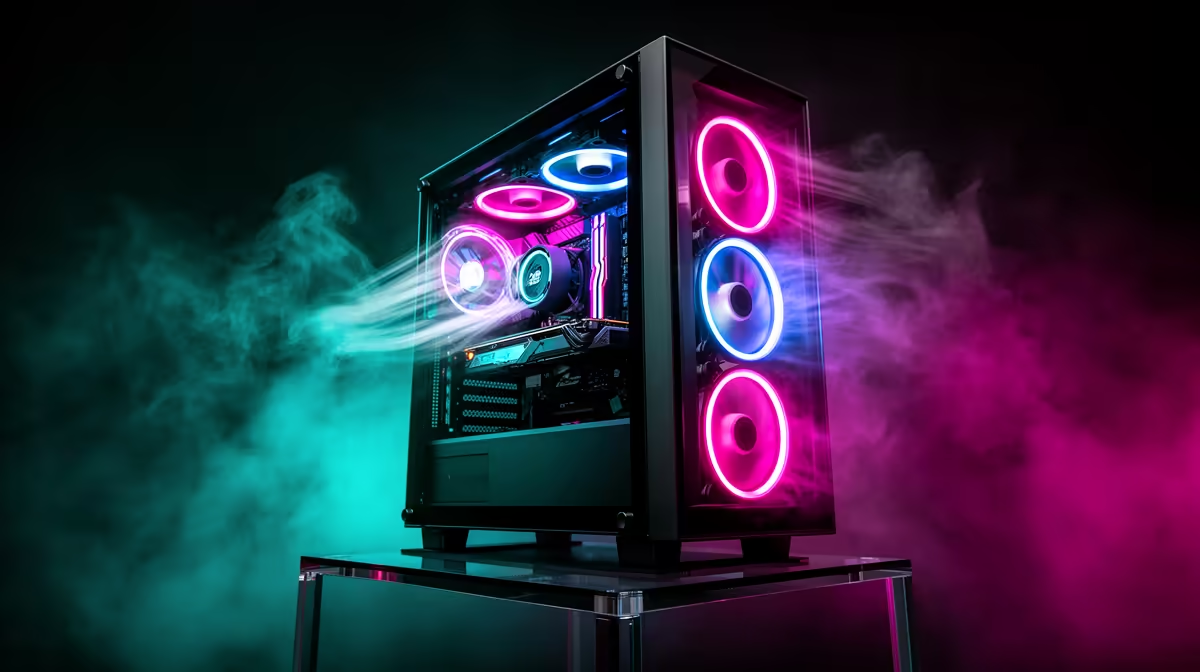
High-end gaming PCs need more case airflow because flagship CPUs and GPUs generate 500W to 700W of combined heat under full gaming load. If that heat cannot escape quickly, internal ambient temperature rises and reduces the thermal margin available to heatsinks and radiators, causing thermal throttling that cuts boost clocks and frame rates.
How Heat Accumulates in a High-End Build 🌡️
An RTX 5090 paired with a Ryzen 9 9950X can push 450W from the GPU and 170W from the CPU simultaneously during a demanding gaming session. In a case with poor airflow, the air inside heats from a room ambient of 25 to 30 degrees Celsius toward 35 to 40 degrees Celsius inside the chassis. Every heatsink works against this elevated baseline rather than room temperature, directly reducing cooling effectiveness. South African summers in Gauteng already start from 32 to 38 degrees ambient, making restricted airflow especially problematic compared to cooler climates.
What Thermal Throttling Costs in Real Performance 🎮
Modern CPUs throttle boost clocks automatically when junction temperatures exceed safety thresholds. A Ryzen 9 9950X in a thermally restricted case may sustain 50 to 100MHz less all-core boost over a gaming session versus the same chip in a well-ventilated case at identical ambient temperature. An RTX 5090 hitting 90-plus degrees Celsius GPU junction drops from its peak boost of around 2,900MHz toward its base clock. The frame rate impact typically runs 5 to 15 percent below potential, a meaningful loss on a R50,000-plus GPU investment.
Designing Airflow That Handles High Wattage 🌬️
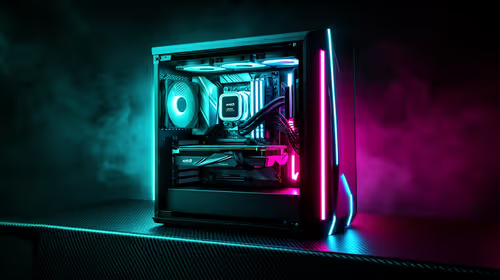
High-end builds need a mesh front panel, a minimum of three intake fans, and two to three exhaust fans working together. A 420mm front radiator combined with three top exhaust fans creates a chimney effect: cool air enters the front, absorbs heat from the radiator, GPU, and VRM, then exits through the top before recirculating. Gauteng's 35 degrees Celsius summer ambient pushes baseline internal temps 10 degrees higher than in colder climates, making good airflow even more critical for SA builders than for buyers in Europe.
Monitor Temps During Your First Gaming Session ⚡
After assembling a high-end build, run HWiNFO64 during the first hour of gaming to confirm CPU and GPU junction temperatures are within safe ranges. For Ryzen 9000 CPUs, sustained temps above 90 degrees Celsius indicate a cooling issue. For RTX 50-series GPUs, sustained temps above 85 degrees Celsius suggest airflow restriction or a blocked dust filter.
FAQ
Can I fix airflow problems without buying a new case?
Sometimes. Adding fans to existing mount positions, replacing a solid front panel with mesh (if compatible), or removing drive cages blocking intake can improve airflow without a case replacement. If the case fundamentally lacks adequate mount positions, a new case may be necessary.
Does cable clutter inside the case affect airflow?
Yes. A cable bundle draped across the main chamber blocks airflow paths between intake fans and CPU and GPU heatsinks. Proper cable management behind the motherboard tray can reduce GPU temperature by 3 to 5 degrees Celsius in a poorly managed build.
How often should I clean case dust filters on a high-end build?
Cleaning front and top filters every four to six weeks maintains airflow performance. Gauteng's dry winter months accumulate fine dust faster than Cape Town's coastal climate, so adjust your cleaning schedule to your local conditions.
Worried your current case is choking your high-end build?
Browse Evetech's range of well-ventilated gaming cases and upgrade to a chassis that keeps your components running at full potential.