


Quick Answer
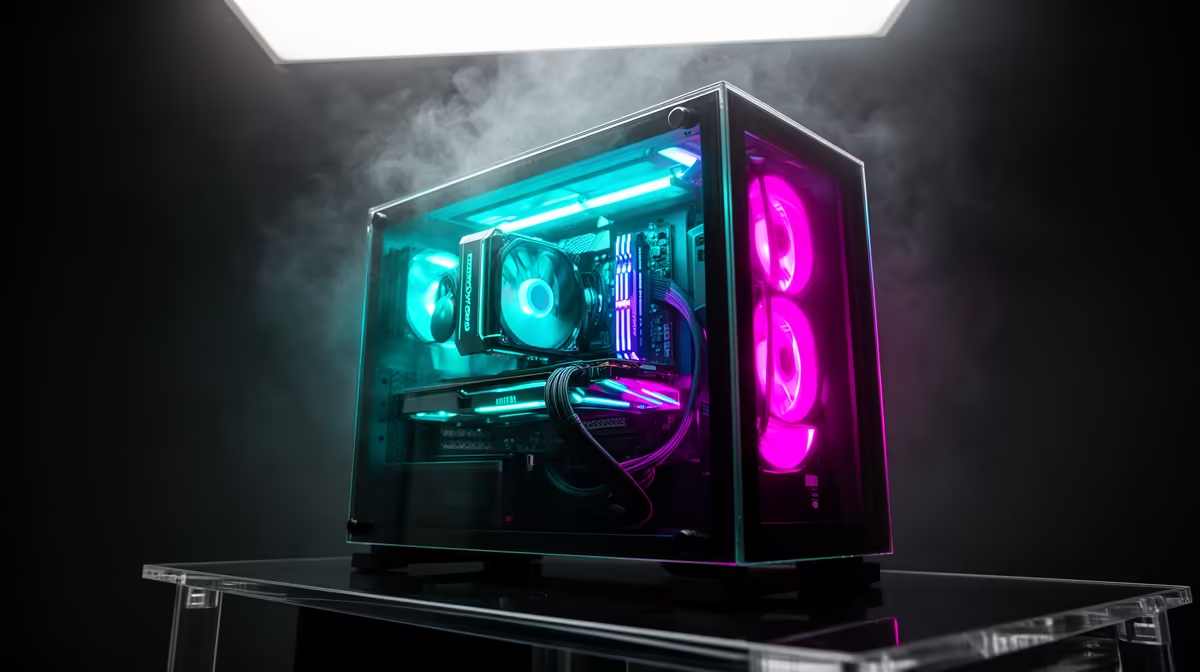
Showcase cases run hotter than mesh-fronted designs because tempered glass panels on the front, top, and sides restrict fresh air intake, trapping heat generated by power-hungry components. An RTX 5090 under gaming load can draw 450W alone; without adequate cool air entering the case, GPU junction temps climb 8 to 15 degrees Celsius higher than in a comparable mesh case, and CPU boost clocks can throttle on sustained workloads.
Why Glass Restricts Airflow So Significantly 🌡️
Tempered glass does not breathe. A solid glass front panel blocks the intake path entirely, leaving the system dependent on narrow side gaps, bottom vents, or mesh inserts alongside the glass to pull in fresh air. This restriction is measurable: in airflow benchmarks, showcase cases with sealed glass fronts move 30 to 50 percent less cubic feet per minute (CFM) of fresh air than equivalent cases with fully meshed fronts. The difference is worst in panorama designs where the front, top, and right glass panels are all sealed. When an RTX 5080 or RTX 5090 inside this environment dissipates 350W to 450W of heat, that heat has nowhere efficient to escape and accumulates inside the chamber, raising ambient case temperature by 5 to 10 degrees Celsius above room temperature.
How Showcase Case Manufacturers Compensate 🔧
Quality showcase case designers offset the glass restriction in several ways. First, they use large mesh panels on the side or base to provide secondary intake paths even when the front is glass. Second, they design the internal layout to direct what intake air exists more efficiently across the GPU and VRM zones. Third, some premium designs route PSU intake to the base of the case, completely separated from the GPU chamber, so the PSU does not compete for the same air the GPU needs. Fourth, top radiator mounts allow a 360mm AIO to exhaust hot air directly out the top panel, reducing the heat recirculation problem.
Managing Heat in a Showcase Build ✨
For SA gamers running a high-wattage showcase build, several practical steps keep temps under control. A 360mm AIO on the CPU mounted as a top exhaust removes the CPU's thermal output from the case interior directly. Running three 140mm fans on the front intake mesh sections, even in a glass-dominant case that has mesh inserts alongside the glass, dramatically improves GPU air supply. Setting fan curves to ramp at 60 degrees Celsius GPU temp rather than 80 degrees Celsius keeps the case ambient lower during gaming sessions lasting more than an hour.
Monitor Case Ambient Temperature ⚡
Install HWiNFO64 and add a case ambient temperature sensor if your motherboard supports it, or use a cheap external thermometer placed inside the case near the GPU. Knowing whether your case ambient is 35 degrees Celsius or 45 degrees Celsius under load tells you whether your airflow solution is working and guides future fan curve tuning.
FAQ
Is it safe to run an RTX 5090 in a showcase case?
Yes, modern GPUs including the RTX 5090 have thermal protection that throttles clocks before reaching damaging temperatures. However, sustained operation above 90 degrees Celsius GPU junction temp causes long-term thermal stress on solder joints and the VRAM, so improving airflow is advisable even if the system does not crash.
Does removing a glass panel actually improve temps significantly?
Removing the front glass panel on a sealed-front showcase case typically drops GPU temps by 5 to 12 degrees Celsius by allowing unobstructed front intake. This is not a practical long-term solution for a display build, but it confirms airflow is the root cause if your temps are high.
Will positive air pressure help in a showcase case?
Yes. Configuring more intake fans than exhaust fans creates positive pressure, which pushes cool air through available gaps and reduces the amount of hot air recirculating within the case.
Running hot in a showcase case? Browse Evetech's range of CPU coolers and 360mm AIOs to bring temperatures down on your high-end gaming build.










