


Quick Answer
Poor cable management physically blocks the path between intake fans and components that need cooling. A bundle of unmanaged cables sitting in front of the GPU heatsink or CPU cooler intake reduces airflow volume and creates turbulence, raising temperatures by three to eight degrees Celsius at the GPU and two to five degrees at the CPU compared to a clean build with the same fans.
How Cables Disrupt Airflow Paths 💨
Air inside a PC case follows a pressure gradient from high-pressure intake zones to low-pressure exhaust zones. This directional flow carries heat away from components efficiently when the path is unobstructed. A 24-pin ATX cable bundle, for instance, is typically 30 to 40mm in diameter when unmanaged. Positioned across the motherboard tray in front of the GPU, it creates a physical barrier that forces intake air around it rather than through the intended straight-line path. This turbulence reduces effective airflow velocity at the GPU heatsink fins by a measurable amount. In a clean build where all cables run behind the motherboard tray, the path from front intake to GPU heatsink is completely unobstructed and airflow efficiency improves proportionally.
The Thermal Numbers Behind Cable Routing 🌡️
Controlled comparisons of identical gaming PC builds, one with cables routed behind the tray and one with cables draped across the main chamber, consistently show three to eight degrees Celsius higher GPU junction temperatures in the messy configuration under sustained gaming load with a title like Microsoft Flight Simulator or a GPU-intensive rendering workload. For a Radeon RX 9070 XT with a 220W TDP gaming at 1440p, a five-degree increase in junction temperature reduces sustained boost clock frequency by around 50 to 100MHz due to thermal throttling. Over a multi-hour gaming session that difference accumulates into noticeably lower average frame rates.
Showcase Builds Have Zero Tolerance for Loose Cables 🎨
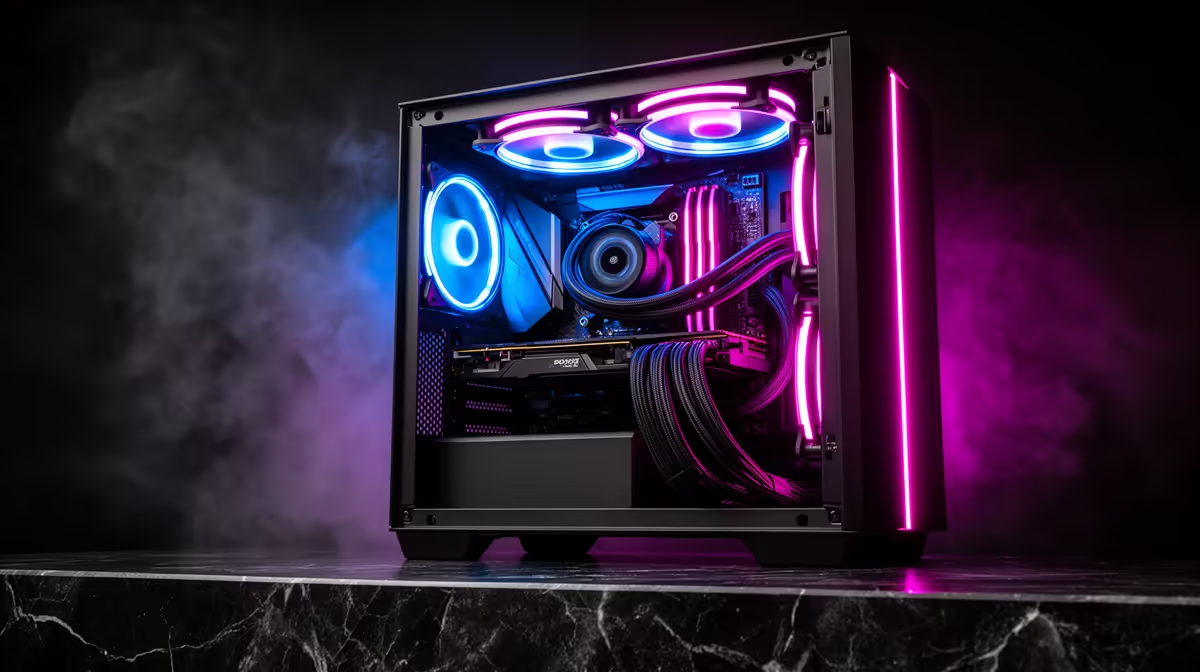
A showcase gaming PC, one with tempered glass panels displayed on a desk or at an event like rAge Expo, makes cable management a visual requirement as much as a thermal one. Every cable visible through the glass undermines the build's aesthetic. Beyond the visual impact, showcase builds often run continuously at events where temperatures may be higher than a typical home environment, making thermal efficiency through clean routing even more important than in a daily-use home build. Premium cases with rear cable channels, grommets, and velcro anchor points are specifically designed to eliminate visible cables from the main glass chamber entirely.
Route Before You Mount ⚡
The golden rule of showcase cable management is to route every cable through its planned path before installing the motherboard. Pre-routing the EPS CPU power cable, the 24-pin ATX cable, and PCIe power cables through the rear grommets while the case is empty saves hours of wrestling cables around a mounted board, GPU, and AIO later. This single habit separates clean showcase builds from frustrating rebuilds.
FAQ
Does cable management matter more in a glass-panel case than a closed case?
Thermally, cable management matters equally in both.
What tools do I need for clean cable management?
Velcro cable ties (a 30-pack for R60 to R120 locally), cable combs for parallel runs, a cable routing tool or thick zip tie to thread cables through tight grommet channels, and patience.
Can I improve cable management without buying new parts?
Yes. Even with stock PSU cables, routing everything behind the motherboard tray using the factory grommets and securing bundles with velcro ties reduces main-chamber clutter significantly. The thermal benefit of proper routing is fully available without spending anything extra.
Want a case designed for clean airflow and showcase presentation? Browse gaming cases at Evetech with dedicated cable management channels and rear compartments that make clean routing achievable on any budget.










