Quick Answer
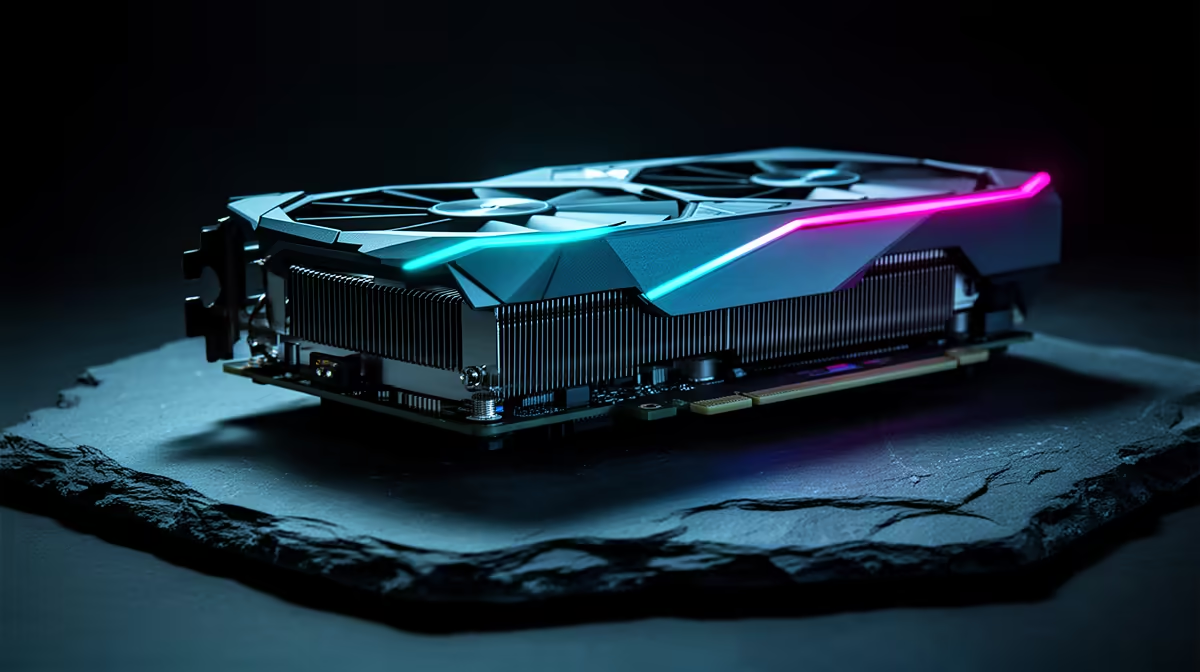
The Intel Arc B580 is interesting for SA budget builds because it targets strong 1080p and entry 1440p gaming without pushing the whole PC into premium GPU pricing. Its appeal is highest when it lands near the R5,000-R7,500 graphics-card class and keeps 12GB VRAM on the table. It is not the automatic pick for every game, but it can free budget for a better SSD, monitor or CPU.
Why it can stretch a budget
A balanced Arc B580 build can pair the GPU with a Ryzen 5 7500F, Core i5-class CPU, 16GB or 32GB DDR5, and a 1TB Gen 4 NVMe SSD. That combination makes more sense than overspending on a graphics card and leaving the system with cramped storage. For SA buyers, the useful target is 1080p high-refresh gaming around 90-144 fps in esports titles and playable 1440p in lighter games.
Driver and game checks matter
Arc cards have improved, but the smartest buyer still checks the actual game library before ordering. DirectX 12 and Vulkan titles are the safer fit; older games may need more patience. If the PC is for Fortnite, Valorant, Counter-Strike 2, Minecraft, study work and light creation, the B580 can make sense when the price gap is large enough.
What to pair with it
Do not bury the card in a weak platform. Use Resize BAR support, a decent 650W PSU, airflow that clears GPU heat, and a monitor that matches the target. In South Africa, include delivery timing and warranty support in the decision because a budget GPU only works as value when ownership stays simple.
FAQ
Is the Arc B580 good for 1440p gaming?
It can handle selected 1440p games when settings are sensible, but 1080p high refresh is the safer value target. Use upscaling where the game supports it.
How much VRAM should budget SA gamers want?
8GB is still usable at 1080p, but 12GB gives more room for newer textures and 1440p. That is a major reason the B580 is worth watching.
What CPU fits an Arc B580 build?
A Ryzen 5 7500F, Ryzen 5 7600 or Core i5-class chip is enough for a balanced budget PC. Spend the rest on 32GB RAM and a 1TB SSD if the budget allows.
Build check
Confirm Resize BAR support in the motherboard BIOS before choosing an Arc B580 build; it is a practical setting for getting the card to behave as intended.