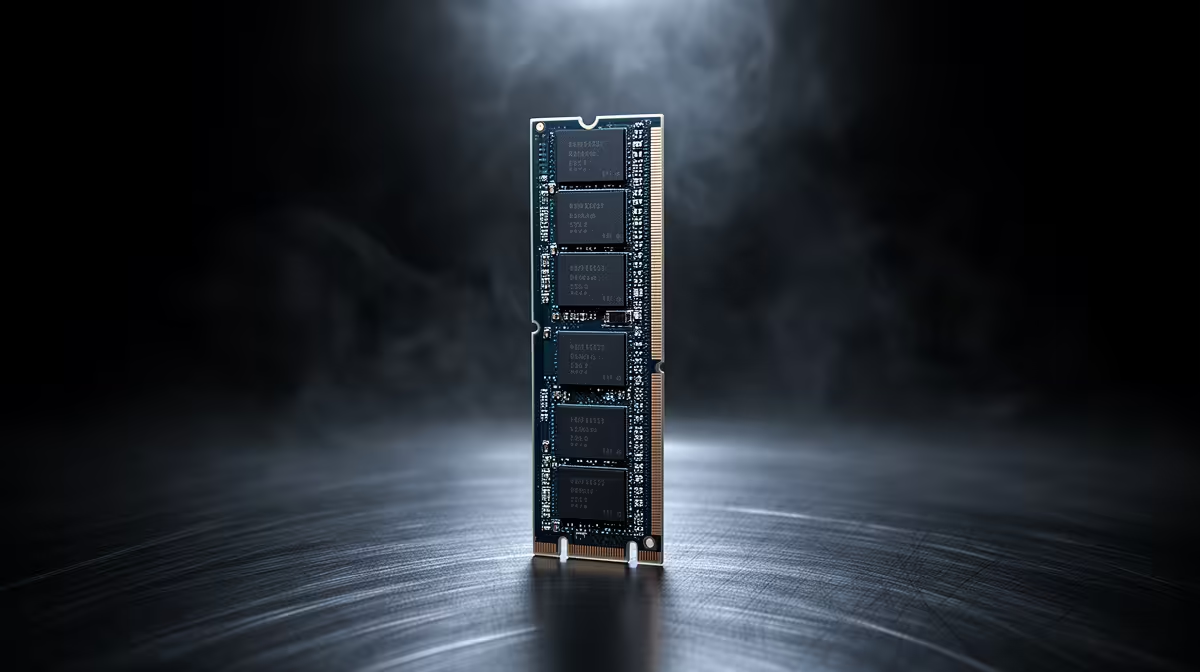
A new DDR5 kit rated at 6000MT/s often shows up in Windows running at a fraction of that number, and the culprit almost never turns out to be a faulty stick. Most of the time it comes down to one overlooked BIOS setting on the b650e motherboard running the show, since DDR5 defaults to a conservative JEDEC speed unless something tells it otherwise.
Quick Answer
DDR5 memory runs below its rated speed by default because EXPO or XMP profiles are not automatically enabled, even on a capable board. This ASUS B650E MAX Gaming WiFi, which retails for R3,499, needs AMD EXPO switched on in BIOS before a kit will move off its slow JEDEC default and up to its full advertised speed.
⚙️ The Default Speed Problem Explained
JEDEC standards set a conservative baseline speed that DDR5 modules run at out of the box, since that speed is guaranteed stable across nearly any board and CPU combination. The higher number printed on the box, whether 6000MT/s or faster, only kicks in once a profile is manually loaded in BIOS.
Why Manufacturers Ship It This Way
Shipping DDR5 at its rated speed by default would mean some combinations fail to boot on less capable boards, so the safer default protects against that support headache at the cost of leaving performance on the table until the user steps in.
🖱️ Enabling EXPO the Right Way
Entering BIOS and locating the EXPO or DOCP menu, usually under the Ai Tweaker or Extreme Tweaker section, lets you select the profile matching your kit's rated speed in a couple of clicks. Memory headroom here reaches 8000MT/s, so most common kits load without needing manual timing adjustments at all.
When One Click Is Not Enough
Occasionally a kit will not boot cleanly at its full rated speed even with the profile enabled, particularly with four memory modules installed instead of two. Dropping to the next tier down, or manually setting a slightly higher voltage within the kit's rated range, usually resolves that without needing to return the memory.
🔁 Confirming the Fix Worked
After saving BIOS changes and rebooting, check the actual running speed in Windows Task Manager's Performance tab or a utility like CPU-Z rather than trusting the box label alone. If the number still looks wrong, reseating the DDR5 modules and reloading BIOS defaults before re-enabling the profile usually clears up a bad first attempt.
Frequently Asked Questions
Why does my new DDR5 kit show a lower speed in Windows?
It is running at its default JEDEC speed because EXPO or XMP has not been enabled yet in BIOS.
Where do I find the EXPO setting?
Look under the Ai Tweaker or Extreme Tweaker menu in BIOS, then select the profile matching your kit's advertised speed.
Does enabling EXPO void my memory warranty?
No, EXPO and XMP profiles are supported features built into the memory kit itself and do not affect warranty coverage.
What if my DDR5 kit will not boot at its rated speed?
Try the next tier down, or check that all modules are correctly seated before assuming the kit is faulty.
Is an 8000MT/s ceiling unusual for this price range?
It is a strong number for a R3,499 board, and this board's listing confirms the exact supported speeds.
Should I look at other boards if the profile keeps failing?
Occasionally a specific board and kit combination is simply incompatible, so checking AMD's B650 motherboard options or Evetech's full AMD motherboard range for a different pairing can help.
Ready to get your DDR5 kit running at its rated speed?
The ASUS B650E MAX Gaming WiFi (R3,499) lives among Evetech's AMD B650E motherboard category, ready to apply DDR5 EXPO profiles automatically instead of leaving speed on the table.