


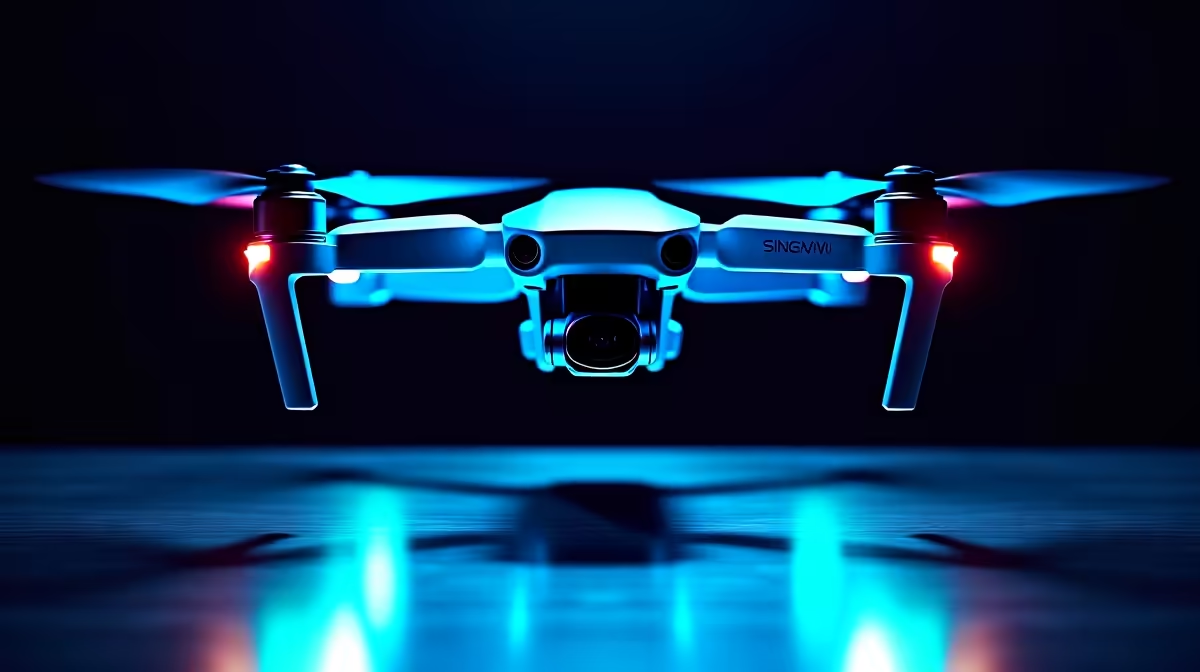
A drone that drifts or hovers in lazy circles instead of holding still is showing classic signs of a confused navigation system. That slow circular wander has a nickname, toilet-bowling, and it almost always traces back to one of two things: a compass or IMU that needs recalibrating, or a weak GPS lock because you are flying indoors or near something magnetic. Neither is a broken drone. Both are fixable on the ground in a few minutes.
Quick Answer
Drift and toilet-bowl hovering are usually caused by a miscalibrated compass or IMU, or by a poor GPS satellite lock from flying indoors or near magnetic interference. Recalibrate the compass and IMU on level ground away from metal, and wait for a strong satellite fix before taking off.
Recalibrate the Compass First
The compass tells the drone which way it is facing. When it is miscalibrated, the drone thinks it is pointing one direction while actually pointing another, and it tries to correct by circling, which is the toilet-bowl effect. Magnetic interference from nearby metal, speakers, phones or rebar in a slab can throw it off.
Run the compass calibration routine from your controller app, following the rotation prompts, while standing in an open area well away from cars, buildings and metal fences. A clean calibration on neutral ground resolves most circular drift on its own.
Check the IMU
The IMU, or inertial measurement unit, senses the drone's tilt and motion. If it has drifted out of calibration, the drone misreads its own attitude and slides sideways even in still air. IMU calibration must be done on a genuinely flat, level surface with the drone perfectly still.
Place the drone on a level table or floor, start the IMU calibration in the app, and do not touch or bump it until the routine finishes. A surface that is even slightly tilted will bake that error into the calibration, so take a moment to find truly level ground.
Wait for a Strong GPS Lock
Position hold relies on the drone seeing enough GPS satellites. Indoors, under a roof, or between tall buildings, the signal is weak and the drone cannot pin its location, so it drifts while trying to find itself. This is the most common cause of drift for pilots flying in confined spaces.
Before lifting off, wait until your app reports a strong satellite count and a ready-to-fly status. Fly in open sky away from buildings and power lines for the steadiest hover. If you must fly indoors, understand that GPS hold will be unreliable and the drone will lean on its other sensors instead.
Rule Out Interference and Damage
If the drift persists after calibrating both the compass and IMU and securing a good GPS lock, look at the environment and the airframe. Flying near power lines, large metal structures or radio towers introduces interference no calibration can overcome. A bent arm, a damaged propeller or a loose motor can also unbalance the drone enough to cause drift, so inspect the props and frame.
For replacement props, batteries and other gear that keeps a drone flying true, the smart home and gadgets range at Evetech is a good place to look. Spare parts and chargers also feature in the Evetech accessories best sellers if you want to keep a few on hand.
Frequently Asked Questions
What causes a drone to hover in circles?
Circular hovering, or toilet-bowling, is typically a miscalibrated compass. The drone misjudges its heading and tries to correct by circling. Recalibrate the compass on open, metal-free ground to fix it.
How do I calibrate my drone's compass and IMU?
Use the calibration routines in your controller app. Calibrate the compass in an open area away from metal, following the rotation prompts, and calibrate the IMU on a flat, level surface with the drone completely still.
Why does my drone drift indoors but not outdoors?
Indoors the drone cannot get a strong GPS lock, so it cannot hold its position and drifts. Outdoors in open sky it sees more satellites and holds steady. GPS-based position hold needs a clear view of the sky.
My drone still drifts after calibrating, what now?
Check for magnetic or radio interference from nearby metal, power lines or towers, and inspect the airframe for a bent arm, damaged propeller or loose motor. Any of these can cause drift that calibration alone will not cure.
Keeping your drone steady or planning your next one? Browse the smart home and gadgets range at Evetech for drones, spare props and batteries that keep you flying straight.










