


Quick Answer
A gaming PC runs hot because of poor case airflow, an overwhelmed cooler, or dust-clogged fans. Most high-end systems under sustained load should keep the CPU below 85°C and the GPU below 90°C. If yours is hitting those ceilings at idle or light tasks, the fix is almost always airflow configuration or cooler maintenance.
What High Temps Are Actually Telling You 🌡️
Modern gaming hardware is designed to throttle rather than die, but sustained thermal throttling kills frame rates and shortens component lifespan. An RTX 5070 running at 95°C for hours will downclock automatically, turning a R20,000 GPU into a mid-range performer. CPU temp spikes during Cyberpunk 2077 or Black Myth: Wukong are normal, but staying above 90°C for more than a few minutes during average play points to a real cooling deficit. Use HWiNFO64 to log temps across a 15-minute gaming session and identify which component is the primary offender before touching any hardware.
Case Airflow: The Most Overlooked Fix 🔧
Cable management and fan orientation matter more than most builders expect. A mid-tower with three front intake fans and one rear exhaust running positive pressure will shift hot air out efficiently. Negative pressure setups suck air through every gap in the case, pulling in unfiltered dust and creating hot spots. Check that your front fans are not blocked by a solid panel, as many budget cases ship with decorative mesh that cuts airflow by 40% or more. Rotating a side-mounted 120mm fan from exhaust to intake can drop GPU temps by 5°C to 8°C in tighter cases common in South African prebuilt desktops.
360mm AIO: When to Upgrade and What to Check ⚡
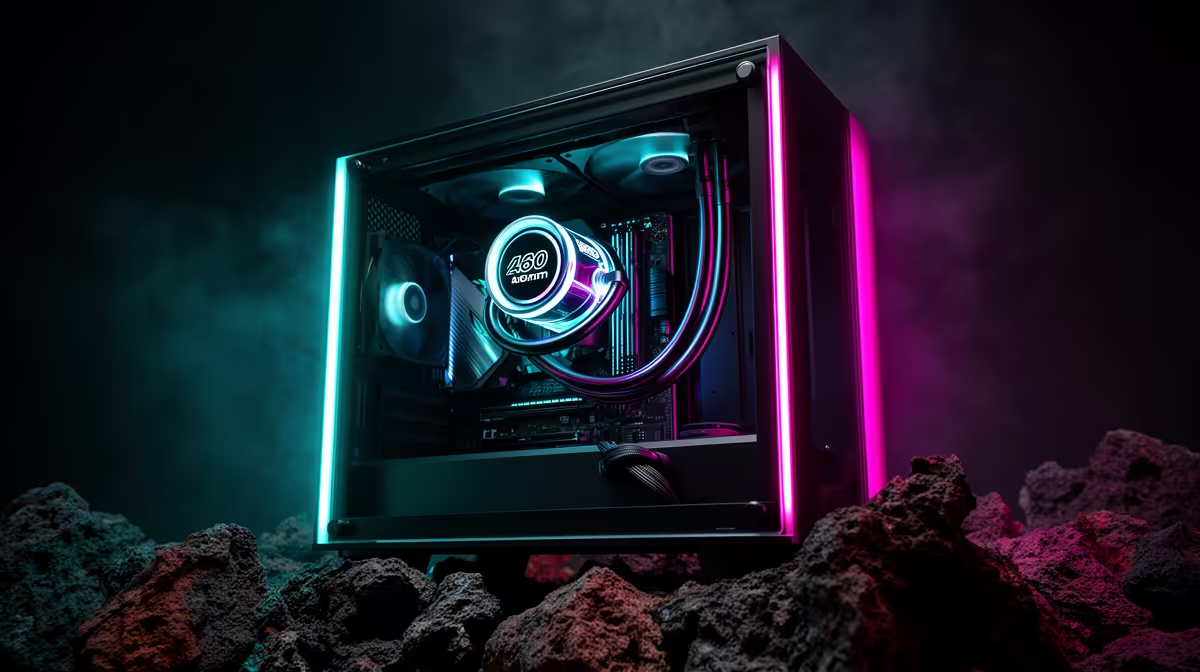
A 360mm all-in-one liquid cooler is the most effective single upgrade for CPU thermals on high-TDP chips like the Ryzen 9 9950X or Intel Core Ultra 9 285K. If you already have one installed and temps are still poor, check three things: pump speed in your BIOS or ARGB software (it should run at 100% under load), the thermal paste interface between the cold plate and IHS (repasting every two to three years is standard), and radiator placement. Mounting the radiator as a front intake rather than a top exhaust drops coolant temperature because fresh air hits the radiator directly instead of warm air rising off the motherboard. In SA where ambient temperatures regularly reach 30°C to 35°C indoors during summer, that placement difference can mean 6°C to 10°C lower CPU temps.
Dust Filter Deep Clean ⚡
Remove and wash all foam or mesh dust filters every three months in SA environments. A clogged front filter is the single fastest way to kill airflow without any visible warning, and it takes under five minutes to rinse and dry.
FAQ
How hot is too hot for a gaming PC in South Africa?
Keep your CPU below 85°C and your GPU below 90°C during sustained gaming sessions. Ambient temperatures in many SA homes run higher than northern hemisphere benchmarks assume, so add 5°C to the manufacturer's comfortable range as a local working limit.
Does a 360mm AIO make a big difference over a 240mm?
Yes, particularly for CPUs with 170W to 250W TDP like the Ryzen 9 9950X. The larger radiator surface area typically delivers 8°C to 12°C lower peak temps compared to a 240mm unit under equivalent load, which preserves boost clock headroom.
Can I fix thermals without buying new hardware?
Often yes. Reapplying thermal paste, cleaning dust filters, reorienting existing fans to a positive-pressure front-intake setup, and raising your BIOS fan curve can collectively drop temperatures by 10°C to 15°C on a poorly optimised system before any new parts are needed.
Ready to sort your thermals for good? Evetech stocks a full range of 240mm and 360mm AIOs, case fans, and open-frame cases built for proper airflow. Browse cooling at Evetech and find the right fit for your build.









