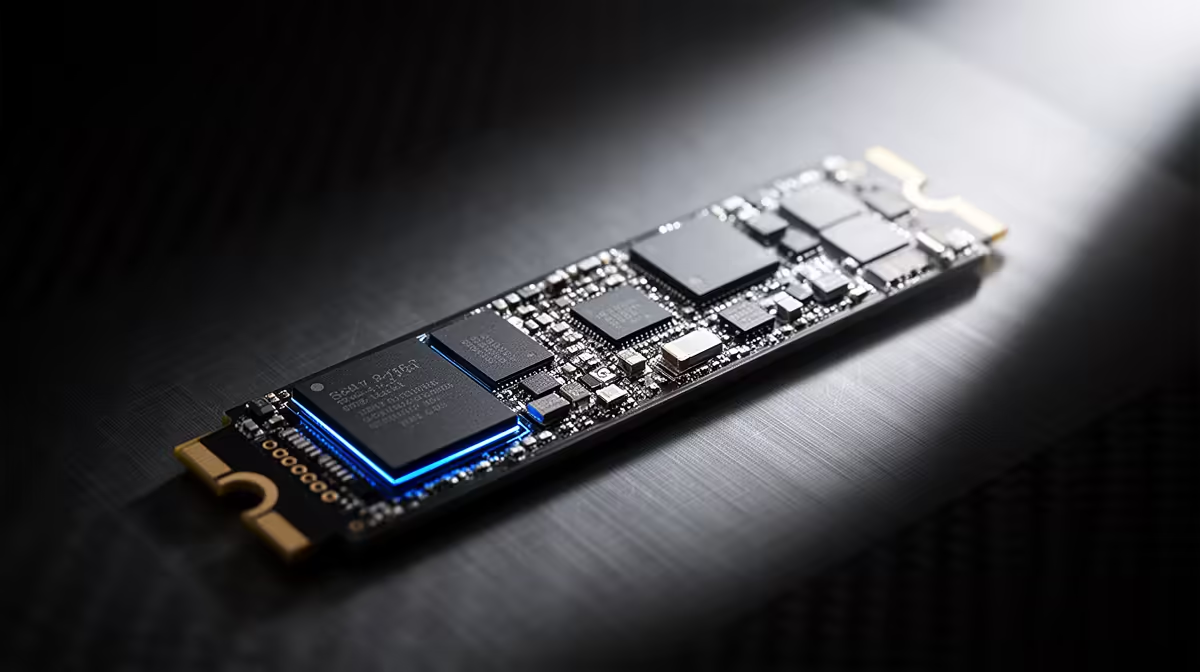
Building an AI art rig and skimping on storage is like buying a sports car and parking it behind a locked gate you have to crank open by hand. A fast NVMe SSD is what gets your enormous model files into memory in seconds instead of a frustrating wait, and once your checkpoint collection grows, slow storage turns every model switch into dead time.
Quick Answer
A fast Gen4 NVMe SSD is essential for an AI model library because the files are huge and you load them constantly. Flux.1 Dev alone is roughly 24GB at FP16, and a full library of checkpoints, LoRAs, and encoders routinely passes 500GB. A Gen4 NVMe loads a model in single-digit seconds, against 30 to 40 seconds from a mechanical drive, which is the difference between mid-session switching and waiting around.
Why Model Files Punish Slow Storage
AI image models are not small. A single checkpoint runs anywhere from 2GB to 7GB, Flux.1 Dev sits around 24GB at full FP16 precision, and its text encoder adds another 9GB or so on top. Stack up a working collection of checkpoints, LoRAs, VAEs, and upscalers and the total climbs past half a terabyte quickly. Every one of those files has to be read off the drive and pushed into memory before it can be used.
That read speed is exactly where storage type decides your experience. A model that loads in three to eight seconds on an NVMe drive can take 30 to 40 seconds off a spinning disk. Multiply that by every model switch in a session and the slow drive bleeds hours over a week of work. You can see storage built for this kind of throughput in the AI PC range at Evetech.
Capacity and Speed Both Matter
Speed gets a model into memory fast, but capacity is what lets you keep a useful library on hand without constant housekeeping. A 500GB drive fills almost immediately once you collect a few large checkpoints and their variants, so a 1TB or 2TB Gen4 NVMe is the sensible foundation for anyone working seriously with Flux and video models.
The reason Gen4 matters over an older SATA SSD comes down to raw read throughput. A SATA drive tops out far below what the model files can stream, while a Gen4 NVMe reads several times faster, collapsing load times to a few seconds even on the largest checkpoints. Pairing that fast storage with a capable card from the GPU best sellers keeps the whole pipeline moving, since neither the drive nor the GPU sits waiting on the other.
Frequently Asked Questions
How big does an AI model library actually get?
Quickly into hundreds of gigabytes. A single checkpoint is 2GB to 7GB, Flux.1 Dev is around 24GB at FP16 with another 9GB for its text encoder, and a working collection of models, LoRAs, and upscalers routinely exceeds 500GB. Plan storage with that growth in mind.
Is a SATA SSD good enough, or do I need NVMe?
A SATA SSD beats a mechanical drive but still bottlenecks large model loads. A Gen4 NVMe reads several times faster, cutting load times to single-digit seconds. For an active AI art workflow with frequent model switching, NVMe is the practical choice.
How much faster does NVMe load models?
A large model that takes 30 to 40 seconds from a spinning disk loads in roughly 3 to 8 seconds from a Gen4 NVMe. Across a session full of model switches, that saved time adds up substantially.
What capacity should I start with?
A 1TB Gen4 NVMe is a reasonable starting point, with 2TB preferable if you collect many large checkpoints or work with video models. A 500GB drive fills fast once Flux-class models enter the library.
Stop watching a progress bar every time you change models. Outfit your rig with fast, roomy storage from the AI PC range at Evetech and keep your whole model library a few seconds from ready.