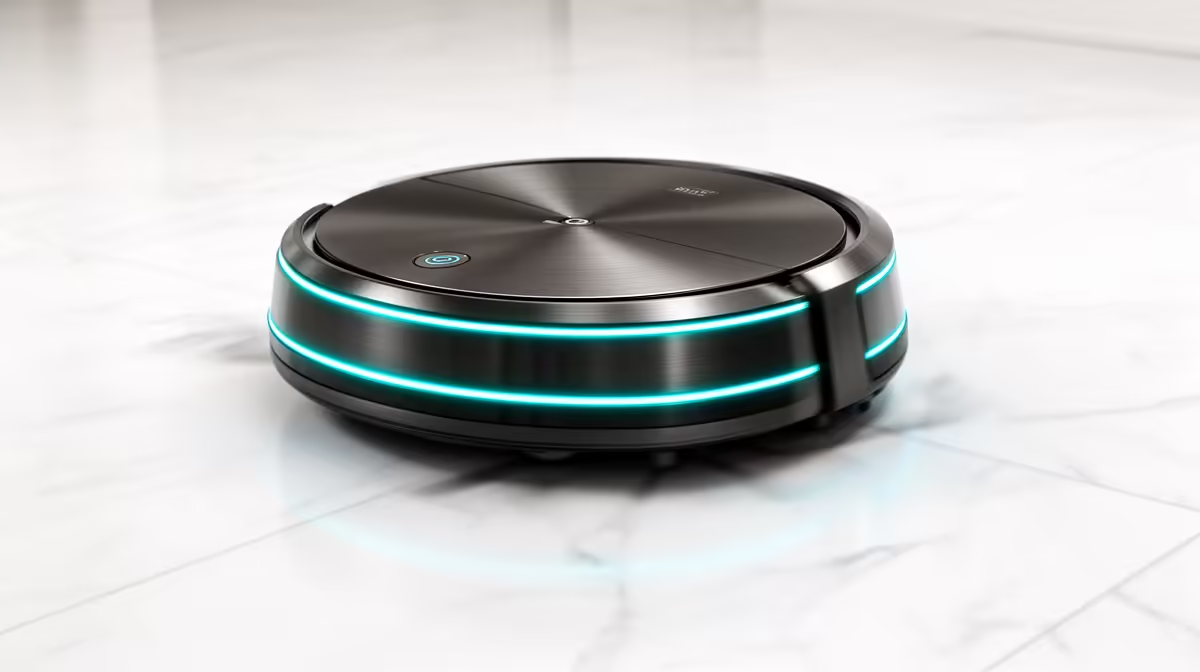
A robot vacuum that strands itself under the couch every other run feels broken, but it almost never is. When a robot vacuum keeps getting stuck, the culprit is usually something simple: a navigation hiccup, a sensor smudged with dust, or a knot of hair wound around a wheel. The motor and the brains are typically fine. A few minutes of cleaning and a smarter map fix the great majority of cases without a single repair or replacement part.
Quick Answer
A sticking robot vacuum is almost always a sensor, wheel, or navigation problem, not a fault. Wipe the drop sensors and bumper, clear hair from the wheels and main brush, and restart the robot in a clear, well-lit room. Those three steps resolve most cases. If it still strands itself in the same spot, the fix is usually decluttering that area or re-running the map.
Why Robot Vacuums Get Stuck
Robot vacuums navigate by reading the room with a combination of sensors: cliff sensors that stop them tumbling down stairs, a bumper that detects contact, and optical or laser sensors that build a picture of the space. When any of those gets dirty, the robot misjudges where it is and either freezes or wedges itself somewhere it cannot reverse out of.
The other common cause is mechanical. Hair, threads, and fluff wrap around the drive wheels and main brush, and once a wheel cannot turn freely the robot loses traction and stalls. Thick rug edges, dangling cables, and low furniture with just enough clearance to crawl under but not back out account for most of the rest. None of these point to a failed motor; they point to a robot that needs a clean and a tidier floor. You can see the cleaning robots and replacement parts in the smart home range at Evetech.
The Fix: Clean, Clear, Restart
Work through three checks in order. Start with the sensors. Flip the robot over and gently wipe the row of drop sensors along the front underside with a dry cloth, then clean the front bumper and any optical or laser sensor window on top. A film of dust on these is the single most common reason a robot stalls or wanders, because it is effectively driving half-blind.
Next, clear the moving parts. Pop out the wheels if your model allows and pull away any hair wound around the axles, then do the same for the main brush, which usually lifts out with a clip. A wheel that spins freely by hand is a wheel that will not stall.
Finally, restart the robot in a clear, well-lit area away from the spot where it kept stranding. Good light helps optical sensors orient, and an open space lets it re-establish its position cleanly. Many models benefit from remapping the room afterwards. Keeping a spare set of brushes and filters from the accessories best sellers on hand makes this routine quick.
Preventing It From Happening Again
A little floor management goes a long way. Tuck away loose cables and use the app's no-go zones to block the spots where the robot reliably wedges itself, such as under a low bed or behind a thick rug edge. Run a quick clean of the sensors and wheels every couple of weeks rather than waiting for trouble. Good lighting during cleaning runs also helps models that lean on optical navigation, since they struggle to orient in a dark room.
Frequently Asked Questions
Why does my robot vacuum keep getting stuck in the same place?
That spot almost always has a navigation trap: a thick rug edge, a low piece of furniture, or a tangle of cables. Block it with the app's no-go zone or virtual wall, or tidy the obstacle, and the robot will stop stranding itself there.
Does a stuck robot vacuum mean the motor has failed?
Rarely. Sticking is nearly always a dirty sensor, a hair-wrapped wheel, or a navigation error, all of which clean up in minutes. A genuine motor fault is uncommon and usually shows as the robot not moving at all rather than getting stuck mid-clean.
How often should I clean the sensors and wheels?
Every couple of weeks is a good rhythm for most homes, more often if you have pets that shed. A quick wipe of the drop sensors and bumper plus clearing hair from the wheels and brush prevents most sticking before it starts.
Why does my robot vacuum get lost in a dark room?
Many models navigate partly by optical sensors that need light to read the room. In a dark space they lose their bearings and wander or stall. Running cleans during the day or with lights on helps these models orient and map reliably.
Will remapping the room help with sticking?
Often yes. If the robot relies on an outdated map, it may keep heading into a layout that no longer exists. Clearing the floor and re-running the map gives it an accurate picture, which cuts down on getting stranded in awkward spots.
Most sticking robot vacuums just need a wipe of the sensors, a clear of the wheels, and a tidier floor, no repair required. Browse robot vacuums and the replacement brushes and filters to keep yours running smoothly at Evetech.