

Why Is My RX 9070 XT Running Hot in SA Summer?
Why Is My RX 9070 XT Running Hot in SA Summer Detailed answer with SA data, expert analysis & practical recommendations for local buyers.
Read moreWondering if you can use a wireless gaming headset on PC and mobile at the same time with QuickSwitch? Get fast, clear guidance to pair devices and stay synced 🎧📱
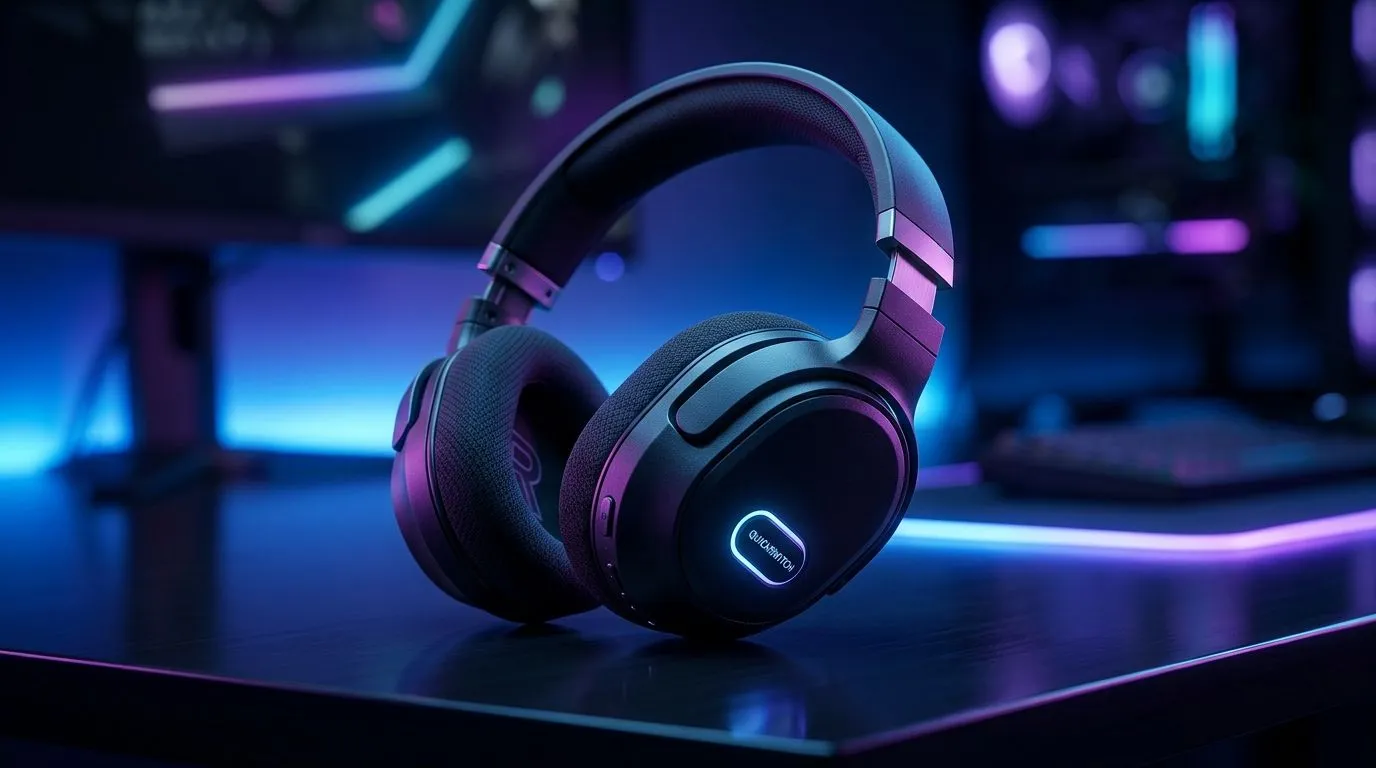
If you’ve ever missed a party invite because your headset was glued to your PC, there’s relief. A Wireless Gaming Headset PC and Mobile Simultaneously With QuickSwitch lets you game on your rig while staying connected to your phone — ideal for SA gamers juggling Discord, WhatsApp calls and ranked matches. Here’s how to pick, set up and squeeze the most value from dual‑device audio.
QuickSwitch saves time and stress. Instead of juggling dongles or muting, many modern headsets let you keep Bluetooth on for mobile and a 2.4GHz dongle for PC audio. That means crisp in‑game sound and instant mobile alerts. If you want PlayStation‑style chat integration, browse Evetech’s PlayStation headset range for options that balance mic quality and comfort: https://www.evetech.co.za/buy-playstation-headsets/x/1575.aspx. For Xbox users, Evetech lists compatible designs here: https://www.evetech.co.za/buy-xbox-headsets/x/1576.aspx.
Look for headsets with simultaneous multi‑point Bluetooth plus a low‑latency USB wireless mode. Battery life matters in South Africa where long sessions are common; check product pages for run times before you buy. If you prefer a classic wired fallback, Evetech’s wired headset section helps you compare reliability and price: https://www.evetech.co.za/buy-wired-headset/x/1577.aspx. For strictly wireless models, see the dedicated wireless headset collection: https://www.evetech.co.za/buy-wireless-headset/x/1578.aspx.
On Windows, pair your phone via Bluetooth first, then plug the 2.4GHz dongle. Set the PC as the default communication device in Sound Settings and leave mobile as a secondary audio source. This keeps voice chat on PC while letting calls interrupt when needed.
Two mates in Cape Town were mid‑tournament when a family WhatsApp call came through. The player’s headset used QuickSwitch to drop the call audio into the same headset without kicking them from voice chat. They stayed in the match and sorted the call in under a minute. Small features like this matter during SA LANs and long evening raids.
Budget wisely. You can find wireless headsets across price bands; check Evetech’s best deals page to compare prices in ZAR and catch specials: https://www.evetech.co.za/best-gaming-headset-deals/x/053.aspx. If you just want to browse brands, accessories and spare parts, Evetech’s headphones category is a good place to start: https://www.evetech.co.za/components/headphone-headsets-100.aspx. Consider comfort, mic clarity and warranty when weighing options.
Ready to Find Your Perfect Match? The Mac vs Windows debate is complex, but for maximum power, choice, and value in South Africa, Windows is hard to beat. Explore our massive range of laptop specials and find the perfect machine to conquer your world.
.
Yes, if your headset supports multipoint and QuickSwitch. You can pair both devices and blend or switch audio based on the headset’s controls.
Put the headset in pairing mode, connect to the PC adapter or Bluetooth, then add your mobile device. Use QuickSwitch to manage which audio plays.
It can. Many headsets prioritize one mic stream at a time. Check the headset’s multipoint mic behavior to confirm PC vs mobile defaults.
Often yes. QuickSwitch is designed for fast device switching, so an incoming mobile call can take priority while you keep the game ready.
Latency depends on connection type and codecs. For best results, use the headset’s intended multipoint mode and avoid extra Bluetooth intermediaries.
Keep the PC adapter within range, reduce Wi-Fi/Bluetooth interference, fully charge the headset, and ensure both device connections stay stable.
No. QuickSwitch support is headset-specific. Verify multipoint or QuickSwitch compatibility in the headset’s specs before attempting dual-device use.
Why Is My RX 9070 XT Running Hot in SA Summer Detailed answer with SA data, expert analysis & practical recommendations for local buyers.
Read more
RTX 4070 Ti Super Black Screen Issue: Fix. Diagnosis steps, proven fixes & when to seek professional help. SA-specific support info included.
Read more
Can a 700W PSU Handle the RTX 4060? Power. Wattage requirements, recommended PSU models & efficiency ratings for SA buyers at Evetech.
Read more
Optimize RTX 4060 Ti for Minecraft. Step-by-step instructions with SA-specific tips, common pitfalls to avoid & expert recommendations.
Read more
Can the RTX 4090 Run Cyberpunk 2077 at 60fps. Real-world benchmark data, FPS numbers & performance analysis. What SA gamers can actually expect.
Read more
Can the RTX 5090 Handle 1440p 144Hz Gaming. Performance testing verdict with real data & practical recommendations for SA buyers.
Read more
Top Valorant Settings for RTX 5070: FPS Optimisation picks evaluated on performance, value & SA availability with current Rand pricing from Evetech.

RDNA 3.5 Graphics in Ryzen AI 400? Can You Game. Plain-English explanation of what it means, why it matters & how it affects your buying decisions in SA.

GPU Price Index : December Report. Current stock data & price tracking for SA buyers. See what is available and where prices are heading.

RX 9070 XT Elden Ring Nightreign at 4K: FPS. Real-world benchmark data, FPS numbers & performance analysis. What SA gamers can actually expect.

Core i5-14600K + B760 + RTX 5060 Build Under. Full parts list, Rand pricing & expected performance. Build confidently with SA-available components.

RX 7600 Apex Legends at 4K: FPS Benchmark. Real-world benchmark data, FPS numbers & performance analysis. What SA gamers can actually expect.

RX 7900 XTX GTA 6 at 4K: FPS Benchmark & Optimal. Real-world benchmark data, FPS numbers & performance analysis. What SA gamers can actually expect.

Head-to-head comparison of RTX 5070 vs RX 9070 XT: Gaming Performance for SA gamers. Performance benchmarks, Rand pricing & which delivers better value.

Top RTX 5070 Under R25,000 picks evaluated on performance, value & SA availability with current Rand pricing from Evetech.
Core i5-14600K + B760 + RTX 5060 Build Under. Full parts list, Rand pricing & expected performance. Build confidently with SA-available components.

Top Monitor for RX 9070: Resolution & Refresh Rate picks evaluated on performance, value & SA availability with current Rand pricing from Evetech.

Valorant Settings on RX 9060 XT: Performance. Real-world benchmark data, FPS numbers & performance analysis. What SA gamers can actually expect.